UX/UI
Research first. The pretty part comes last, on purpose.
Wireframes, prototypes and pixel-perfect screens in Figma, tested with the people who will actually use the thing. Over twenty years in design, the last ten of them in UX/UI, behind a university-accredited diploma and Google’s certification.
A problem well stated is a problem half solved.
All Three, Or None Of It Works
Three Kinds of Design
Most people mean the middle one when they say design. A product needs all three, and the first one decides whether the other two matter.
Functional design
What is the product built to do? What problems does it solve?
Aesthetic design
How does it look? How visually appealing is it? What is its personality?
Experience design
What does it feel like to use? What does it feel like to move through it? How easy is it to navigate?
Design Thinking Process
How the Work Actually Runs
Three phases, and the activities inside each one. This is the process, not a diagram of one.
Research Research → Define
A comprehensive briefing first: the concept, the CI guides, the scope. Then user tests, on the people involved or on competitors' products, to gather real data rather than opinions. The results become an affinity diagram, and the patterns in it become personas and problem statements.
- User interviews
- Empathise
- Surveys
- Affinity diagram
- Competitive audit
- Site audits
- User journey map
- Persona creation
- Problem statements
- Moodboards
Design Design → Prototype → Validate, and round again
Rough wireframes, sitemaps and user flows, tested with users. The wireframes are deliberately not pretty: at this stage we want clarity, not design suggestions. Then prototypes, which is the point where clients and stakeholders finally see the thing move.
- Wireframes
- User flow design
- Site map design
- Usability testing
- Iterations
- Hi-fidelity design
- Prototyping
Build Build → Test
After the testing, the iterations, the redesigns and the testing again, it goes to the developers. Every file they need, plus the detail on colours, styles, fonts and annotations: they should never have to interpret a picture. Then more testing and user feedback, to refine it before it reaches the public.
- Developer handover
- All necessary files
- Colours, styles and fonts specified
- Annotations
- Component library
- User feedback rounds
Already Under Way?
We Take Things Over
Not every job starts on a blank page. Most of the interesting ones do not.
Nobody uses the feature you paid for
It shipped and the numbers never moved. We watch real people use it and find out why.
Your staff need a week of training
That is not a training problem, it is a design problem. We fix the interface instead.
Every screen looks different
Six developers, six ideas of what a button is. We build the design system that ends that.
You have the idea, not the shape
We take a vague brief and turn it into something you can click, test and cost.
Any of that sound familiar? Tell us what you are stuck with →
Tools of Choice
What It Is Made In
If the only tool you have is a hammer, you tend to see every problem as a nail. These are the daily ones, and nothing here locks you in.
Product design for other teams
We don’t always build the product. Often a client or their development team brings us in for the UX: user research and interviews, UX audits of a live product, personas and journey maps, wireframes, prototypes and the final UI, handed over ready to build. Each project below shows the work we did.
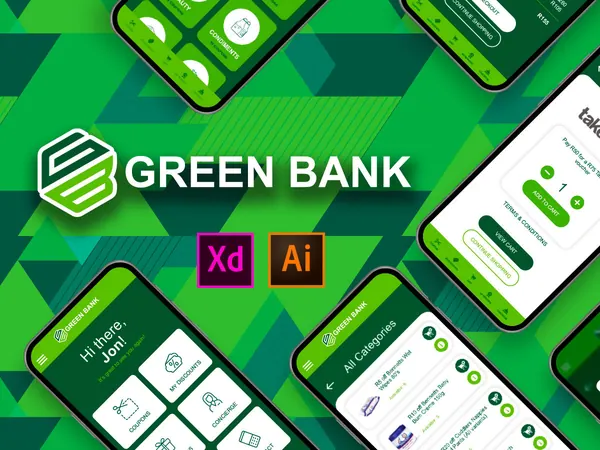 Staff benefits appGreenbank
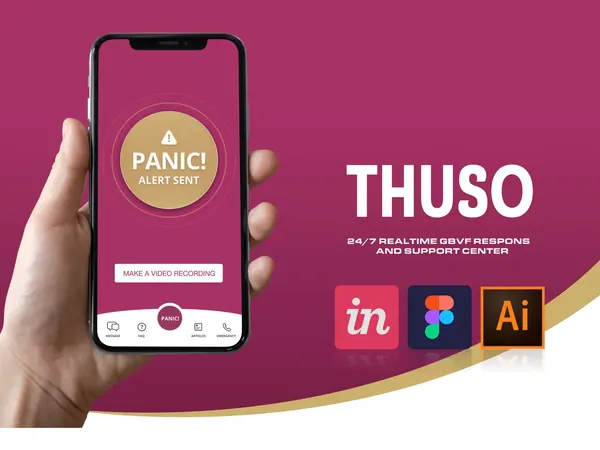 Safety appThuso
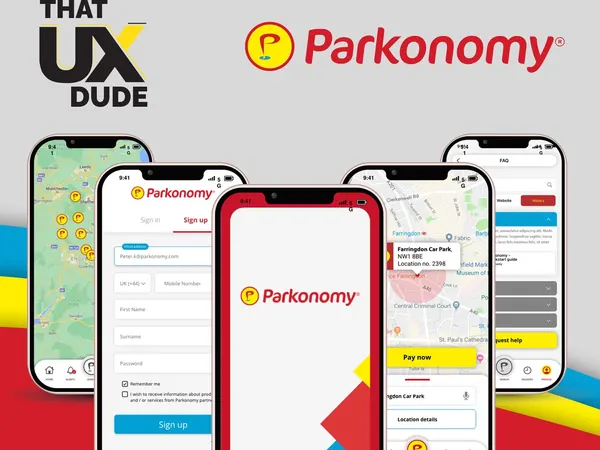 Parking appParkonomy
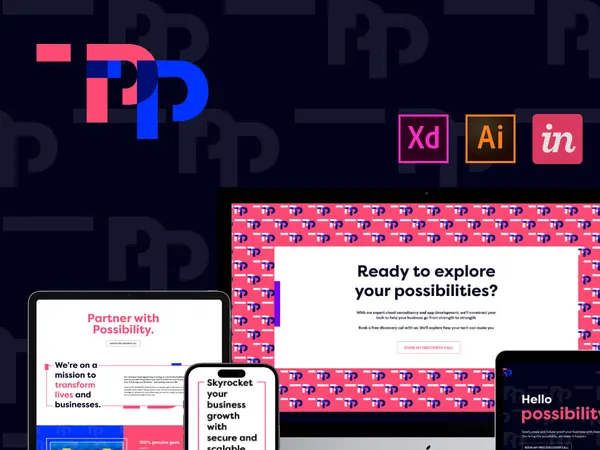 Brand and websiteTPP
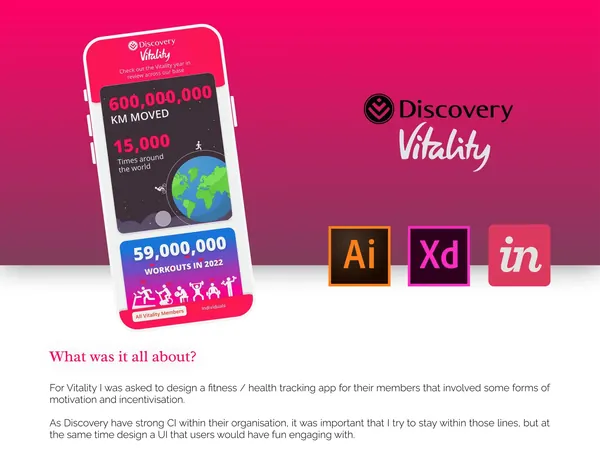 Fitness and health appVitality mobile app
 Coffee shop websiteParadise Coffee
 Energy websiteBlack Peak Energy
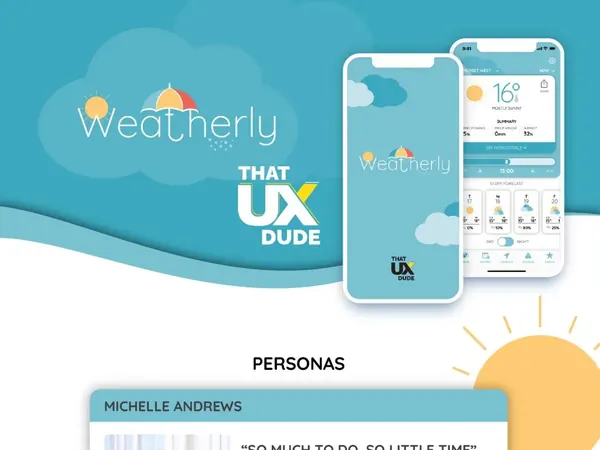 Weather appWeatherly
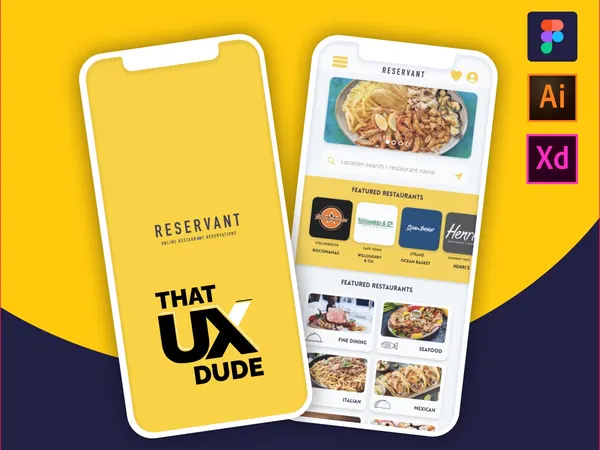 Restaurant booking appReservant
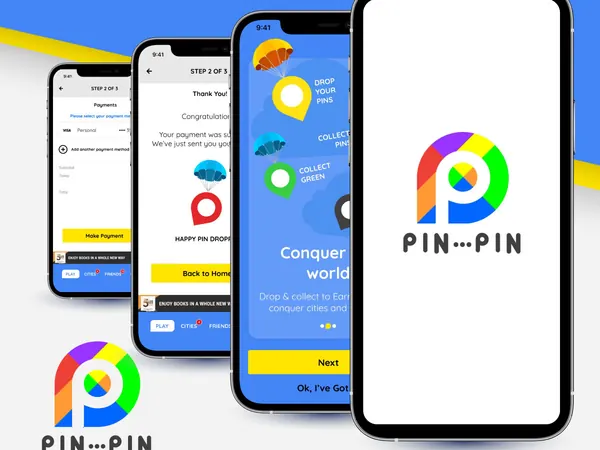 Mobile appPin•••Pin
 Brand, web and appLilrose
 Produce platformProduce Linc
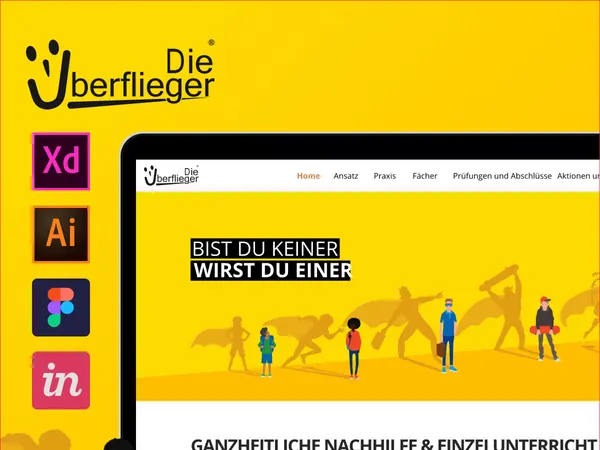 Tutoring websiteUberflieger
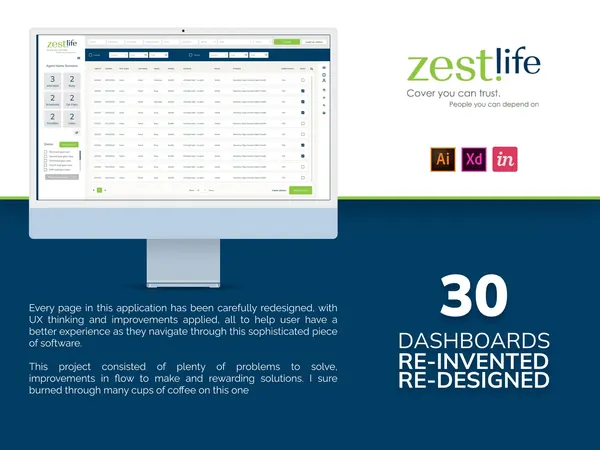 Insurance dashboardsZestLife
 Corporate websiteR&H Private Fund Services
 Online storeMy Christian Heart
 Concept appJedi Academy
Free Estimate
Tell Us What It Needs to Do
A few questions, no obligation, and a real person reads every one. We come back with a realistic estimate and the next step.