DezignZA presents
DevDock
The developer cockpit for macOS
One window per project. Terminals, browsers, .env files, local AI, agents and a retro arcade, all scoped to the project you are working on.
- NATIVE macOS
- APPLE SILICON + INTEL
- PHONE COMPANION
- LOCAL AI
- DEZIGNZA BRAND
01 / Overview
Project overview
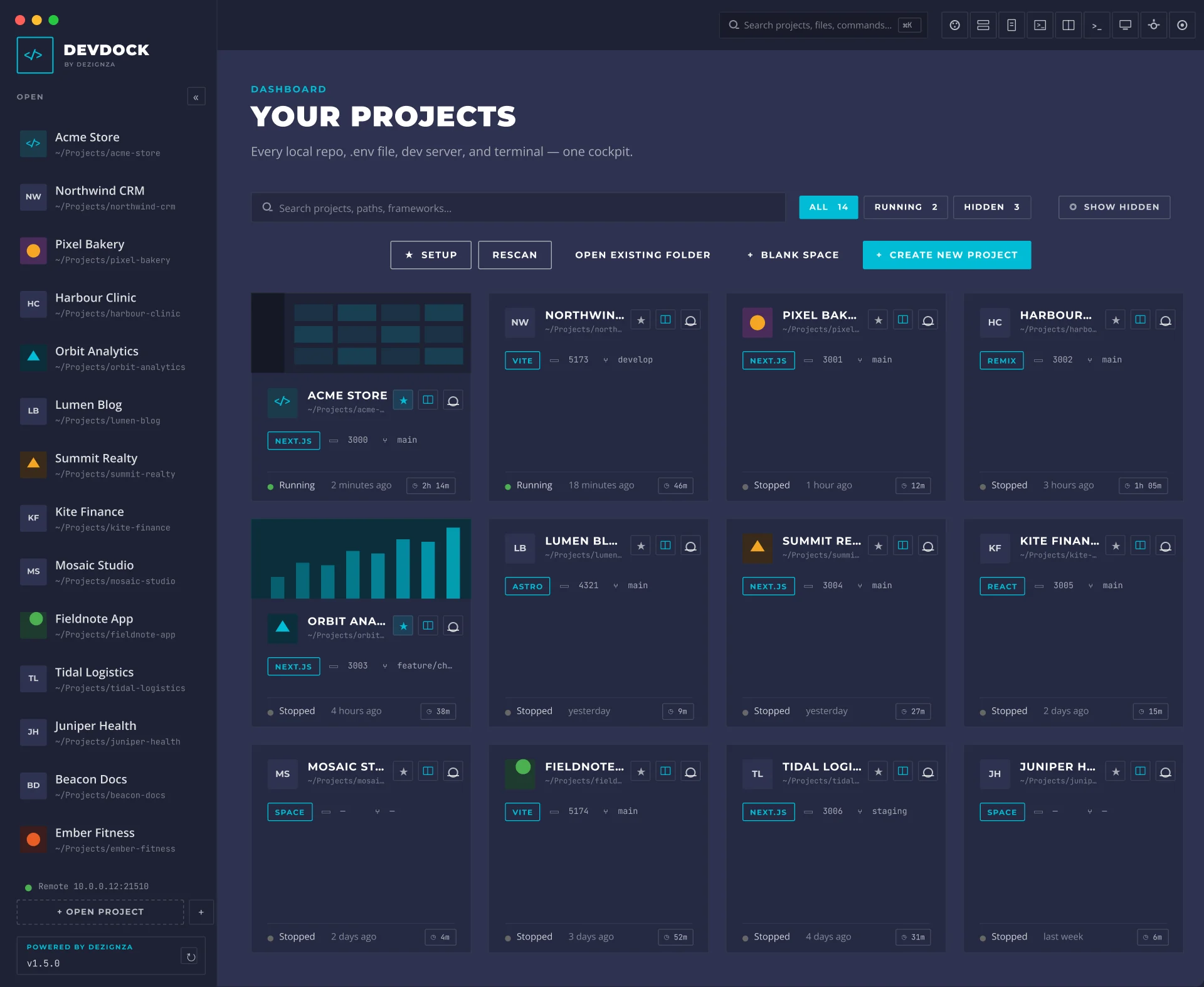
Every web project lives in its own folder, with its own .env files, dev server, terminals, browser tabs and AI sessions. Work on a few at once and the day disappears into Finder, Terminal, Chrome and VS Code.
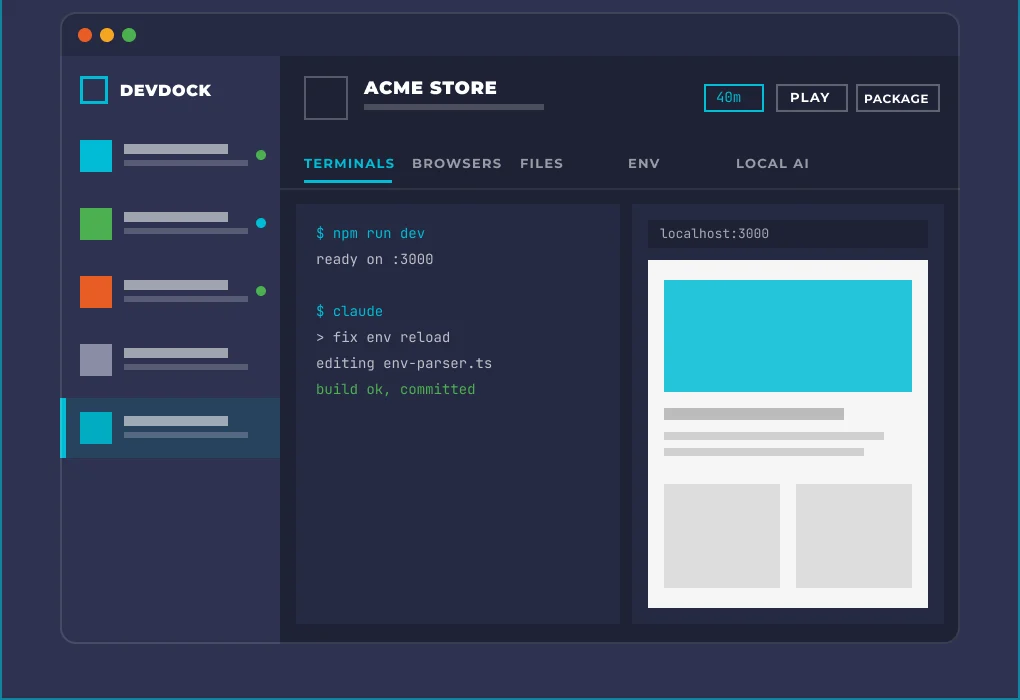
So we designed and built DevDock, a native macOS app that treats every project as a cockpit. Open a project and everything that belongs to it is right there: terminals, browsers, env files, scripts, AI tools and its saved layout. Close it, and nothing is lost.
- Platform
- Native macOS app for Apple Silicon and Intel
- What we did
- Product design, UX/UI, branding and development
- Companion
- Phone app and web app for working on the go
- Privacy
- Local-first. Code and keys stay on your Mac
- Built with
- Tauri, React, TypeScript and Rust
- Delivery
- Signed installer with automatic updates
- 1Window per project
- 9Tabs in every project
- 19Arcade games
- 100%Local AI
- 2Platforms: Mac + phone
02 / The problem
Ten windows to ship one feature
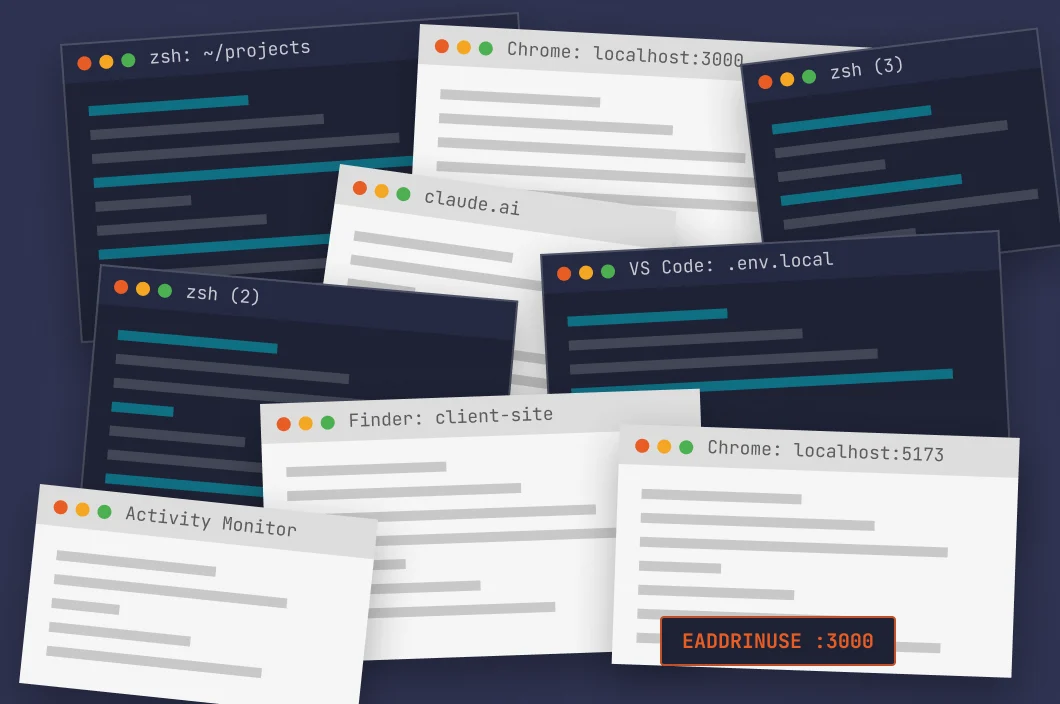
A normal day across five client projects: four terminal tabs with no names, three Chrome windows on different localhost ports, .env files buried in Finder, an orphaned dev server sitting on port 3000 and an AI chat with no idea which project you are in.
Before
9 windows, 0 context
After
1 cockpit per project
- 1Scattered secrets
.env files hidden across dozens of folders and edited blind in a text editor.
- 2Nameless terminals
Which tab is running which project? Nobody knows until something breaks.
- 3Port wars
Orphaned dev servers squat on port 3000 and quietly eat memory.
- 4Context switching
Finder, Terminal, Chrome, VS Code and an AI chat, every few minutes.
- 5No memory
Close a project and its layout, tabs and logins are gone.
03 / Principles
Six rules we designed by
Before a single screen was drawn, we wrote down how DevDock should behave. Every feature since has been checked against these six rules.
- 01The env editor is the file
DevDock reads .env files straight from disk and writes them straight back. No shadow database, no sync, no surprises.
- 02Terminals are scoped
Every terminal belongs to a project and opens in its folder. You always know what is running where.
- 03Favicons are identity
Each project shows its own icon on cards, headers and the sidebar. No icon? Drop in any image and DevDock makes one.
- 04Recent comes first
The project you touched last is always at the top of the dashboard. Any interaction counts.
- 05Hide, don’t delete
Projects can disappear from view without ever losing their config, layouts or history.
- 06One click to copy
Secrets, whole .env files, colours and paths. Everything you copy all day is one click away.
04 / App map
Everything hangs off the project
One rule keeps a feature-heavy app simple: everything belongs to a project. The dashboard picks one, the workspace scopes every tool to it, and only a handful of tools are global.
- Project grid
- Search + filters
- Groups
- Starred + SETUP launch
- Hide and unhide
- Rescan root folder
- Storage analyser
- Onboarding
- TERMINALS
- BROWSERS
- FILES
- ENV
- LOCAL AI
- AGENTS
- DEPLOY
- WAID
- SETTINGS
- Sidebar + activity dots
- Process manager
- Port scanner
- Colour picker
- Capture + inspector
- Time tracker
- Arcade
- Remote access
- Root folders
- AI providers
- Deploy targets
- Paired devices
- Updates
- Brand assets
05 / Style guide
DezignZA, built for developers
DevDock wears the DezignZA brand: dark navy surfaces, a single teal accent, sharp corners and uppercase Montserrat. It is a pro tool people stare at for ten hours a day, so contrast, density and calm came first.
- Navy dark#1E2235
- Navy#2E3250
- Panel#252942
- Teal#00BCD4
- Teal dark#00ACC1
- Amber#F5A623
- Orange#E85D26
- Running#4CAF50
Aa
MontserratHeadings, labels and buttons. Black and Bold, uppercase, wide tracking.
Aa
Open SansBody copy and UI text. Regular and SemiBold, sentence case, 14 to 16 px.
Aa
MonospacePaths, env keys and values, terminals, ports and ticket numbers.
DATABASE_URL••••••••••••SecretNEXT_PUBLIC_SITE_URLhttp://localhost:3000Public06 / The cockpit
One window, every tool
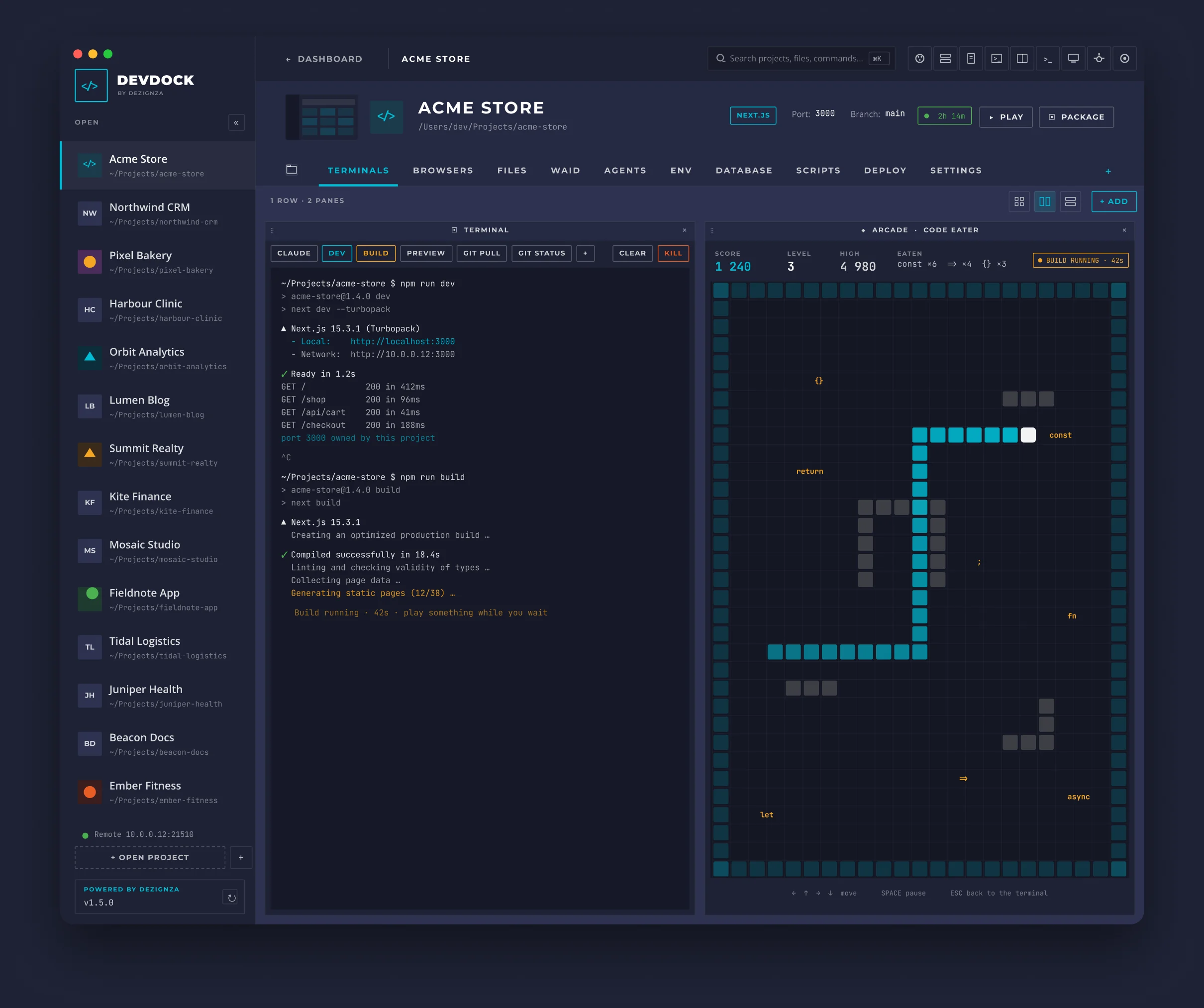
Every project opens into the same layout, so muscle memory carries across clients. The sidebar shows what is running where, the header holds the actions you use all day, and the workspace splits into whatever panes the job needs.
 1
2
3
4
5
6
7
8
9
1
2
3
4
5
6
7
8
9
- 1Open projects
Every open project with live activity dots for terminals, Claude Code and dev servers.
- 2Search + toolbar
Search projects, files and commands. Processes, notes, terminal and capture are one click away.
- 3Time tracker
Logs time per project automatically by watching real activity, not timers.
- 4Play + package
Detects the framework, then starts the dev server or runs the build in one click.
- 5Project tabs
Terminals, browsers, files, WAID, local AI, env and settings, all scoped to this project.
- 6Pane layouts
Split any mix of panes into rows and columns. Layouts are saved per project.
- 7Project identity
Drop any image to generate the favicon. It follows the project everywhere.
- 8Any pane
Here it is the Arcade, because builds take time.
- 9Built-in bug reporter
A one-click bug report is built into every beta build, so feedback is never more than a click away.
07 / Features
24 tools, one window
- 01Dashboard
Finds every project in your root folder. Cards, groups, search, favourites and one-click setup.
- 02Sidebar
Open projects with live activity dots for terminals, AI and dev servers. Drag to reorder.
- 03Terminals
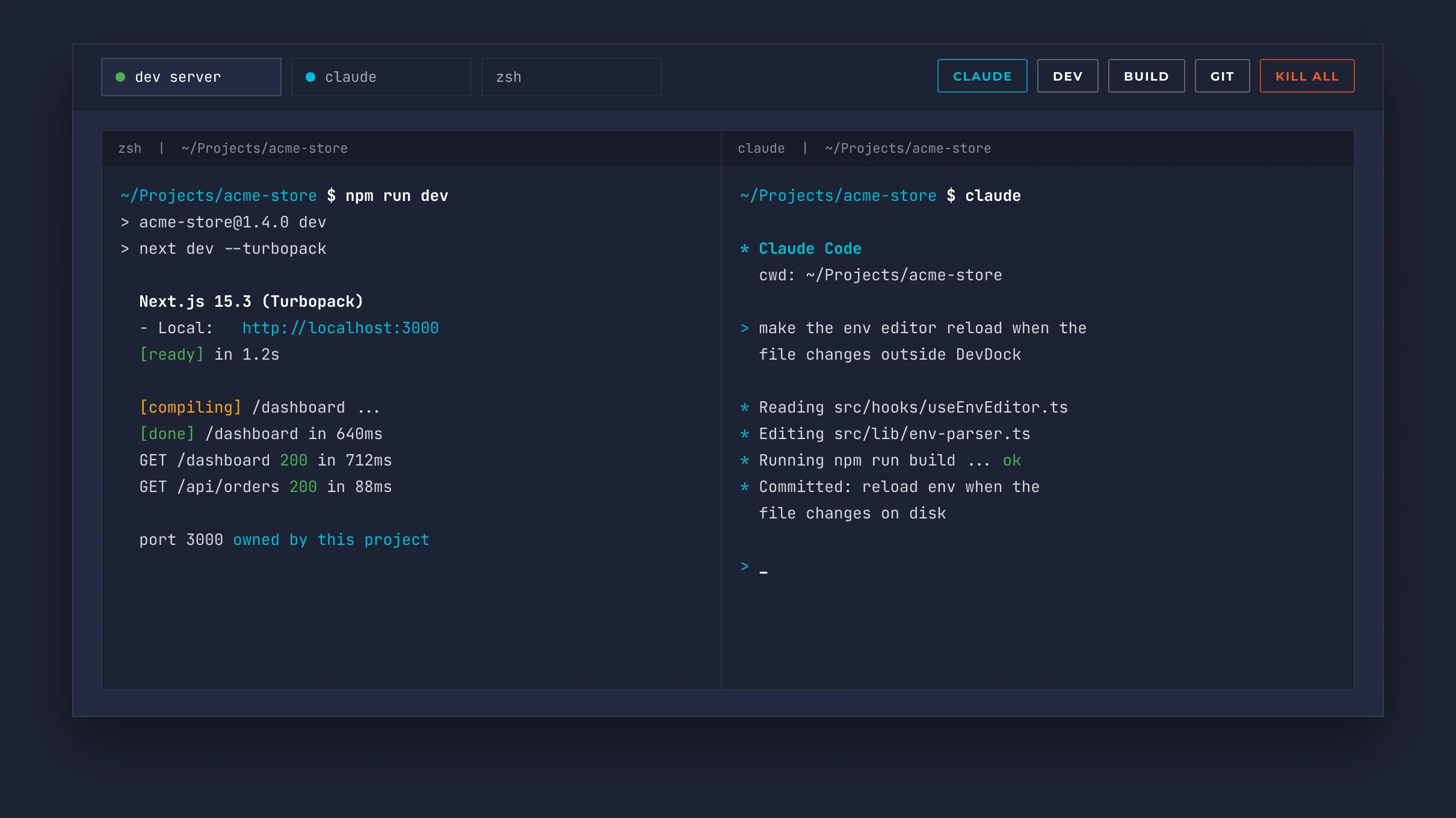
Real terminals scoped to each project, with quick actions for Claude, dev, build and git.
- 04Pane system
Split any mix of panes, resize and maximise them, and keep the layout per project.
- 05Browsers
Native browser panes with separate logins per project, incognito and device emulation.
- 06Env editor
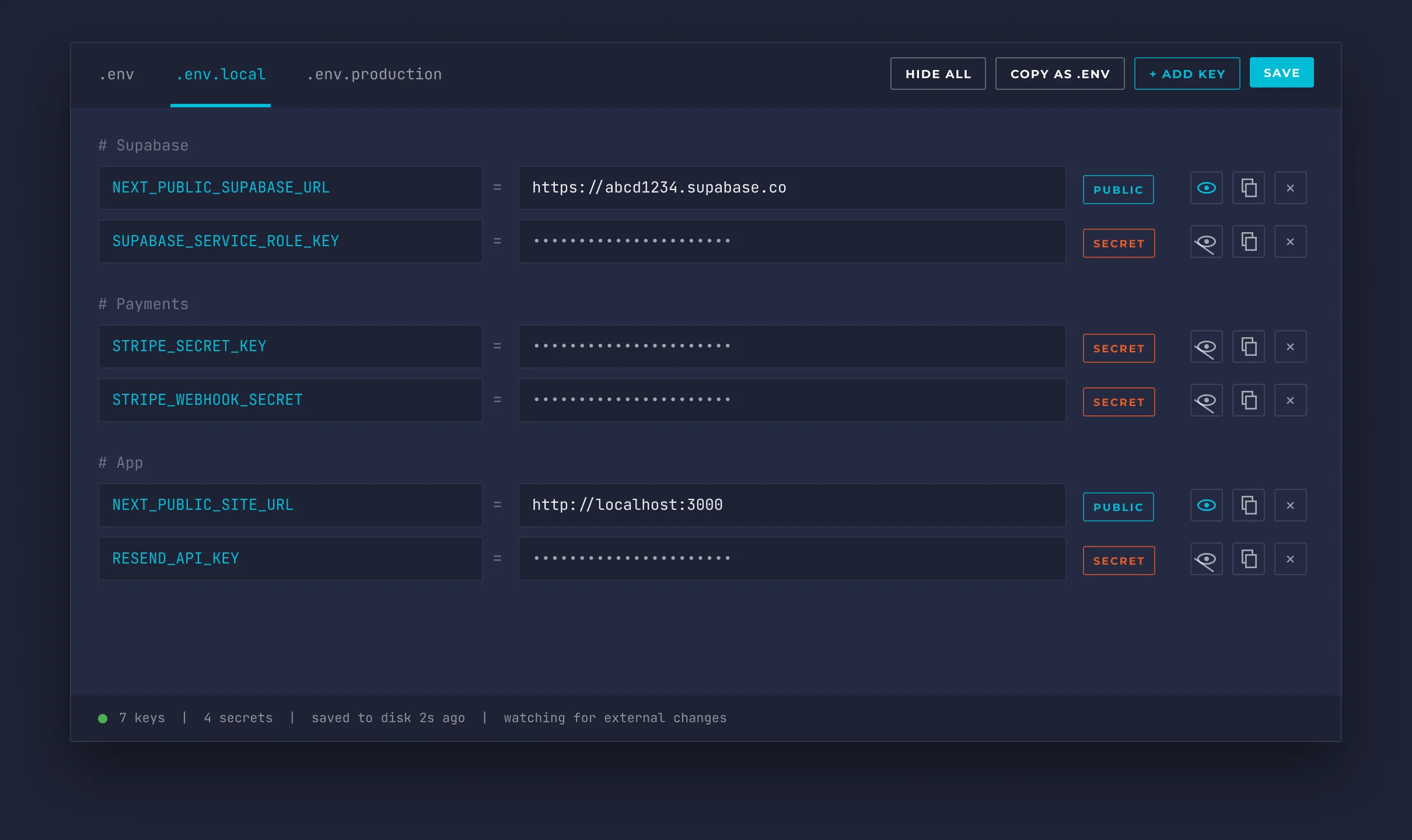
Edits the real .env file on disk. Secrets masked, Smart Paste and copy as .env.
- 07Files
Tree and grid views, plus a split CodeMirror 6 editor with live preview.
- 08Run + build
Framework-aware Play, Stop and Build buttons, scripts and startup macros.
- 09Ports + processes
Port conflict detection, a global process manager and a quit guard.
- 10Capture + dev tools
Screenshots, area snippets, an element inspector, console and notes.
- 11Colour picker
HSV picker with the native macOS eyedropper. Hex copied automatically.
- 12Brand assets
Upload a logo and generate every favicon size from it.
- 13Local AI
Ollama and LM Studio chat that reads PDFs, docs, sheets and images, with voice and MCP.
- 14Agents
A native AGENTS tab for any AI provider, long-running sessions and a cost meter.
- 15New projects
A wizard for new sites, including WordPress running locally with no Docker, plus live site import.
- 16Global search
Find any project, file or command from one search bar.
- 17Remote access
Pair a phone with a QR code and drive DevDock over a private tunnel.
- 18Project notes
A notes pane in every project, so context lives right next to the code.
- 19WAID
Our project management platform, docked right beside the code.
- 20Time + calendar
Automatic time tracking per project and meeting alert banners.
- 21Arcade
19 retro games reskinned for developers, drawn on canvas.
- 22Auto-updates
Signed and notarised by Apple, with new versions delivered automatically.
- 23Stream Deck + AI hooks
devdock:// links for Stream Deck buttons, plus hooks so AI tools can drive DevDock.
- 24Blank spaces
Workspaces with no project attached, for research, notes and everything else.
08 / Signature screens
The two screens we live in
Recreated at full fidelity from the shipping app. The env editor reads the real file from disk, keeps every comment and blank line, and writes straight back. Terminals are real PTYs that open in the project folder and stay alive when you switch tabs.
Env editor
Terminal hub
09 / Remote access
DevDock in your pocket
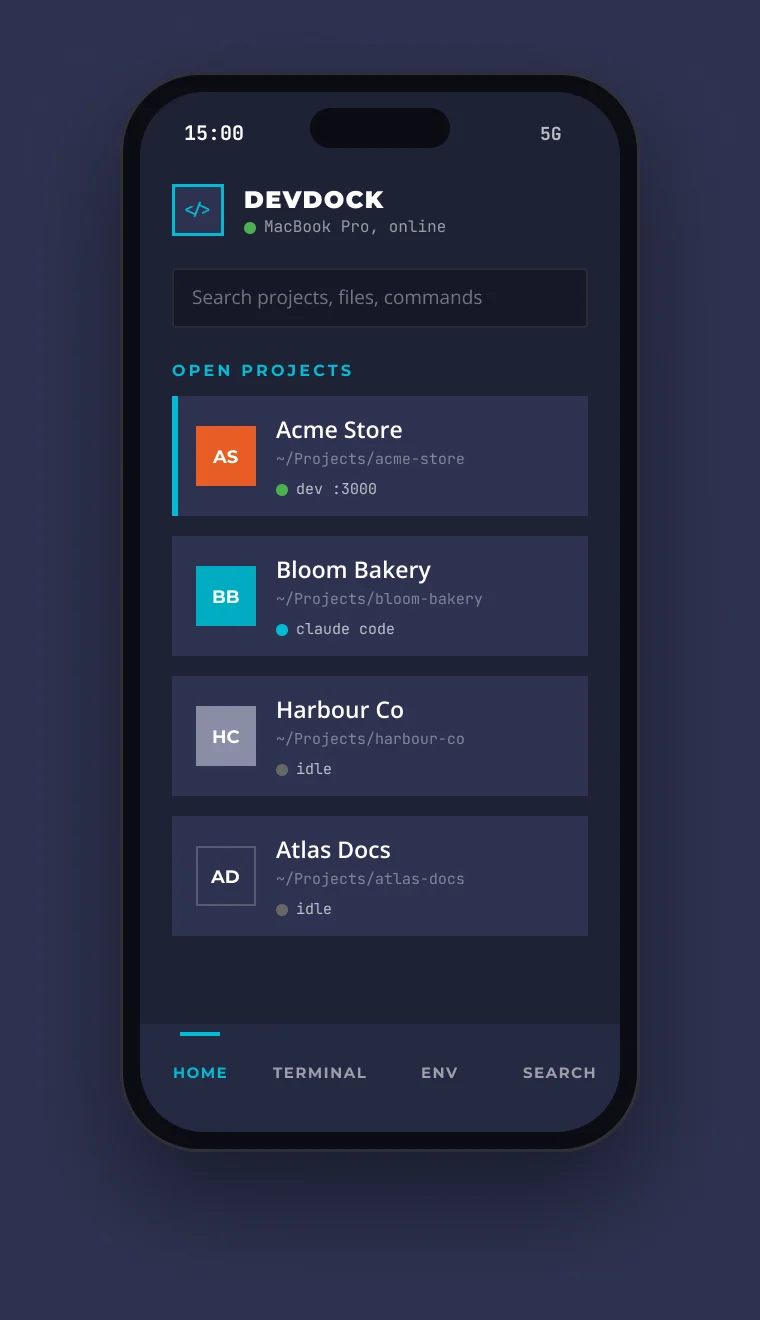
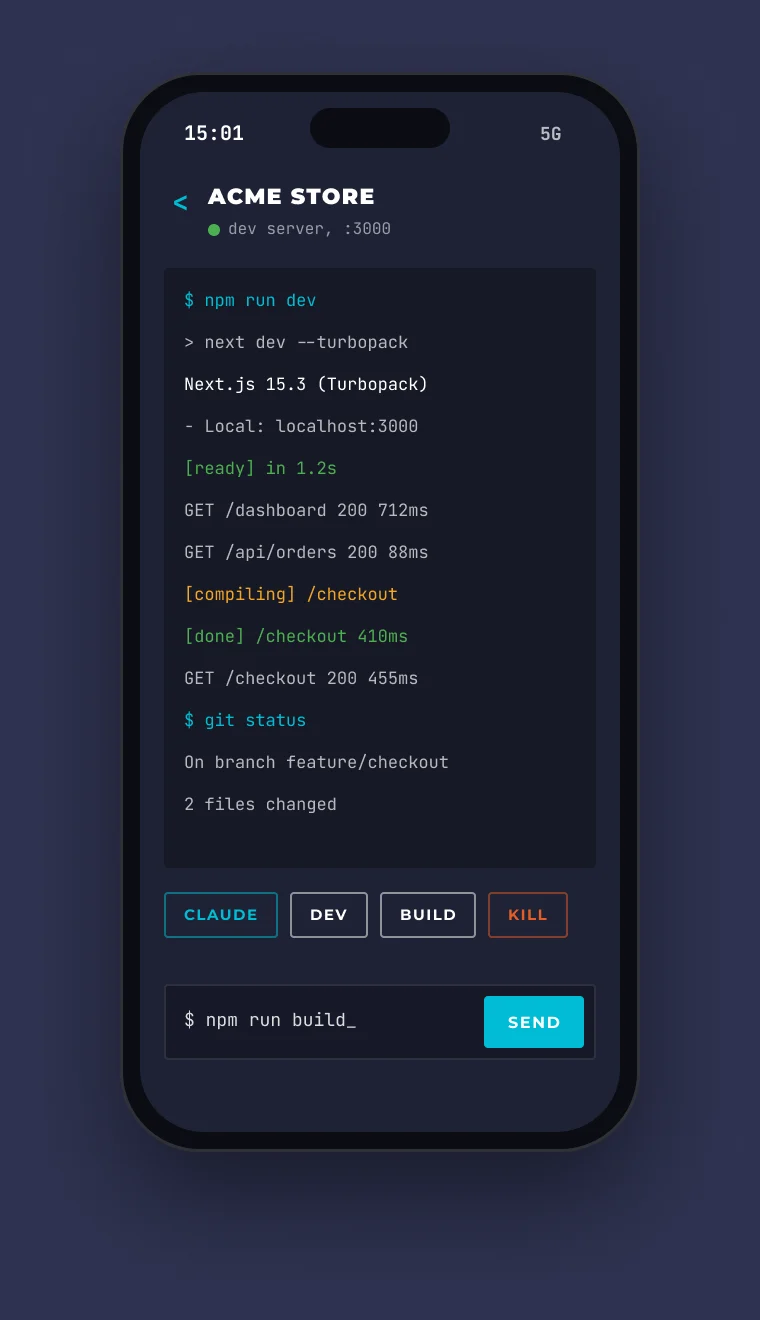
Pair a phone with a QR code and a PIN, and DevDock streams your projects, terminals and env files to it over a private, encrypted connection. No port forwarding, no cloud account and nothing stored on somebody else’s server.
- Mac
DevDock running on your desk
- Tunnel
Private, encrypted connection
- Phone
iOS, Android or web app
Pairing
- 1Scan the QR code in DevDock settings.
- 2Confirm the PIN on both screens.
- 3Remove a paired phone at any time from settings.
- Live dashboard
- Terminal viewer + input
- Env editor
- Global search
- Deep links
10 / The arcade
Insert coin
While the build runs
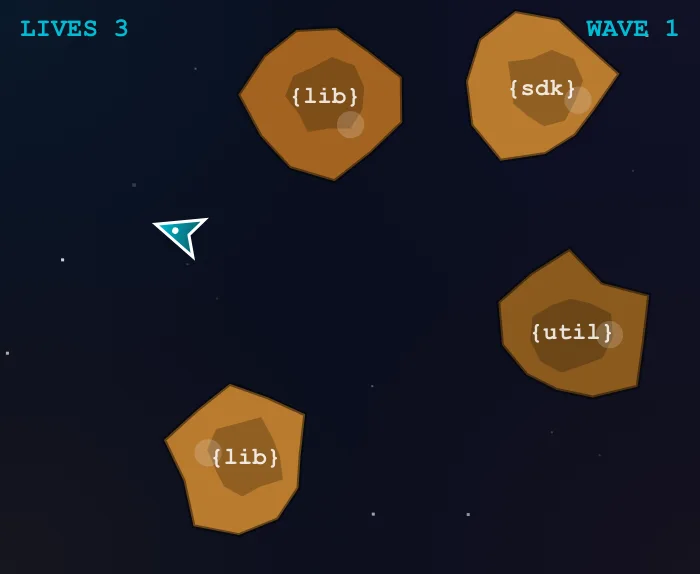
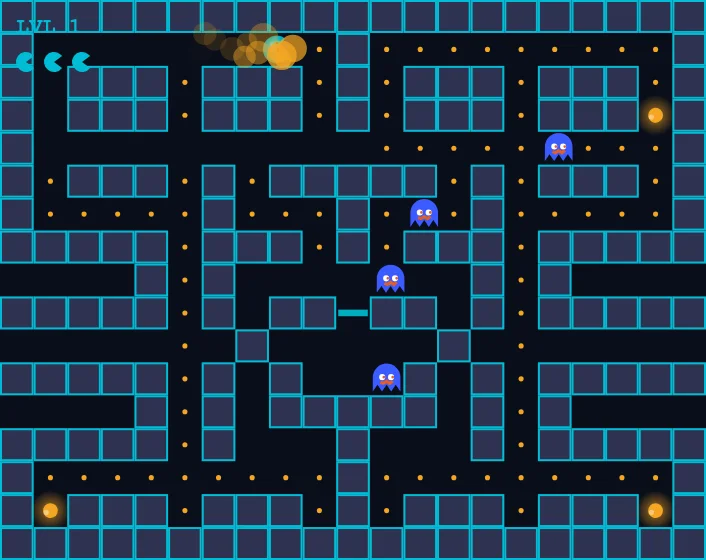
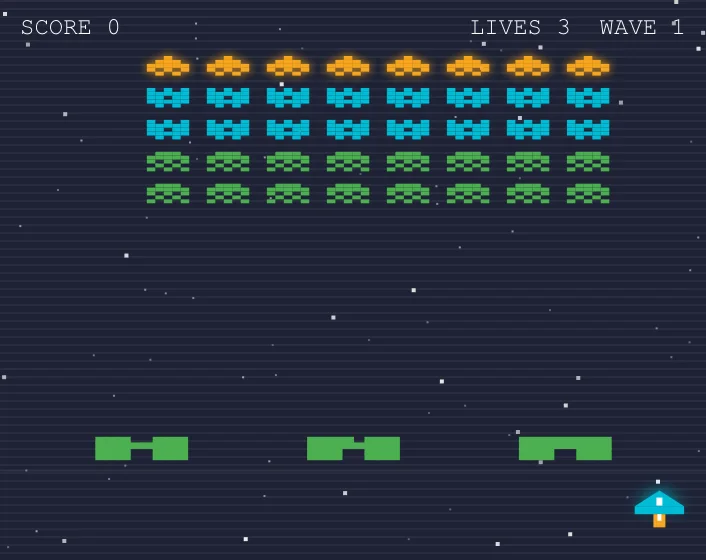
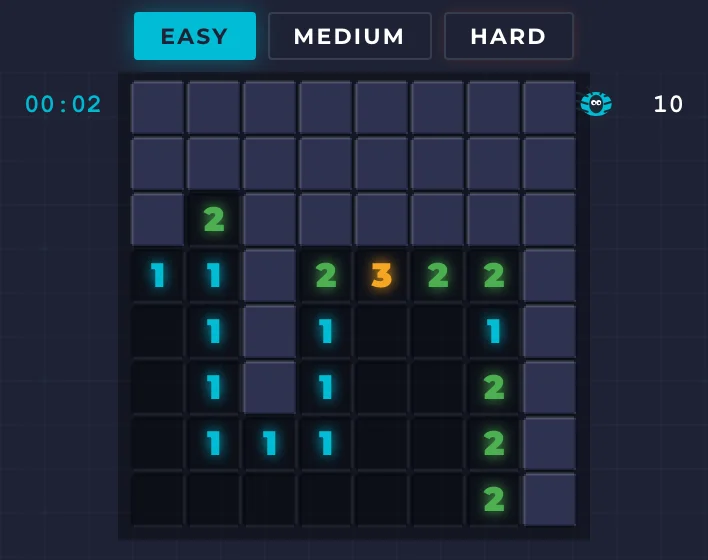
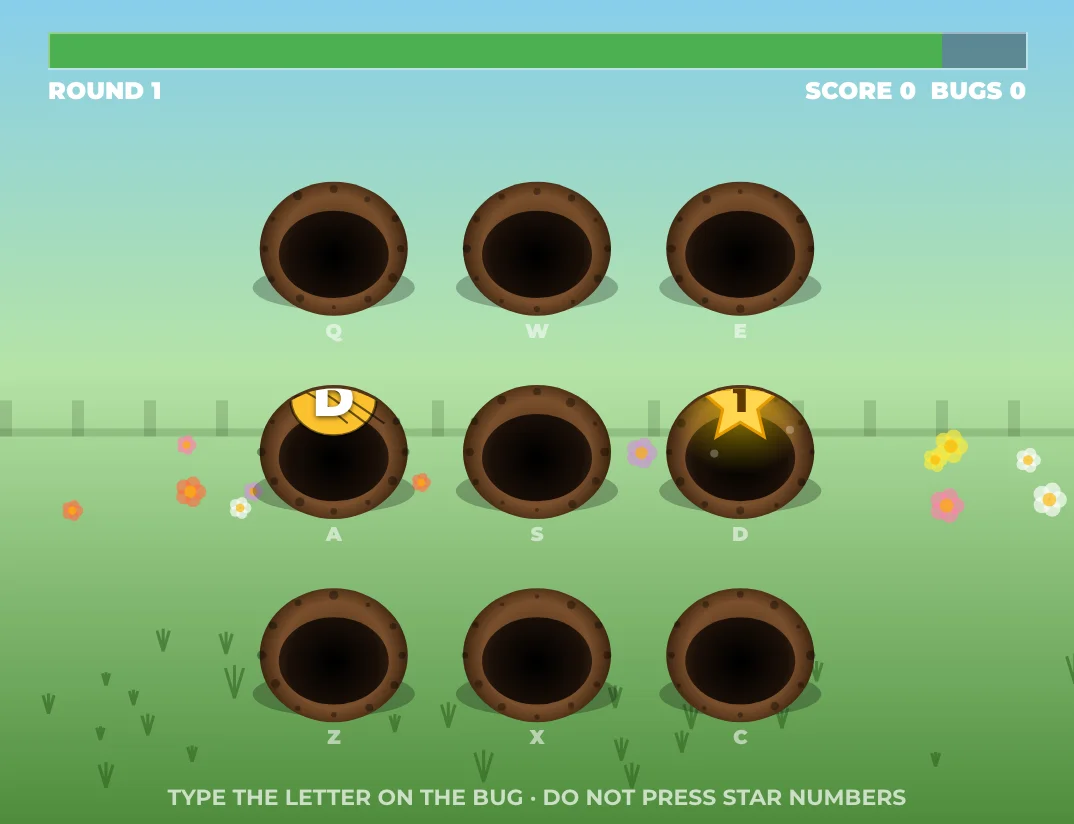
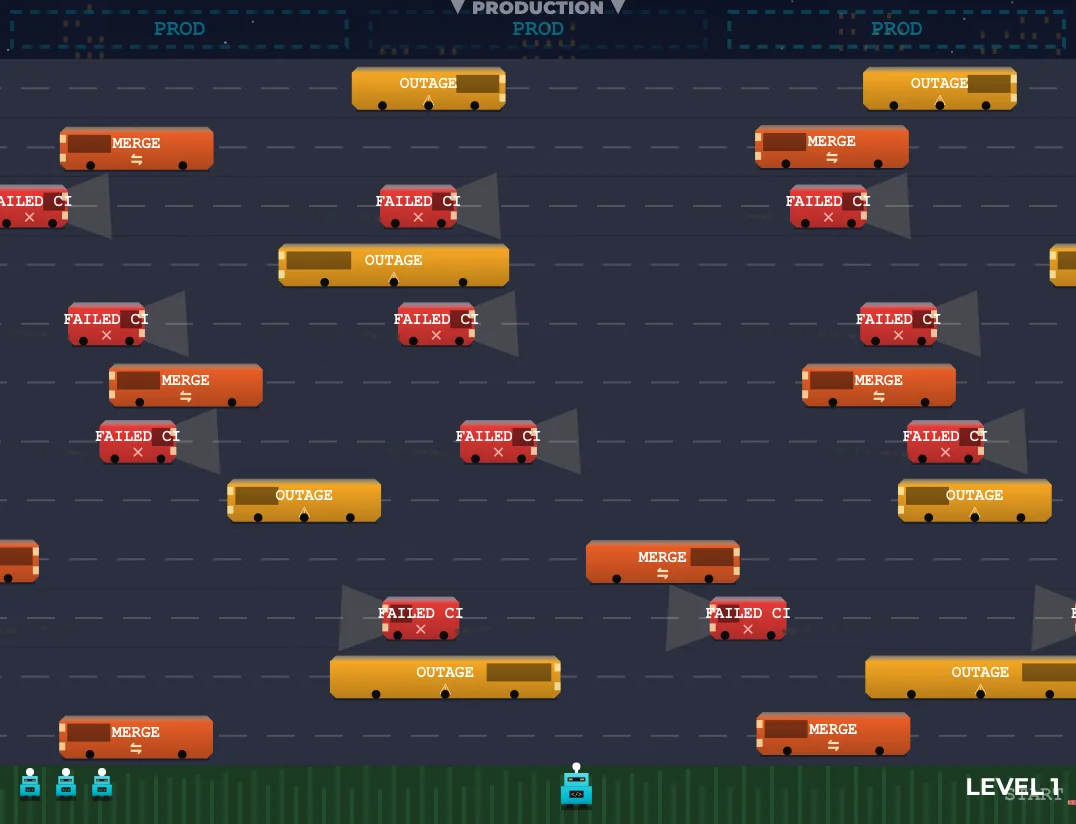
Builds take time, so DevDock ships with an arcade pane: 19 retro classics reskinned for developers. Eat code, smash npm packages, dodge failed CI and sweep for bugs, then get back to work when the build goes green. Every game is drawn on canvas in the DevDock palette.
 Code Eater
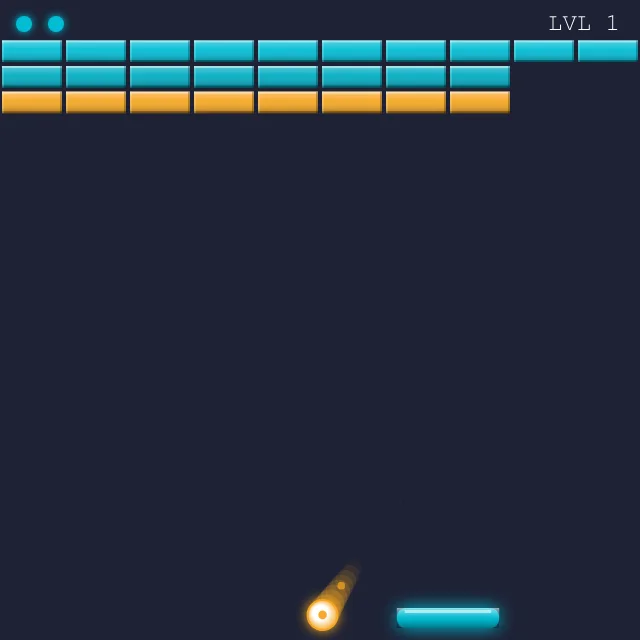 NPM Destroy
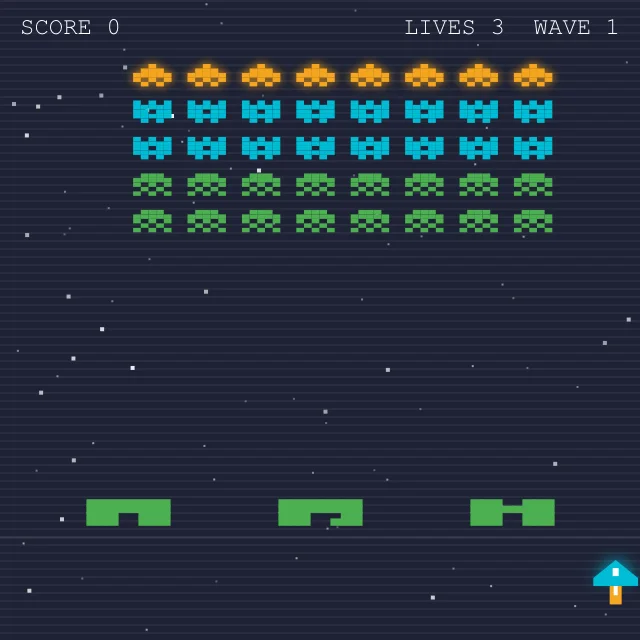 Space Invaders
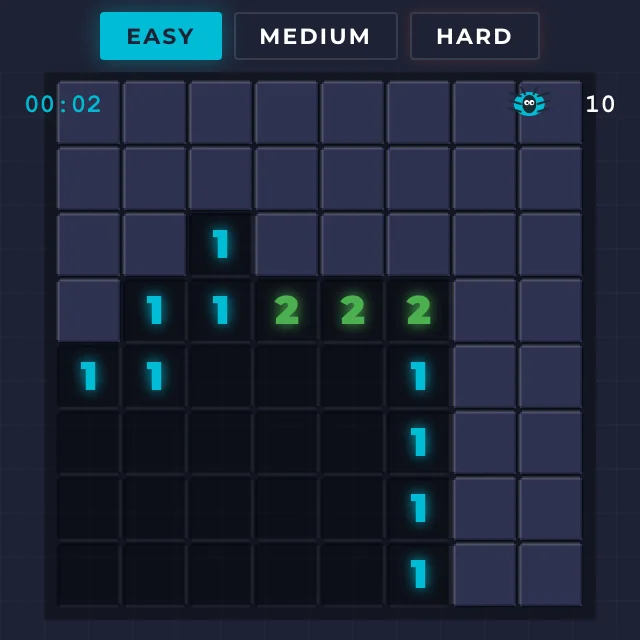 Bug Sweeper
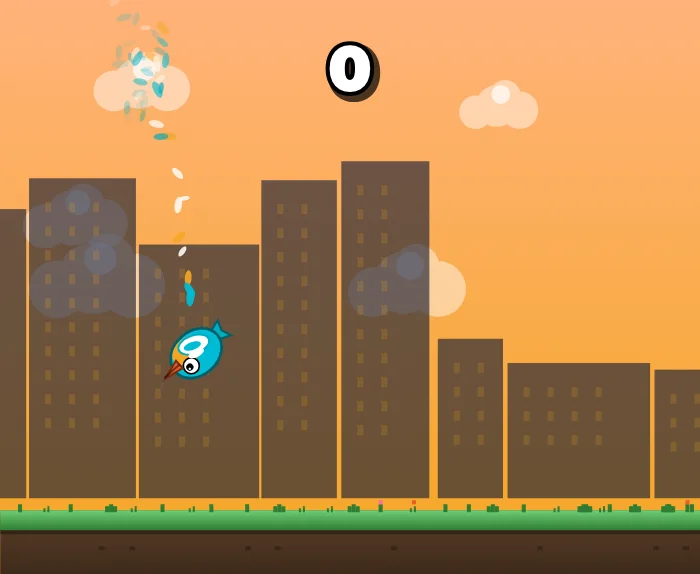 Flappy Dock
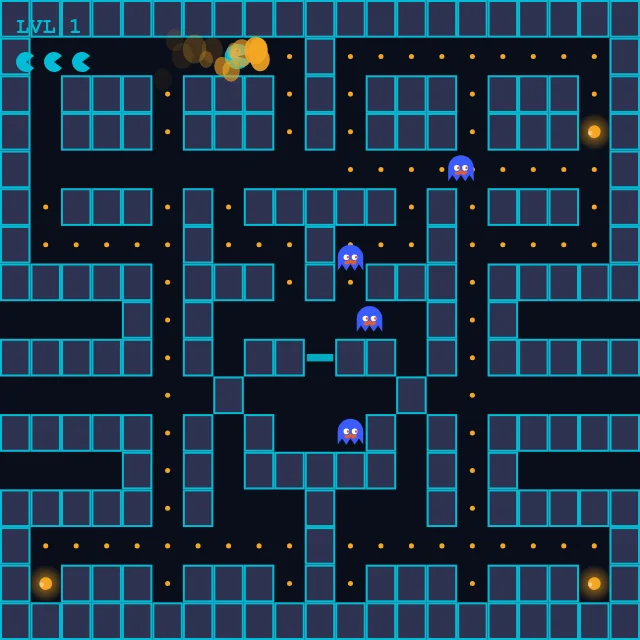 Package Man
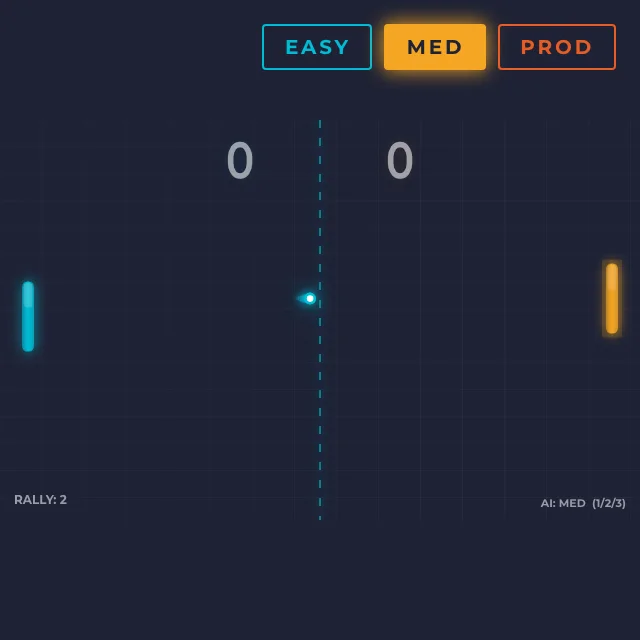 Ping Pong
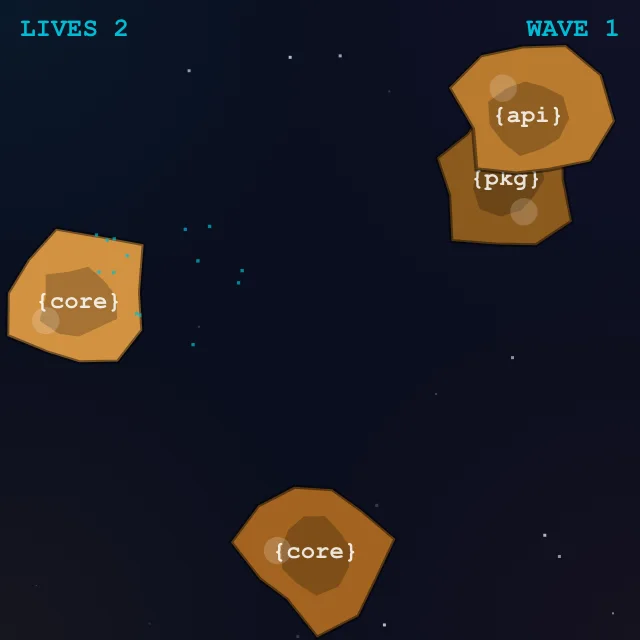 Dependency Asteroids
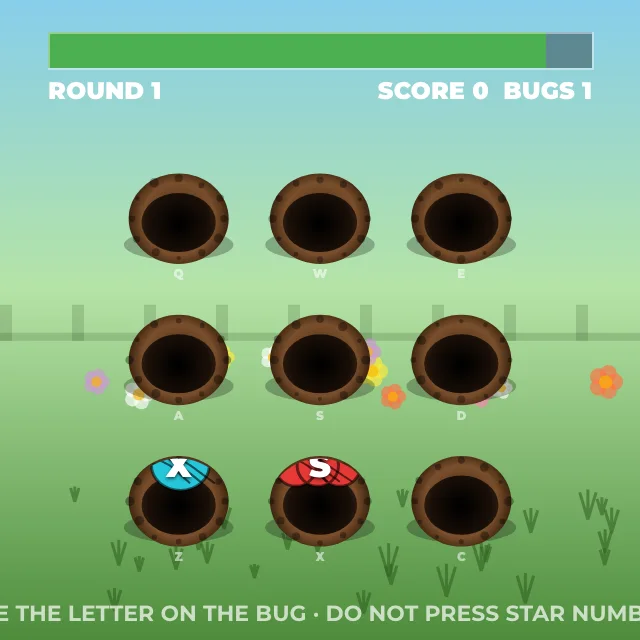 Whack-a-Bug
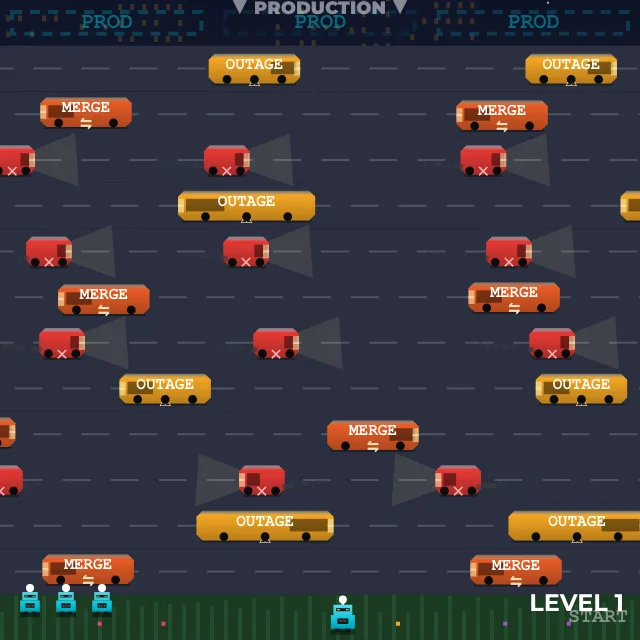 Deploy Frogger
In-game
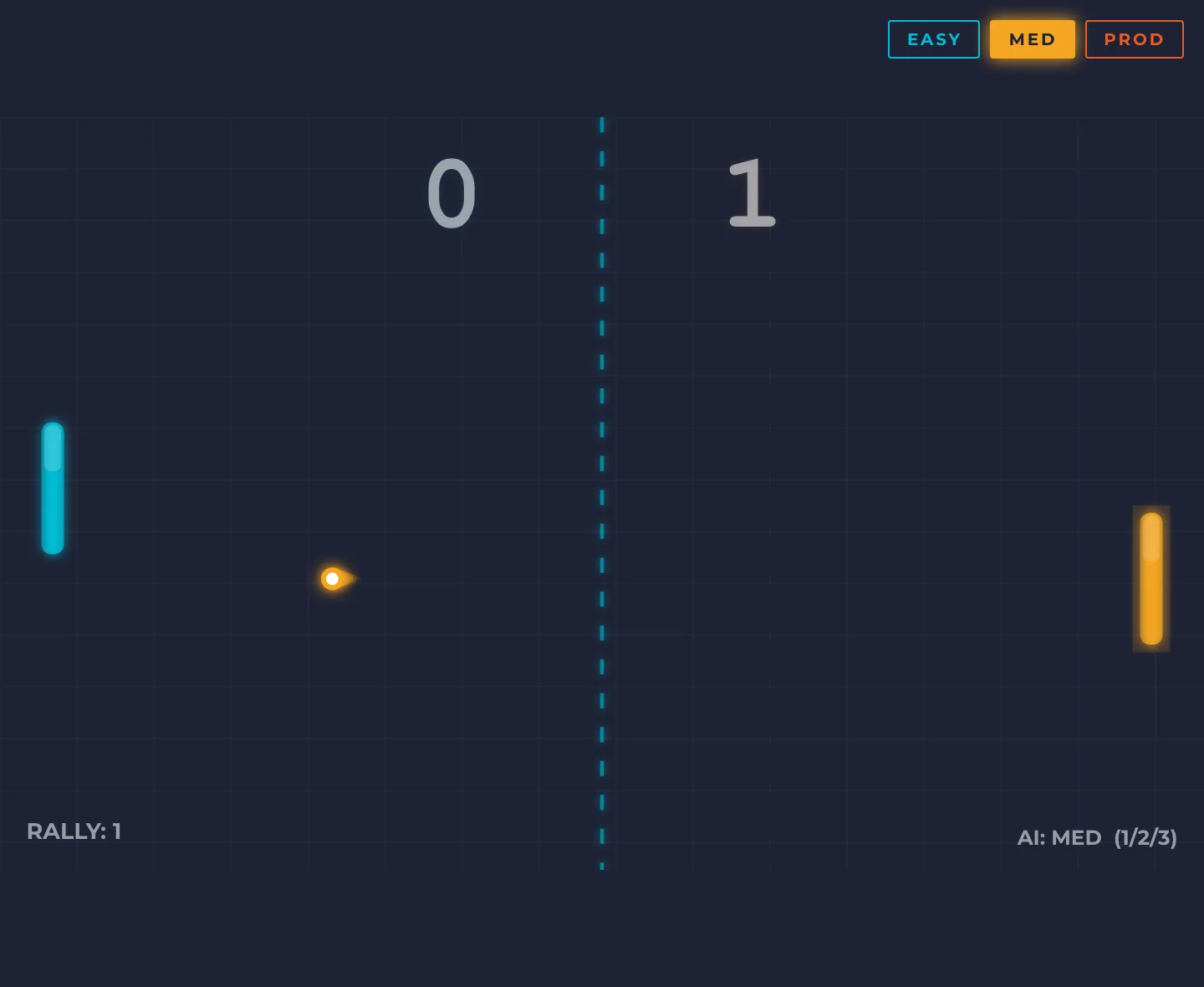
The full roster
19 games. = shipped with 90s arcade cover art
- 01Code EaterSnake
- 02NPM DestroyBreakout
- 03Space InvadersSpace Invaders
- 04Bug SweeperMinesweeper
- 05Bracket DropTetris
- 06Flappy DockFlappy Bird
- 07Stack OverflowSolitaire
- 08Package ManPac-Man
- 09Ping PongPong
- 10Dependency AsteroidsAsteroids
- 11Merge ConflictConnect Four
- 12CodewordWordle
- 13Import MatchMemory
- 14Whack-a-BugWhack-a-Mole
- 15Deploy FroggerFrogger
- 16Git RebaseSimon
- 17Suika CodeSuika
- 18Pop DeployBubble Shooter
- 19Code CrushMatch-3
11 / Outcome
The first app we open every day
- 1Window instead of ten
- 24Tools built in
- 19Arcade games for when the build runs
Impact
DevDock is the first app we open every morning. Opening a project brings back its terminals, browsers, logins, env files and layout in one click, and the arcade covers the wait while it builds. Switching between client projects went from ten windows to one click.
What we learned
Designing a tool for developers means designing for speed and density without noise. Every feature had to earn its place in a single window, and the details people notice on day two matter as much as the big features on day one.