DezignZA
Portfolio · Product design and build
01 / Our own product · Somerset West
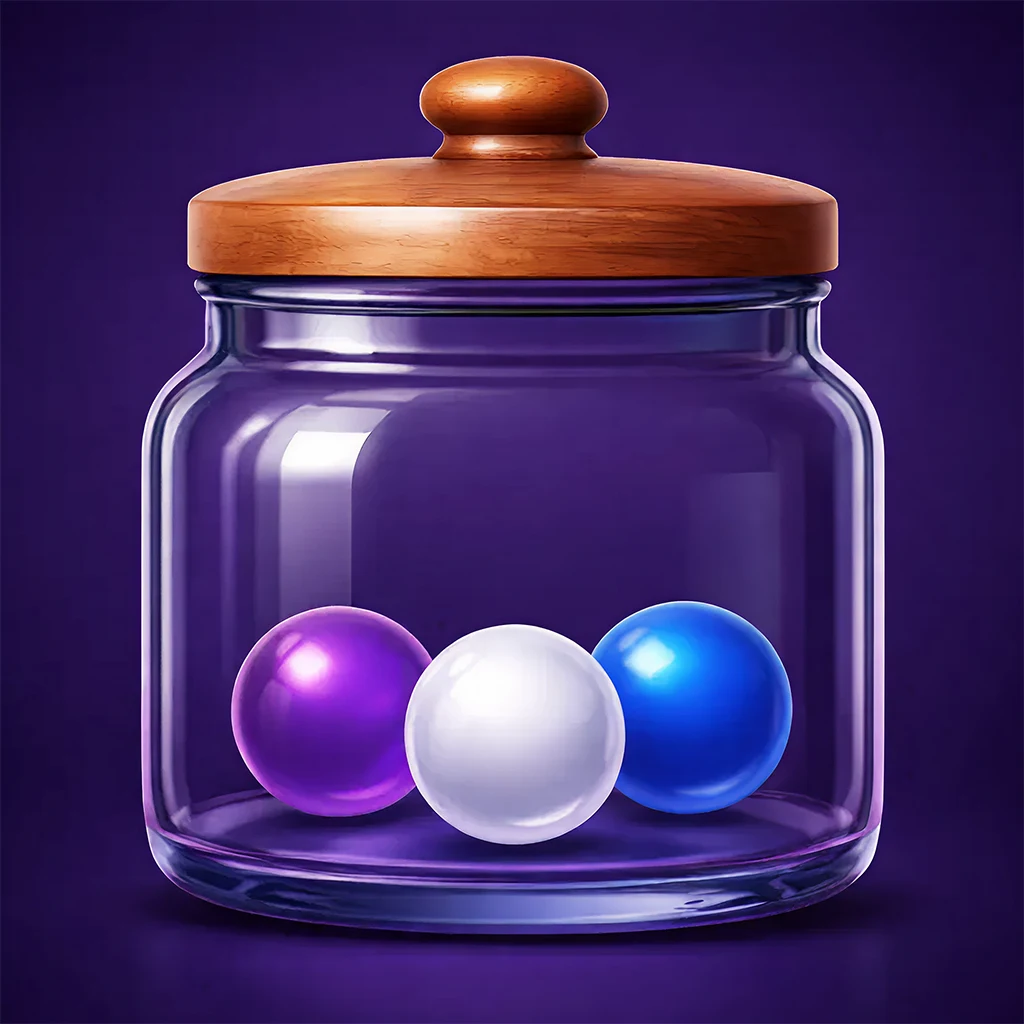 Hour JarHabit tracker · v1.0.2
Twenty-four marbles a day.
A habit tracker that turns every hour of your day into a glass marble. Share out your 24 hours, watch the jar fill, and see your whole month at a glance. On iPhone, Android, Apple Watch and the web.
- Expo SDK 54
- React Native
- React 19
- TypeScript
- SwiftUI
- watchOS
- SVG marbles
- Haptics
- Accelerometer
- Supabase Auth
02 / The idea
Time you can hold.
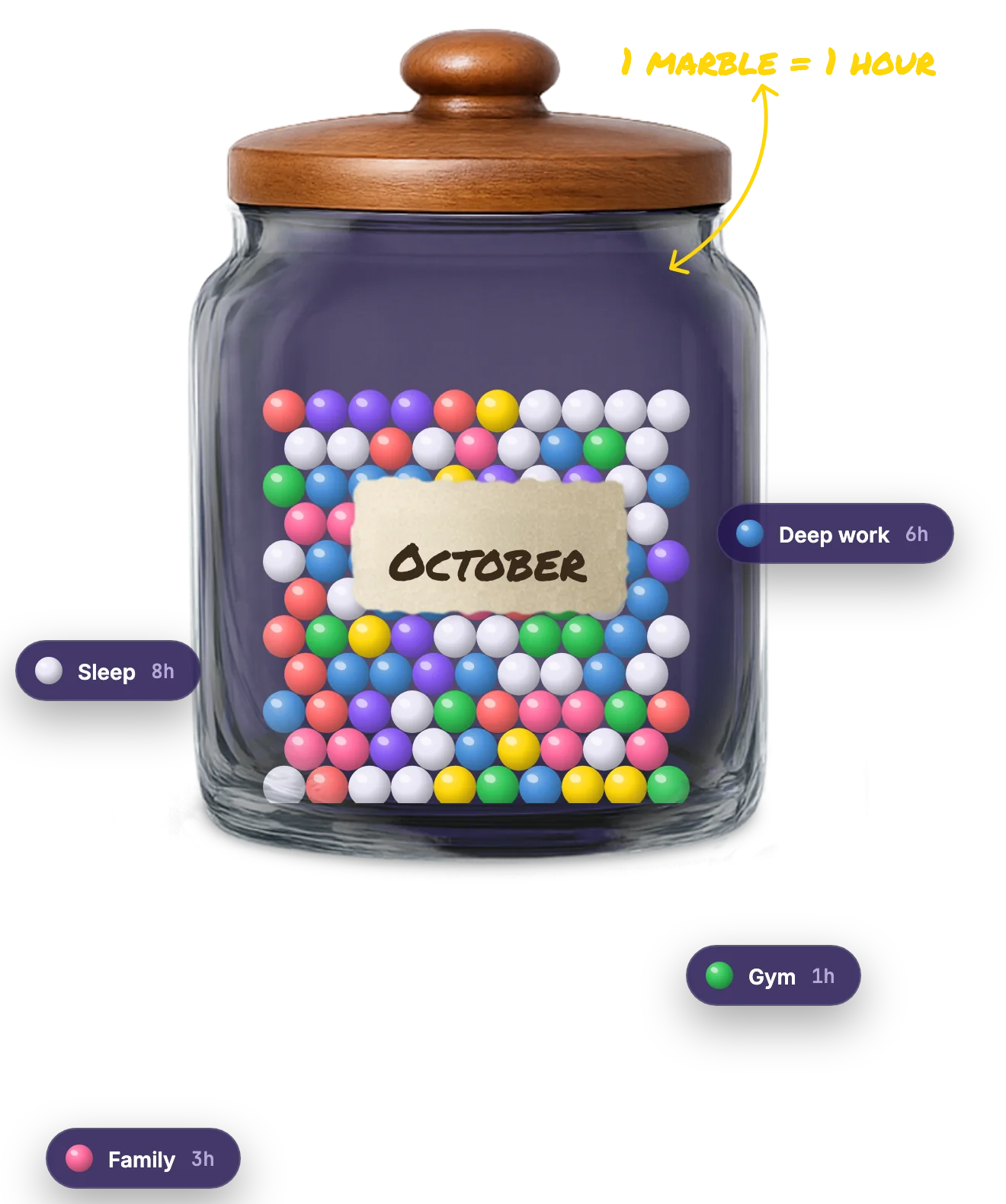
Most habit apps ask you to tick boxes. Hour Jar asks one question: where did your 24 hours go? Every day gets exactly 24 marbles. Sleep goes in first, and you share out the rest. There is no 25th hour, so every choice costs something.
- Sleep8h
- Deep work6h
- Gym1h
- Family3h
- Read1h
- Admin3h
- Scrolling2h

no 25th hour!
- 24
- marbles a day, never more
- ~730
- marbles in a full month
- 1
- jar per month, kept on a shelf
- 3
- ratings: good, neutral, bad
03 / How a day fills
Three moves. Under a minute.
Logging should be quicker than the thing you are logging. Pick the day, set your sleep, slide the hours. Everything saves as you go, so there is no save button.
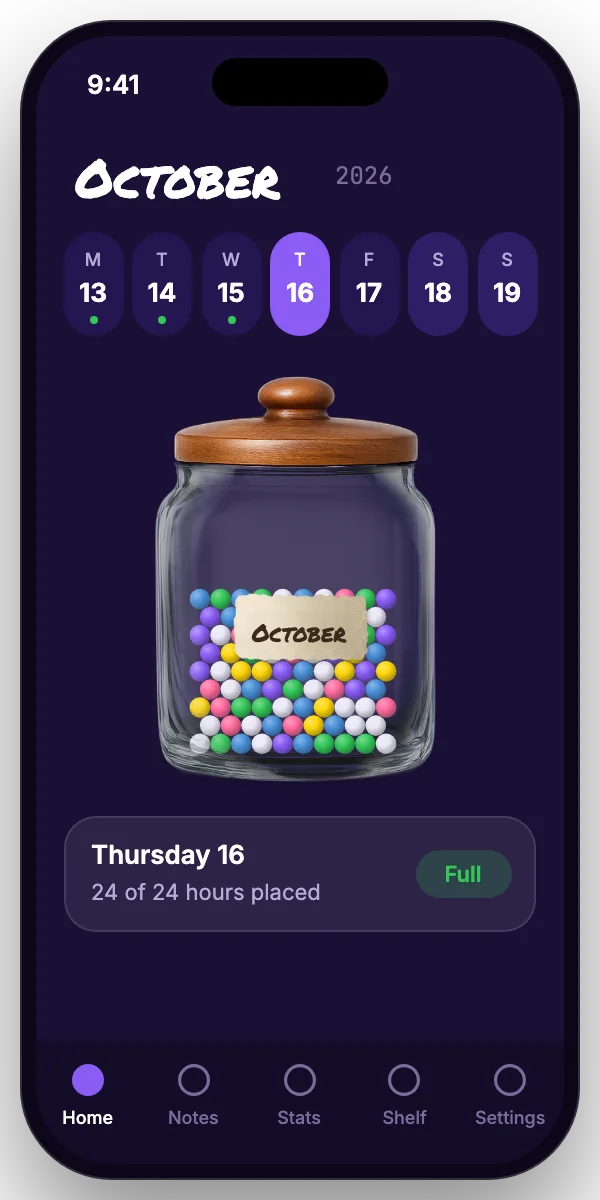 01Pick the day
Swipe along the month. Done days get a green dot, weekends sit a shade darker.
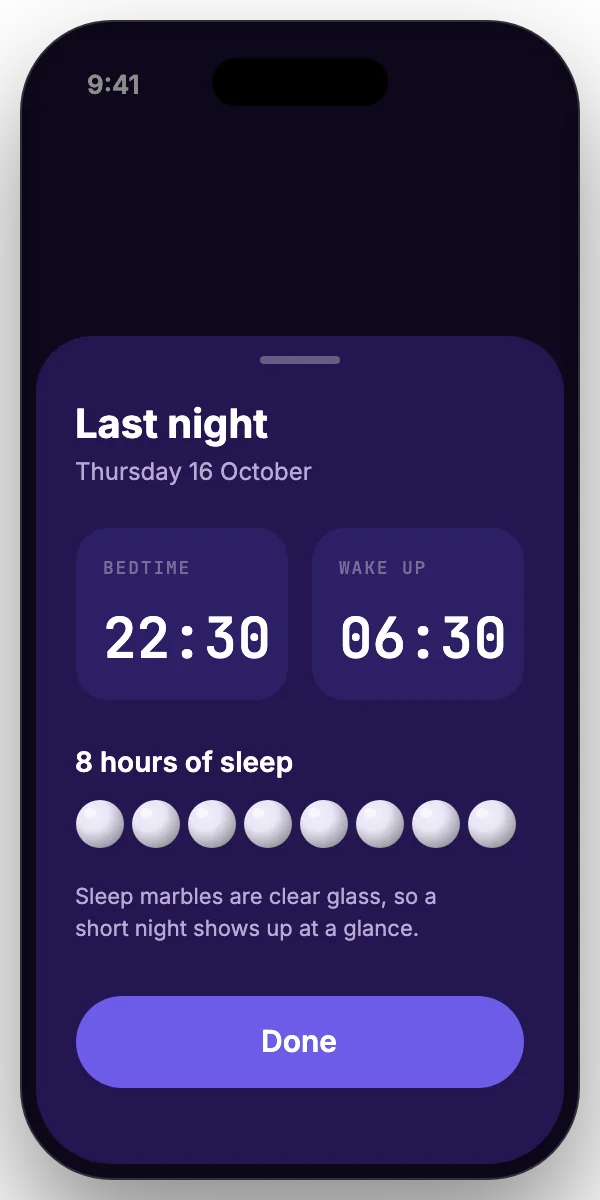 02Sleep goes in first
Bedtime and wake time work out your sleep. Every day starts from what is left.
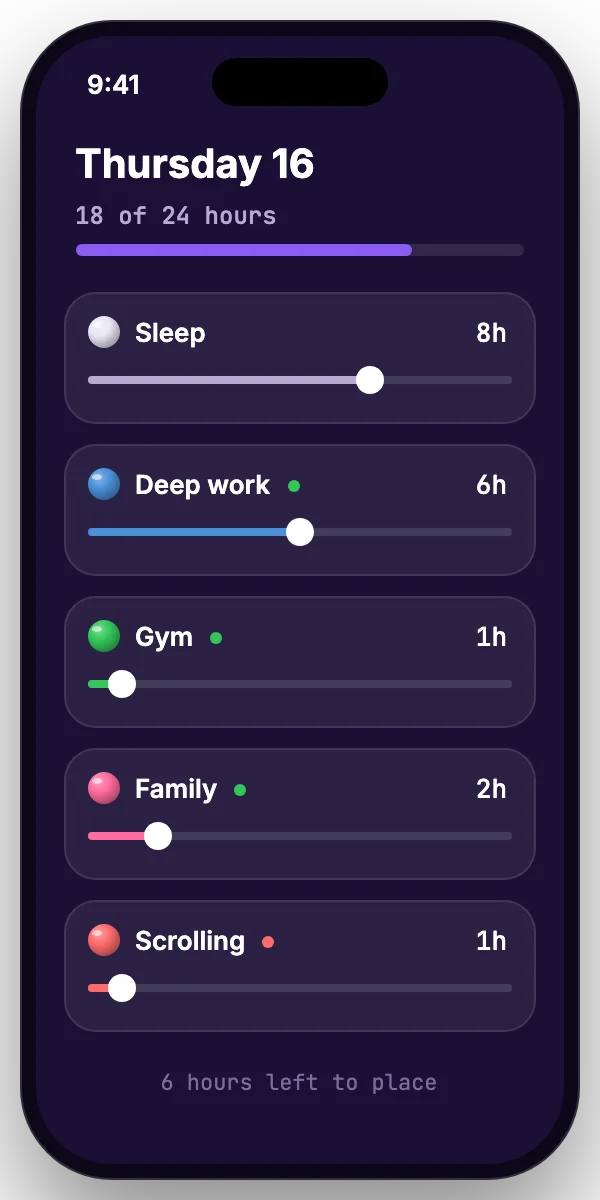 03Slide the hours
One slider per activity, capped at 24. Rate each one good, neutral or bad.
04 / What it does
Everything a day needs. Nothing it does not.
Eight features, each one there because it makes logging faster or the month easier to read.
 01
01Day slider
Swipe through the month. Finished days get a dot, weekends are easy to spot.
 02
02Sleep first
Set bedtime and wake time per day. Sleep is worked out for you and goes in first.
 03
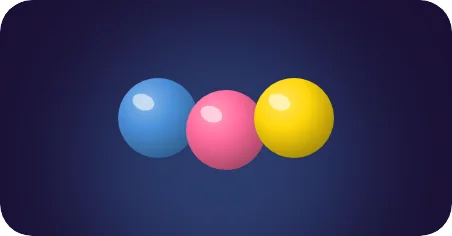
03Your activities
Name it, pick a colour with a full colour picker, choose an icon, rate it good, neutral or bad.
 04
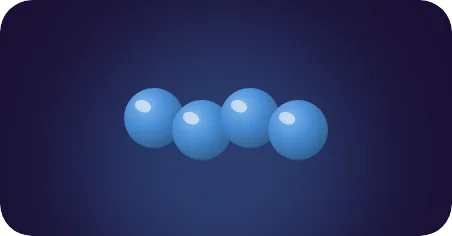
04Recurring hours
Daily, weekday, weekend or weekly. Fill a whole month of routine in one tap.
 05
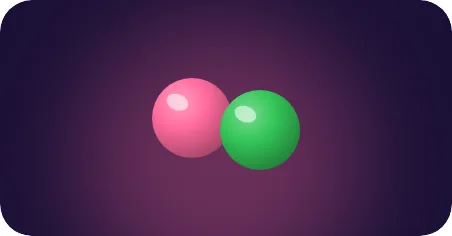
05Tap and shake
Tap the jar and it wobbles with a sound and a buzz. Shake the phone to sort the marbles by colour.
 06
06Private journal
A note for every day. Lock it with a PIN that never leaves the phone.
 07
07Stats that compare
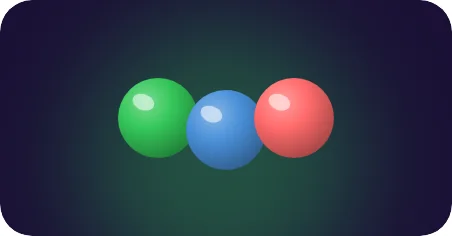
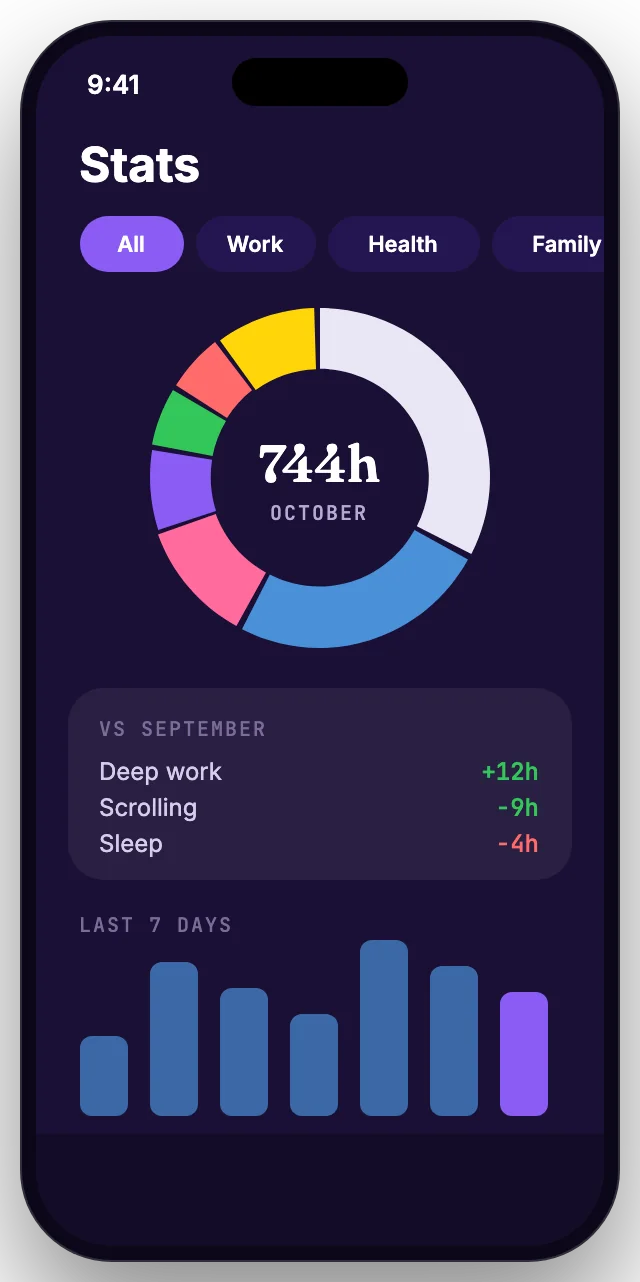
Donut and bar charts, activity filters, any date range, and this month against last.
 08
08The shelf
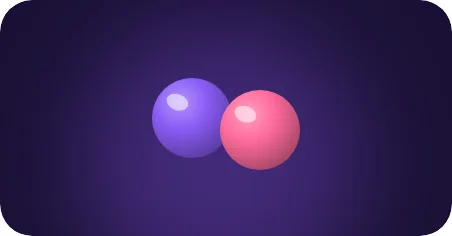
Every finished month becomes a jar on a wooden shelf. Line them up and compare.
Plus an eight step welcome tour, daily reminders, and full account deletion from inside the app.
05 / The signature
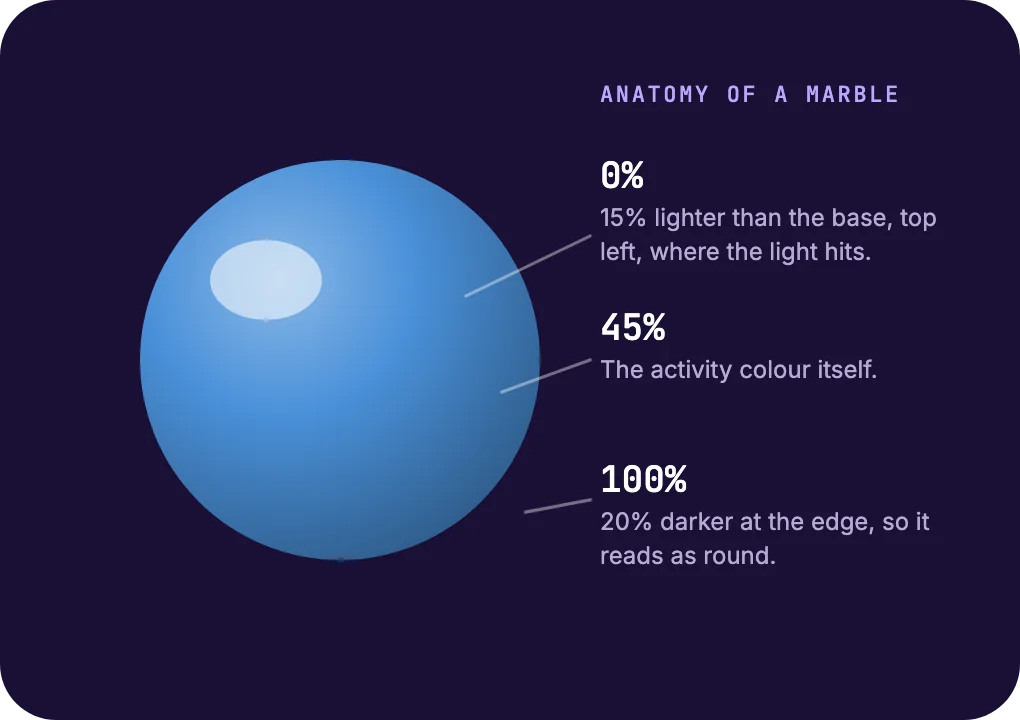
A jar that looks real. Built from five layers.
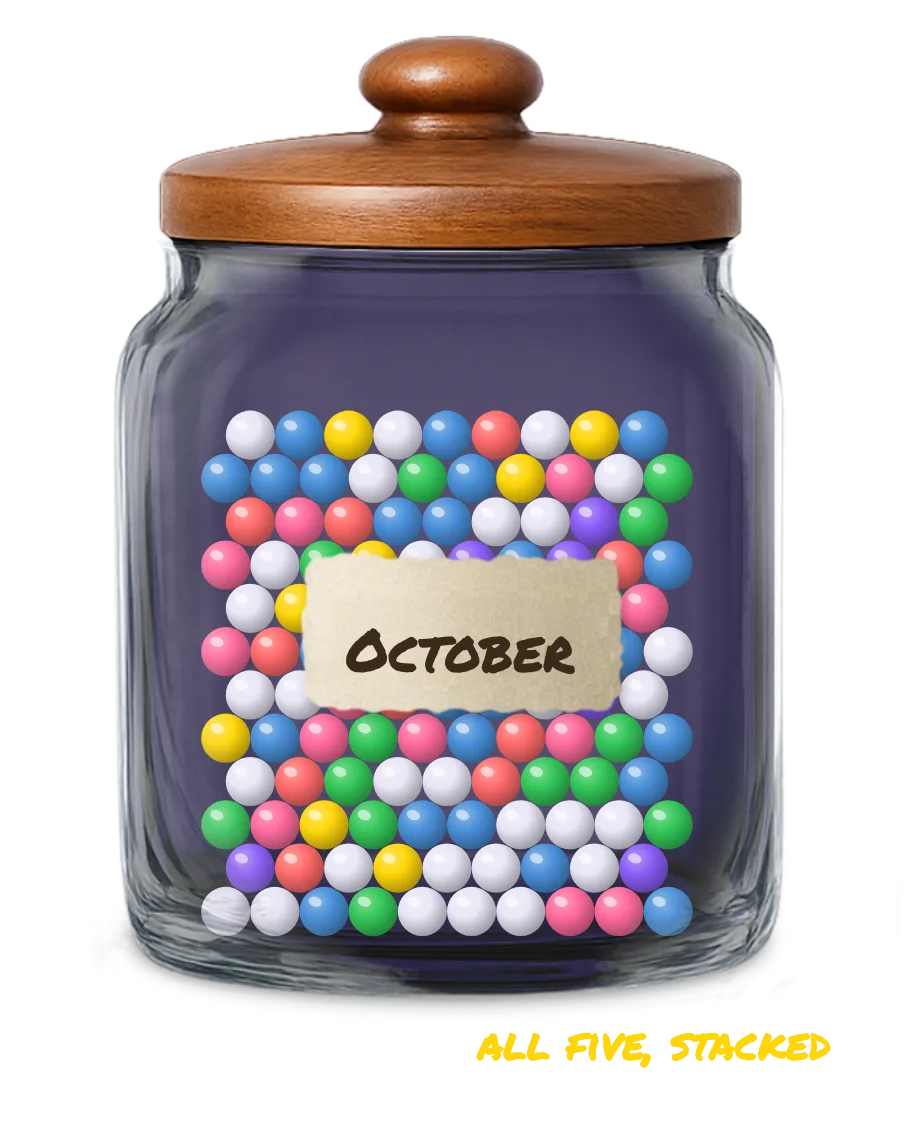
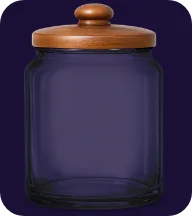
No 3D engine, no physics library. The jar is a stack of five flat layers drawn in the right order, so it stays smooth while you scroll, tap and shake.
 Layer 1
Back of the jar
The photographed glass and wooden lid. It sets the light for the whole scene.
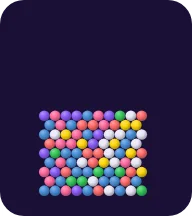 Layer 2
The marbles
Drawn as vectors, each with a three stop radial gradient. Packed on a grid and clipped to the real outline of the glass, in back, middle and front rows for depth.
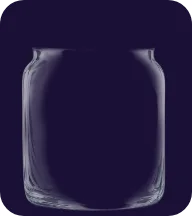 Layer 3
The glass
A clear highlight layer laid on top, so the marbles sit inside the jar and not in front of it.
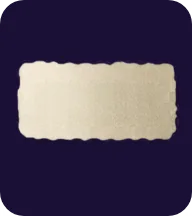 Layer 4
The label
A paper label cut out on its own, so it always sits above the marbles.
 Layer 5
The month
Set in Permanent Marker and written on the label, as if you did it yourself.
5 layers · 1 radial gradient per marble · 0 game engines
06 / Feel
Tap it. Shake it. Feel it.
The jar is not a picture, it is a toy. Every touch answers back with movement, sound and a small buzz in your hand.
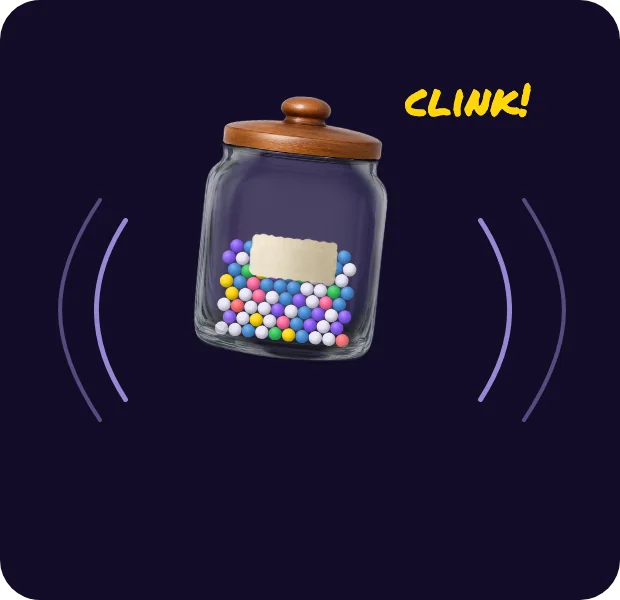 Tap
TapThe jar wobbles
A quick side to side jiggle, a glassy clink and an impact buzz.
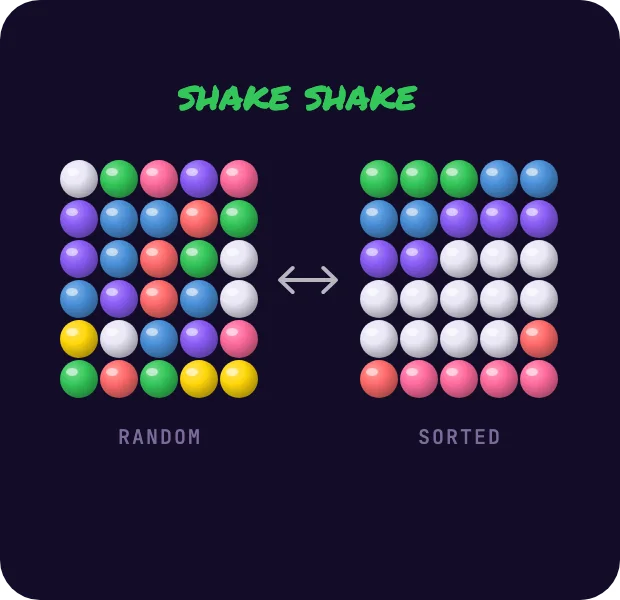 Shake
ShakeThe marbles sort
Shake the phone and the accelerometer flips the jar between random and sorted by colour.
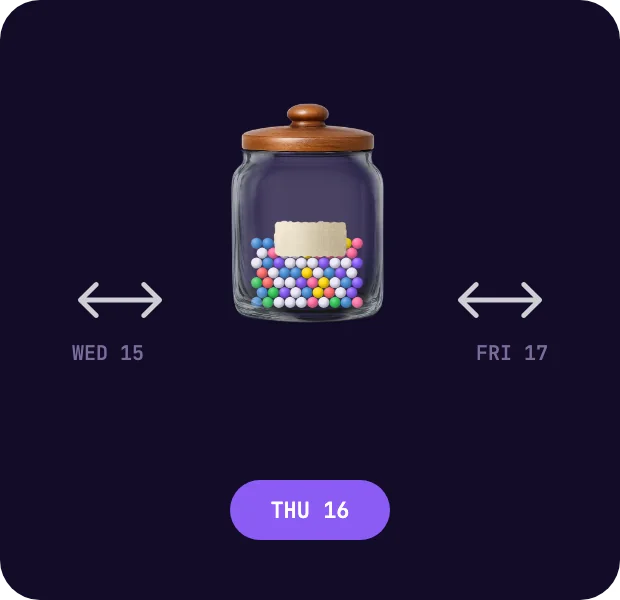 Swipe
SwipeThe day changes
Swipe across the jar to jump to yesterday or tomorrow, without reaching for the slider.
Sliders tick under your thumb every 100 ms, the jar buzzes when you tap it, and a filled day ends with a success pulse.
07 / Cross platform
One jar. Every screen.
One React Native codebase builds the iPhone, Android and web apps. The Apple Watch app is native SwiftUI, folded into the iPhone build by a custom Expo plugin, so one build ships phone and watch together.
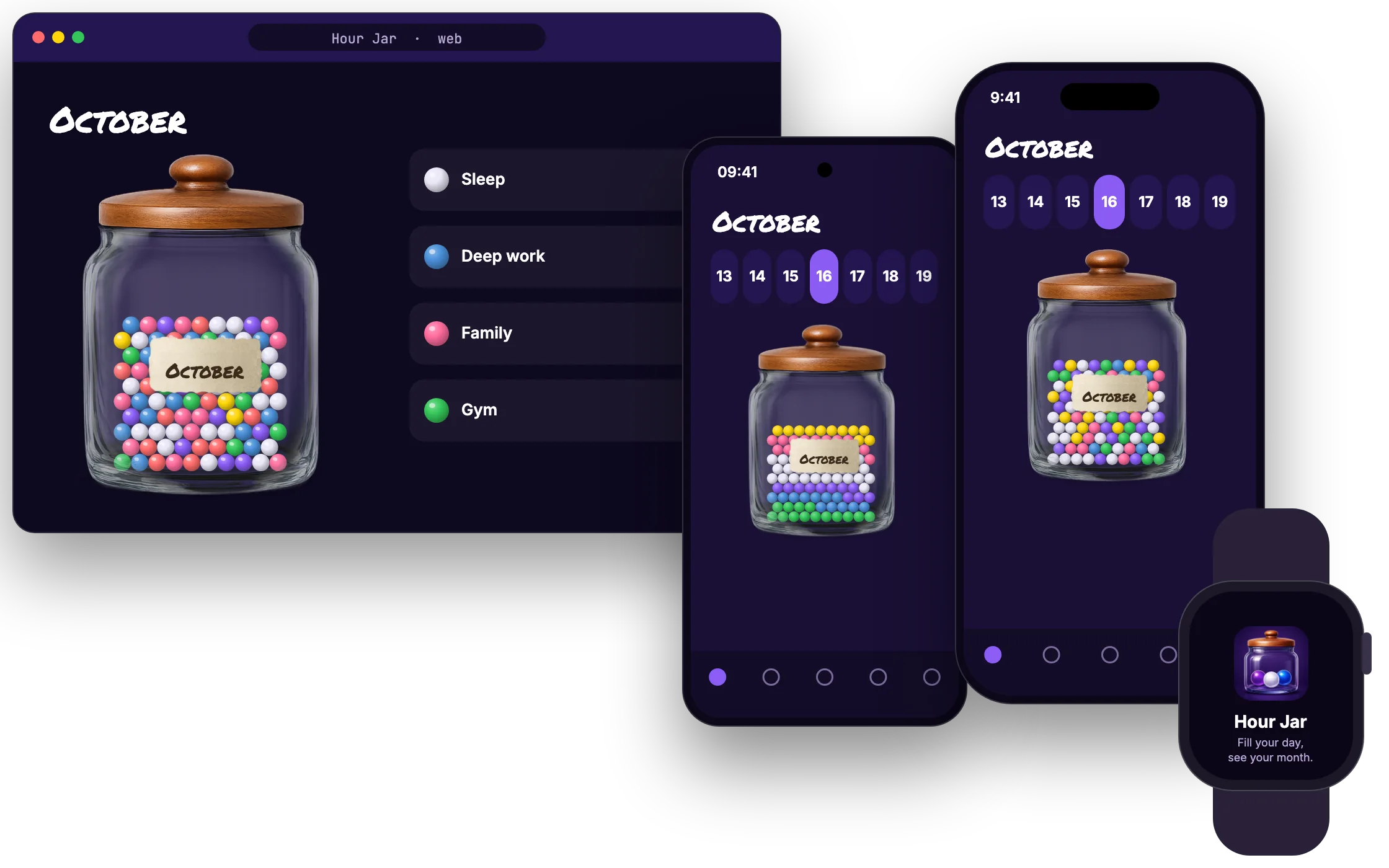
- iOS
iPhone
Haptics, shake to sort, reminders and the full jar experience.
- Android
Android
Same codebase, edge to edge, with its own adaptive icon.
- watchOS
Apple Watch
Native SwiftUI. Log and adjust hours without your phone.
- Web
Browser
The React Native app rendered for the web from the same code.
How they stay in step
- Apple WatchSwiftUI
- WatchConnectivity
- iPhoneReact Native
- Live sync
- Your accountSign in and sync
- Android and webReact Native
Sign in once on the phone and the watch is signed in too. The session is handed across over WatchConnectivity by a small custom native bridge, and the watch then talks to your account on its own.
08 / Apple Watch
Fill your day, see your month.
A native SwiftUI app, not a mirrored screen. It signs in through the phone, then works on its own: see today, nudge an hour up or down, glance at the week.
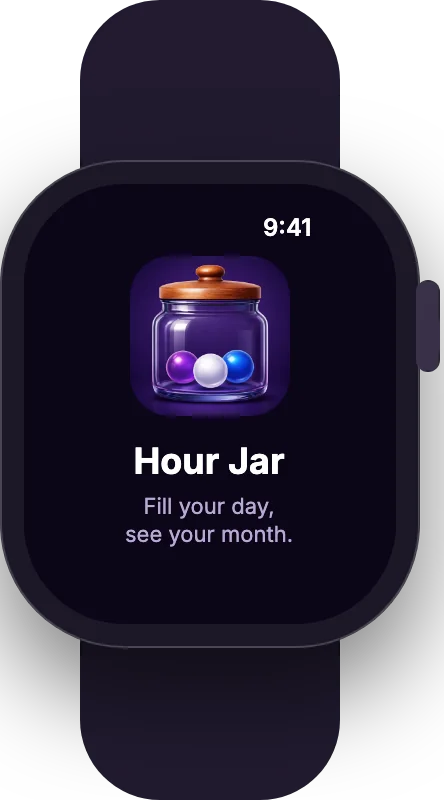 Sign in once
The phone hands its session to the watch. No typing passwords on a tiny screen.
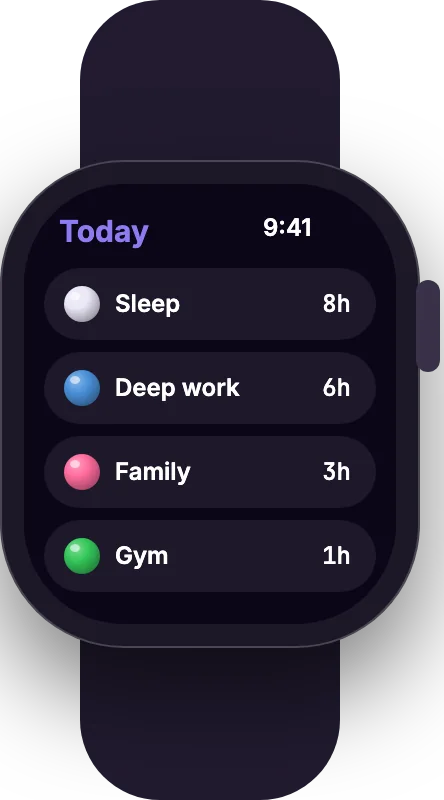 Today at a glance
Every activity with its hours, in the same marble colours as the phone.
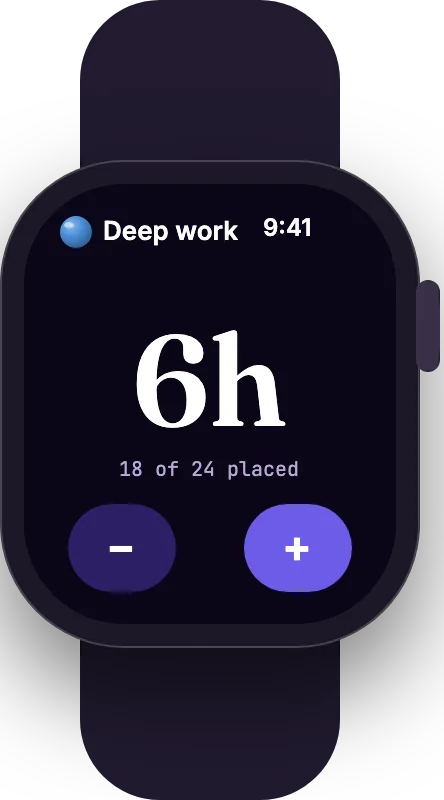 Nudge an hour
Plus and minus, capped at 24, synced straight to your account.
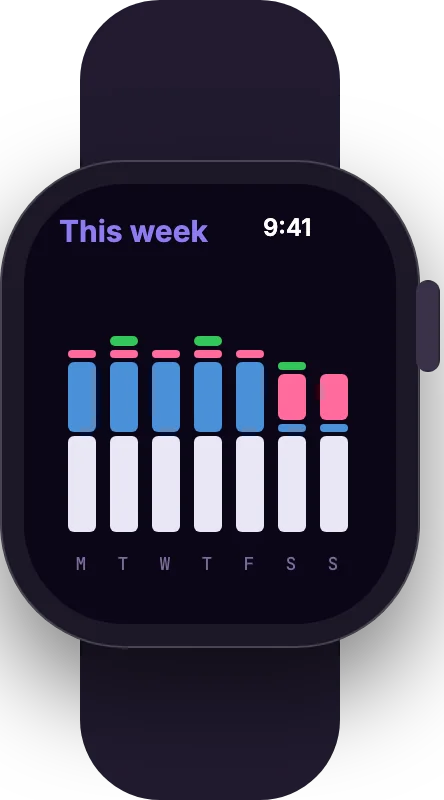 A week on your wrist
A small stacked chart of where the last seven days went.
SwiftUI · WatchConnectivity · Custom Expo config plugin · Ships inside the iPhone build
09 / Looking back
Read the month. Keep the jar.
Stats tell you what the jar is showing you. When the month is over, the jar goes up on a wooden shelf, next to the months before it.
The shelf
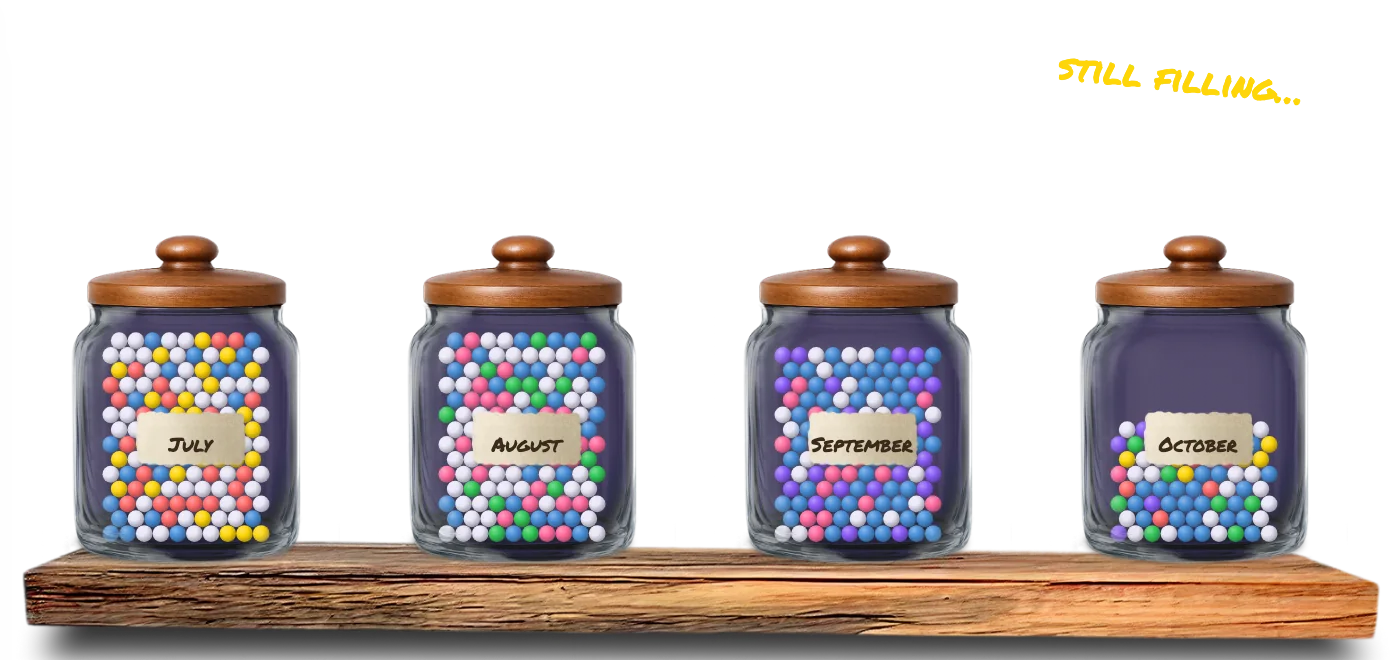
Tracking is free. Keeping is a treat.
Logging, stats and the journal cost nothing. Putting a finished jar on the shelf is a small in app purchase.
- R10
- one jar
- R50
- a year, 12 jars
Charts · Filters · Date ranges · Month on month · In app purchase
10 / Design system
Night sky, glass and a wooden lid.
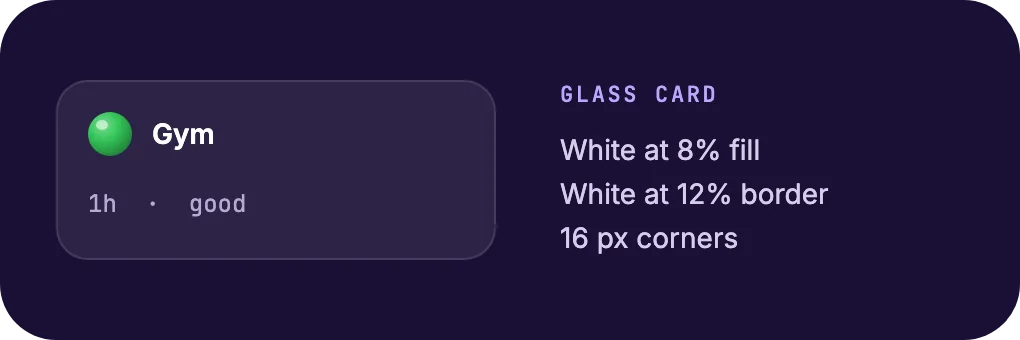
Dark only, on purpose. Coloured marbles glow against deep violet, and the photographed jar brings the warmth. Every screen sits on frosted glass cards.
Surfaces
- Night#1A1035
- Plum#241650
- Violet#2D1F66
- Raised#362573
- Tab bar#130D28
- Brand#6C5CE7
Marbles and ratings
- Blue#4A90D9
- Green#34C759Good
- Yellow#FFD60ANeutral
- Red#FF6B6BBad
- Purple#8B5CF6
- Pink#FF6B9D
- Sleep glass#E9E6F5
Type
October
Permanent Marker for the month on the label.
The phone’s own system font for everything else.
11 / Under the hood
Small app. Serious build.
Modern React Native on the new architecture, a native watch app beside it, and phone hardware put to work: motion, touch and sound.
App
- Expo SDK 54
- React Native 0.81
- React 19
- TypeScript
- React Navigation, 5 tabs
Feel
- react-native-svg marbles
- Expo Sensors, accelerometer
- Expo Haptics
- Expo AV for sound
- Linear gradients
Wrist
- SwiftUI
- WatchConnectivity
- Custom native bridge
- Custom Expo config plugin
Services
- Supabase Auth and sync
- Expo Notifications
- Expo Crypto, SHA-256 PIN
- EAS Build
- In app purchases
Hard problems
Marbles inside a curved jar
The jar is a photo, not a shape. We traced its inner outline row by row into a polygon, then packed and clipped the marbles to it, front, middle and back.
One sign in, two devices
The watch cannot see the phone’s login. A small native bridge passes the session across WatchConnectivity, so the watch signs itself in.
Never more than 24 hours
Every slider knows what is left in the day. Sleep that crosses midnight is worked out from bedtime and wake time before anything else goes in.
One codebase · Four platforms · One native watch app · Dark only
12 / Outcome
A habit tracker you want to pick up and shake.
- 4
- platforms from one codebase
- 5
- layers make the jar
- 24
- marbles a day, never 25
- 8
- step welcome tour
More work
 WAIDA project manager with an AI layer→
 DevDockA cockpit for building software→
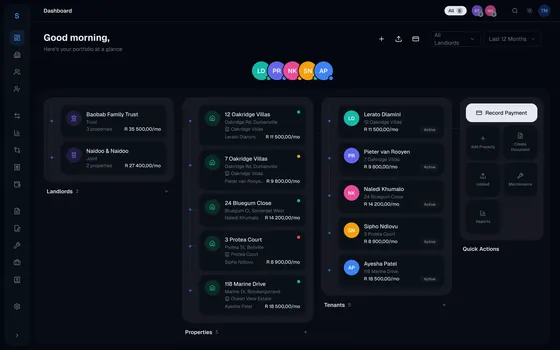 LettoProperty admin that runs itself→
Want an app people actually enjoy using?
Design, build and hand over. Somerset West, working anywhere.
DezignZA
Hour Jar · 2026