Operations software for ground you do not own.

TurfOps is a multi-tenant platform for golf course and grounds contractors. Dezignza designed and built all of it: the product, the field and watch apps, the brand and the marketing site.
- Web platform
- Field app
- Apple Watch
- Client portal
- Brand and campaign
- Marketing site
01 · Scorecard
Nine holes from the first conversation to launch.
| Hole | 1 | 2 | 3 | 4 | 5 | 6 | 7 | 8 | 9 |
|---|---|---|---|---|---|---|---|---|---|
| Stage | Listen | Audit | Model | Design | Build | Field | Migrate | Launch | Grow |
| Delivered | Site visits and interviews | Existing tools mapped | Data model and access | Design system | Web platform | Field and watch apps | Legacy data moved | Self-serve sign-up | Brand and campaign |
02 · The problem
Money leaks in the gap between the field and the office.
Tuesday
07:40
Hole 7
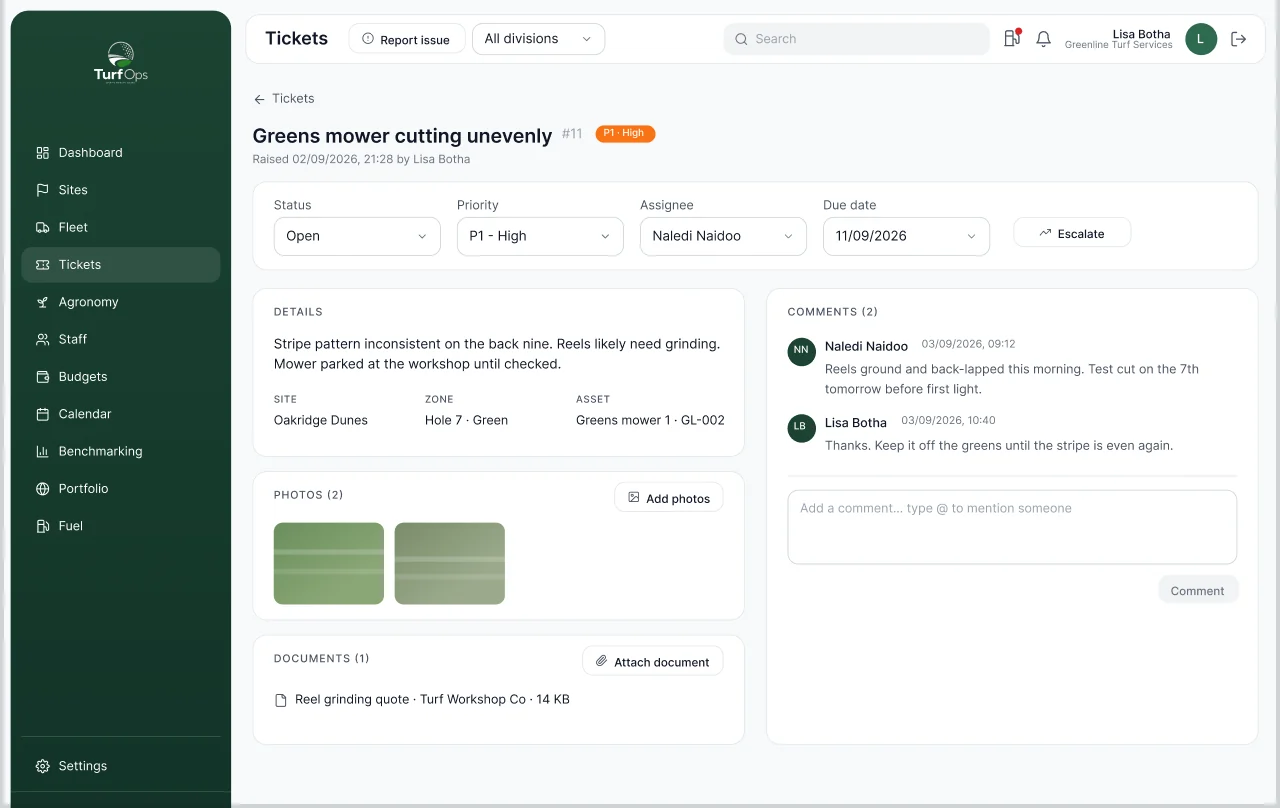
A fairway mower breaks.
Before
It gets a mention in the group chat. Weeks later it is still broken, still charged out, and nobody knows who had it last.
What we built
Fault logging from the field: a photo, a pin and a priority, owned by the workshop until it is fixed.
Month end
17:00
Site tank
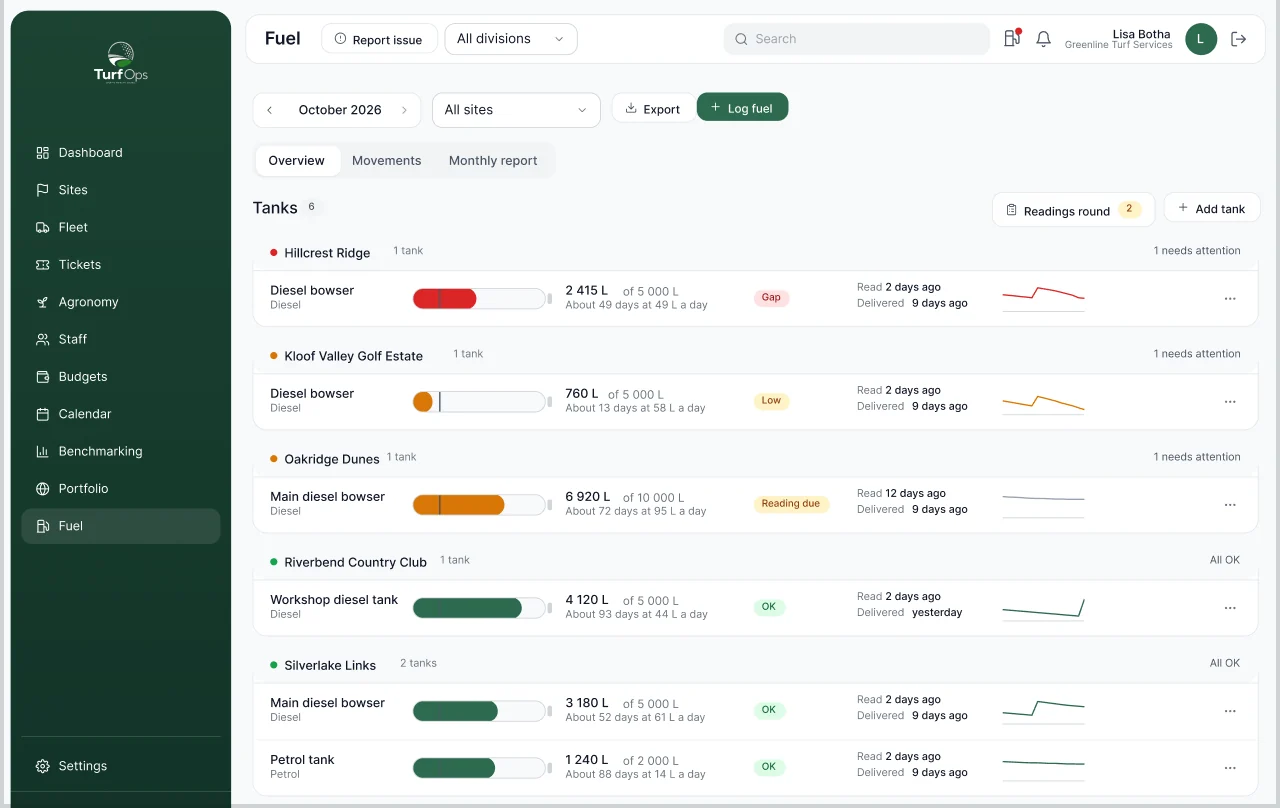
The tank and the machines disagree.
Before
The site tank says one number, the machines say another, and nobody notices until the invoice arrives.
What we built
Fuel tracking that logs every fill against a machine and a name, checks tank readings against the logs and flags the gap the same week.
Thursday
10:20
Clubhouse
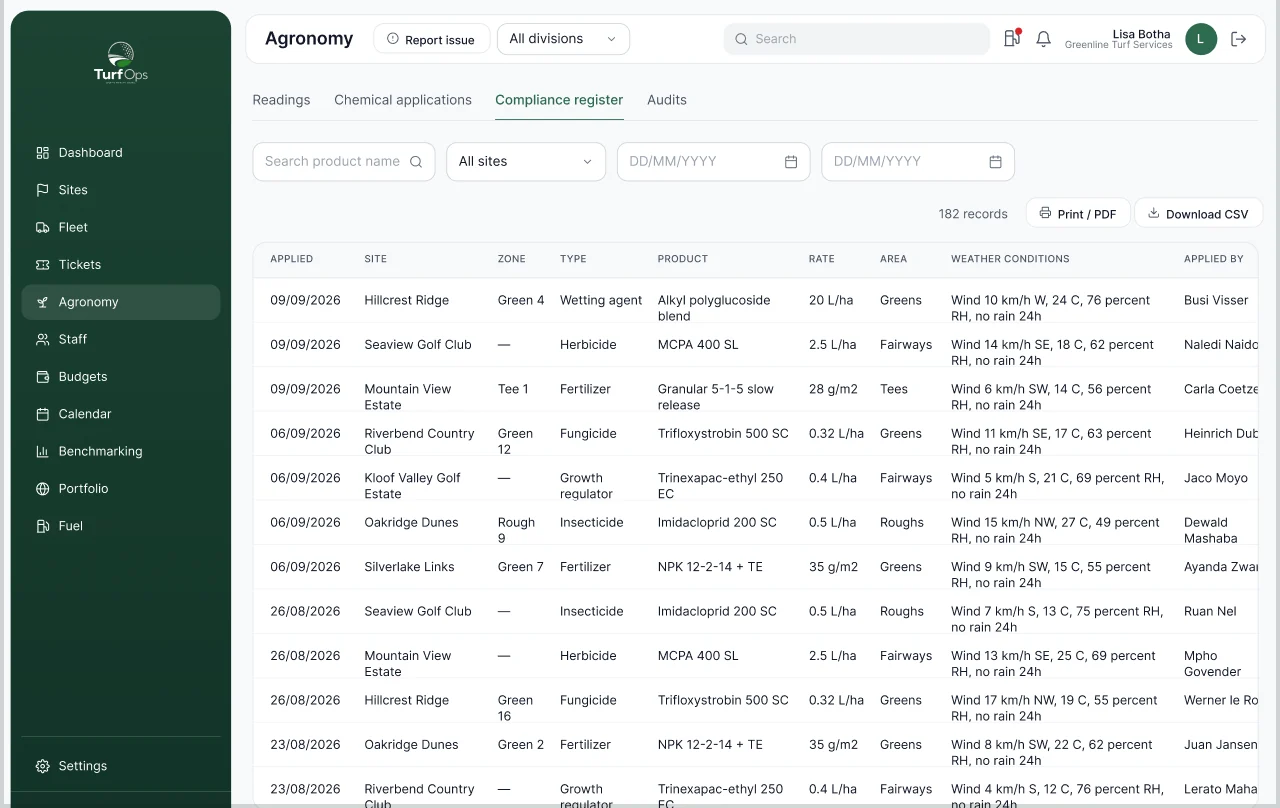
The inspector asks for the register.
Before
Spray records sit in notebooks and a WhatsApp group, and a lapsed applicator licence goes unnoticed.
What we built
An Act 36 register filled in as the spraying happens, weather included, with licence expiry flagged and a one-click export.
03 · A day on the course
From first light to lock-up, built end to end.
The platform follows the crew through a working day. Every stop below is something Dezignza designed and built.
-
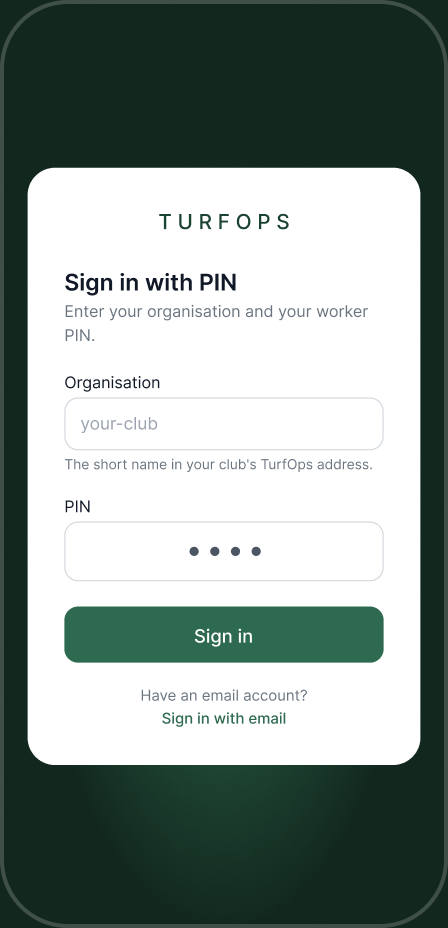
05:30 · Sign in
The crew signs in with a PIN.
Four digits on any phone. No email, no password, and it works with no signal on the back nine.
-
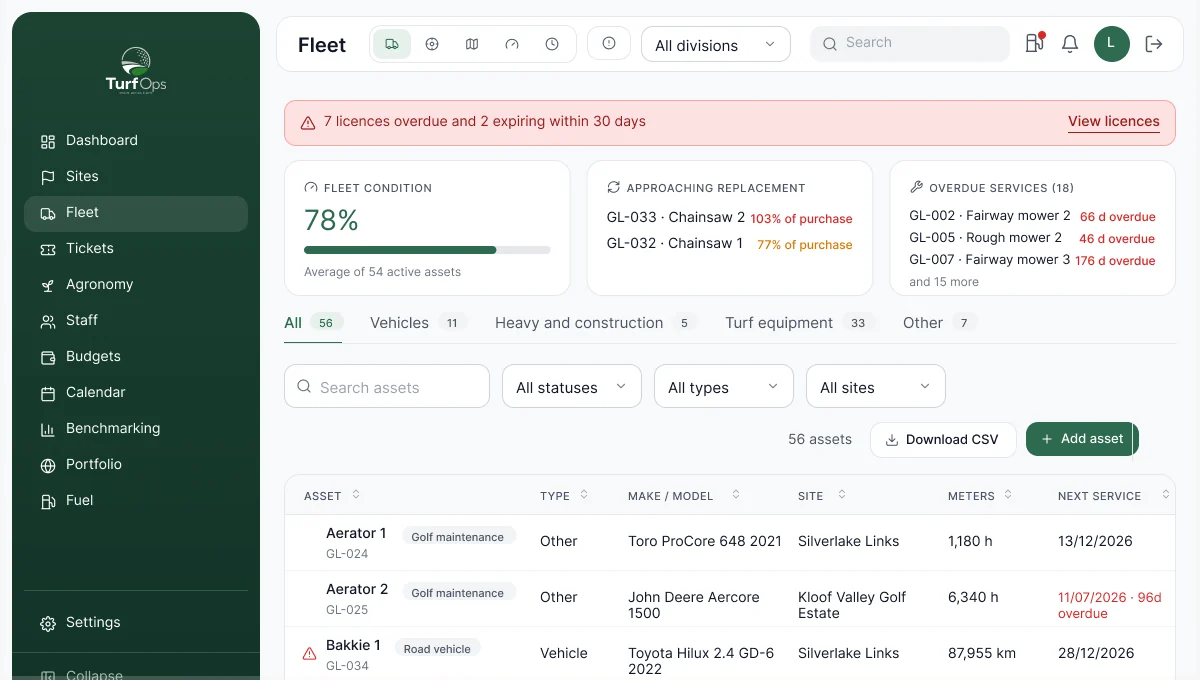
06:15 · Greens
Hours logged as the mower runs.
Hour meters go in as machines are used, so services happen on time and not when something breaks.
-
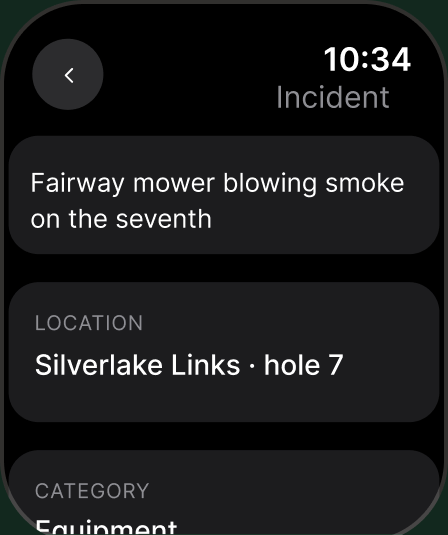
07:40 · Fault
A fault, logged where it happened.
A photo, a pin and a priority, or a voice note from the wrist on Apple Watch. The workshop owns it until it is fixed.
-
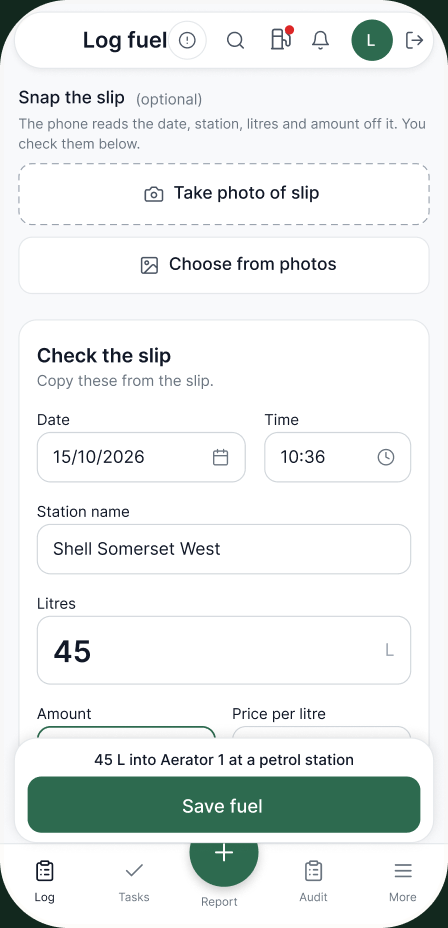
09:10 · Fuel
Snap the slip. It fills itself in.
The phone reads the litres, the amount, the date and the garage off the slip itself, with nothing sent to the cloud. The driver checks it and saves.
-
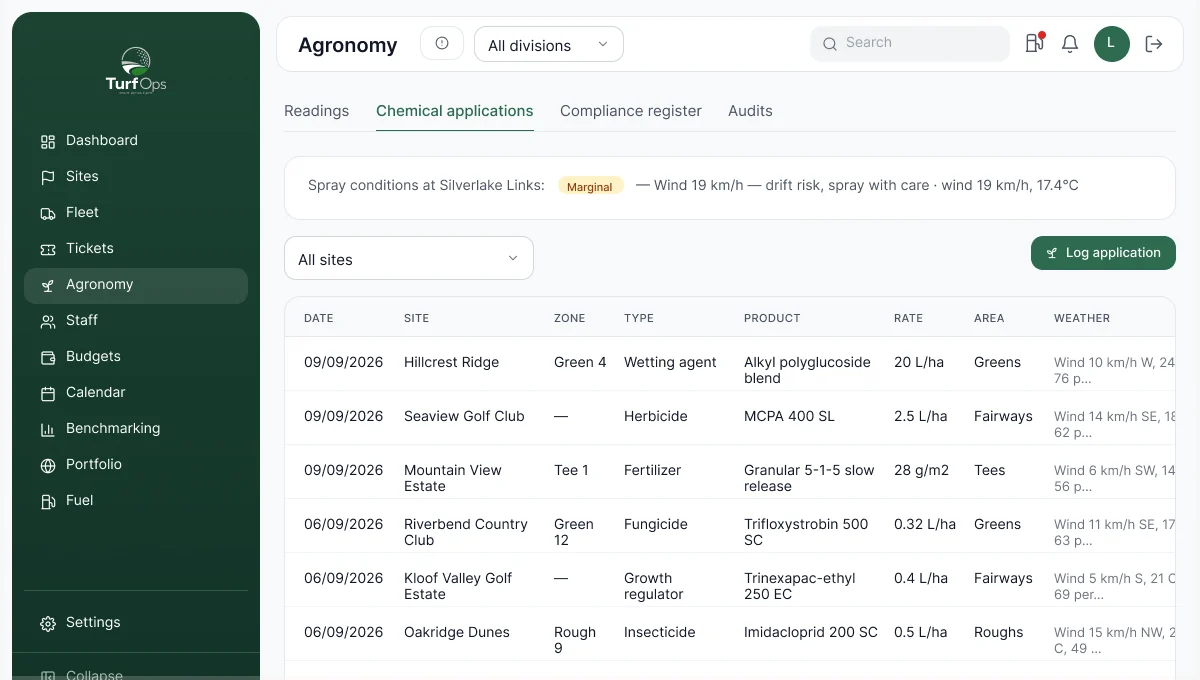
11:30 · Spray
Straight into the spray register.
Product, rate, area and the weather at the moment of spraying, recorded as it happens.
-
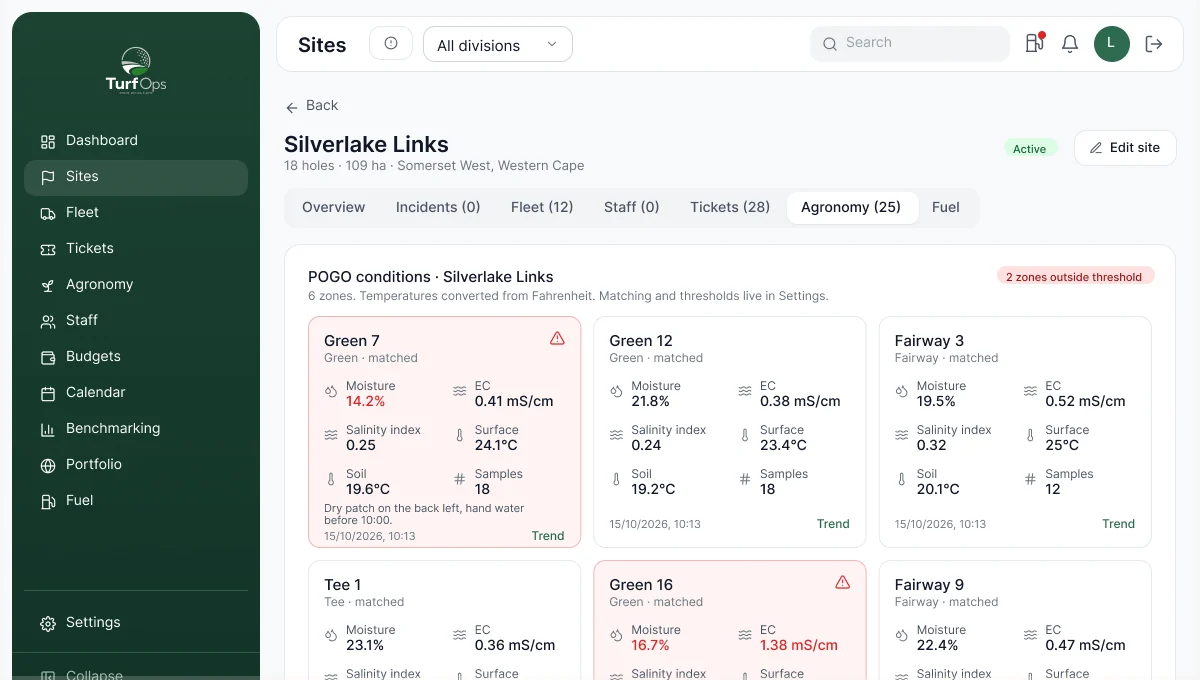
14:00 · Turf
Soil readings arrive on their own.
Probes report moisture zone by zone, so the dry zone shows up before the turf does.
-
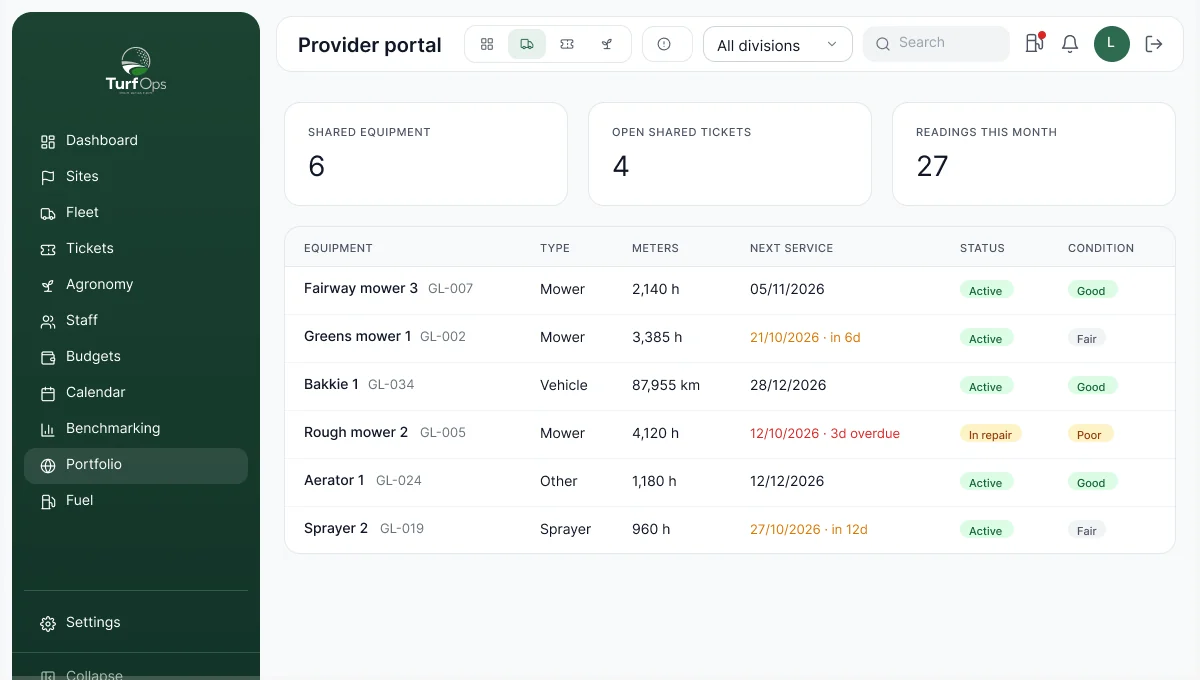
16:45 · Client
The client checks in.
A read-only view of their own site. They see the work being done instead of waiting for a monthly letter.
-
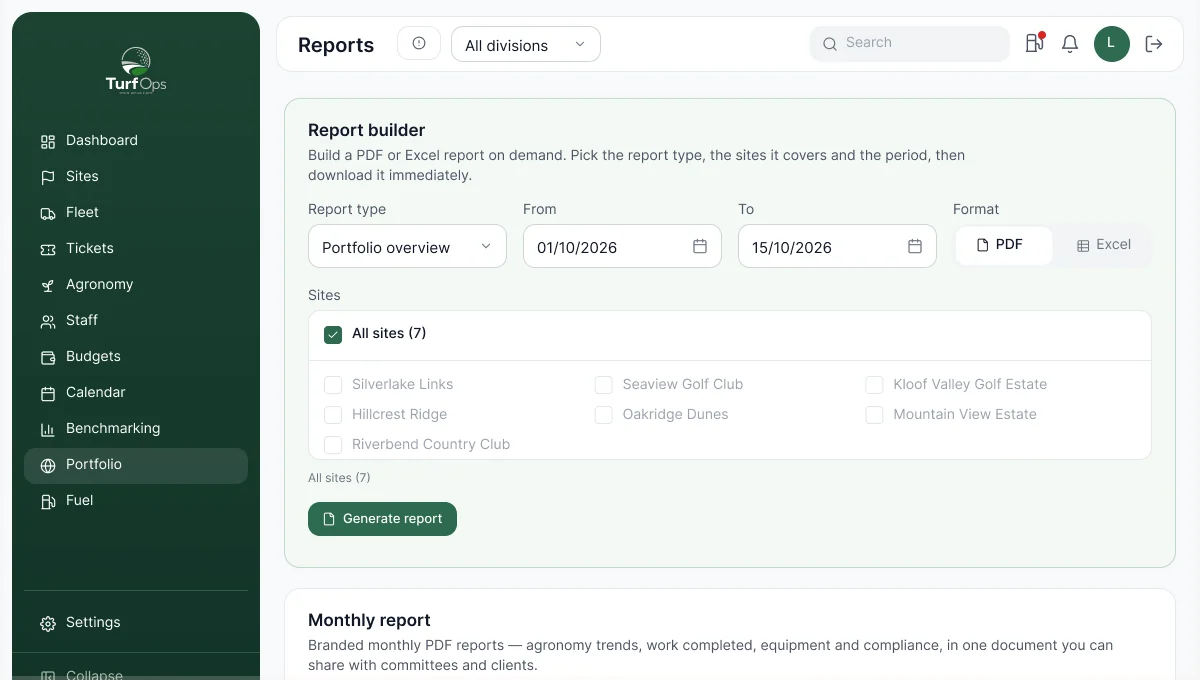
18:00 · Lock-up
Nothing retyped.
Nobody chased anyone today, and the month-end report is already one day more complete.
04 · One map
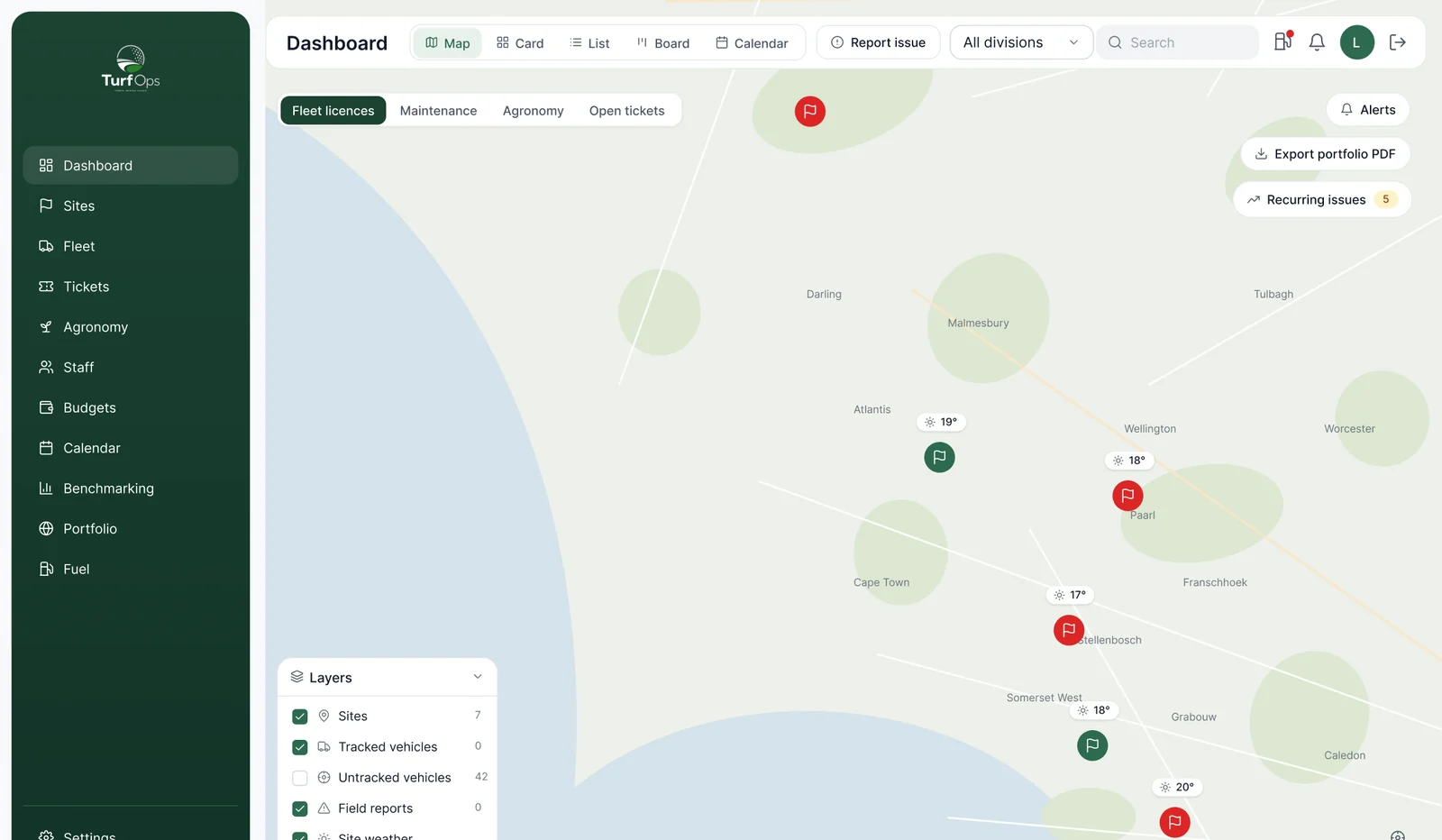
Every site, coloured by how it is doing.
Courses, estates, office parks and build sites on one map. Zoom in and the course is real: greens, fairways, tees and water drawn from proper geometry. The same four views, map, card, list and board, work from the whole portfolio down to a single hole.
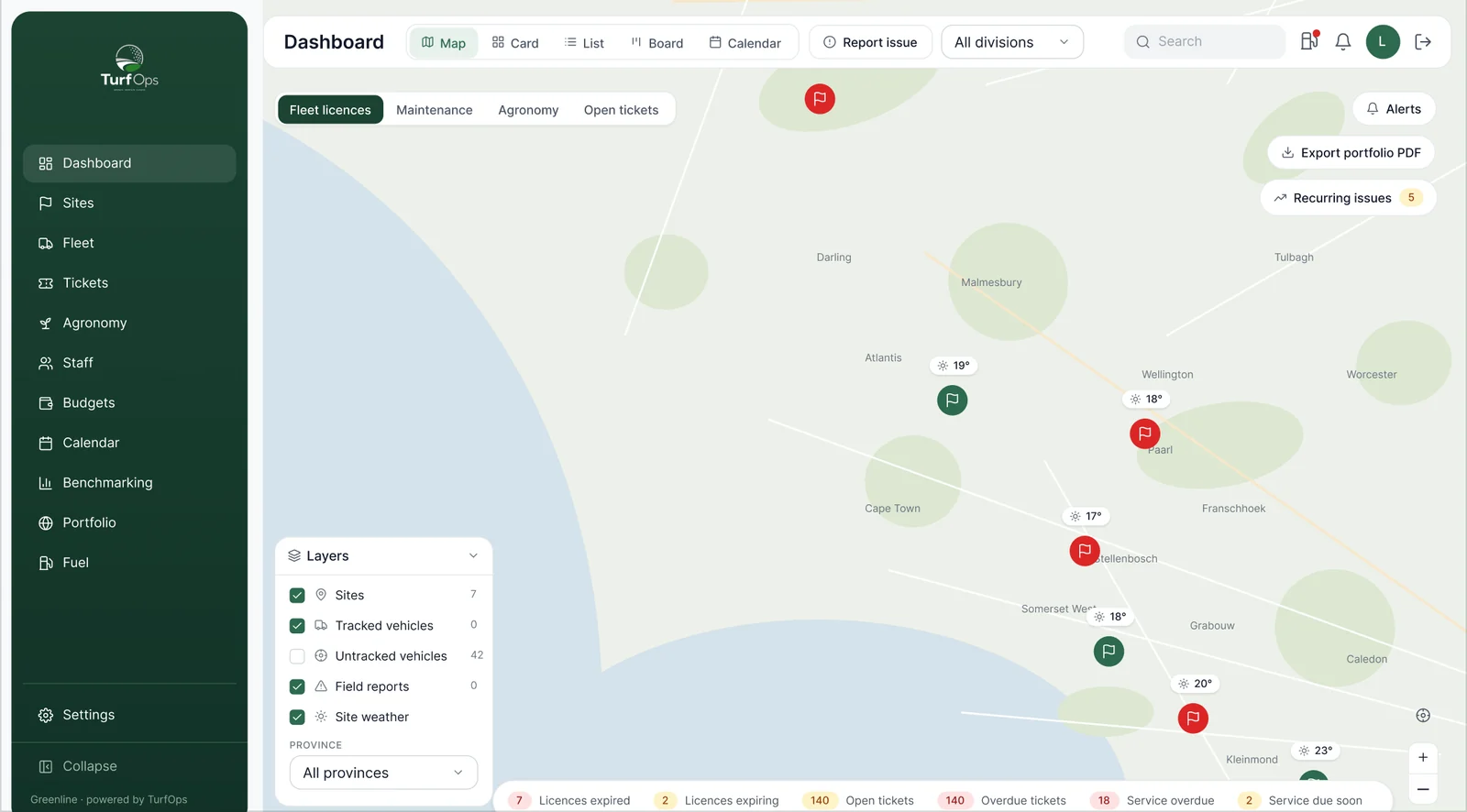
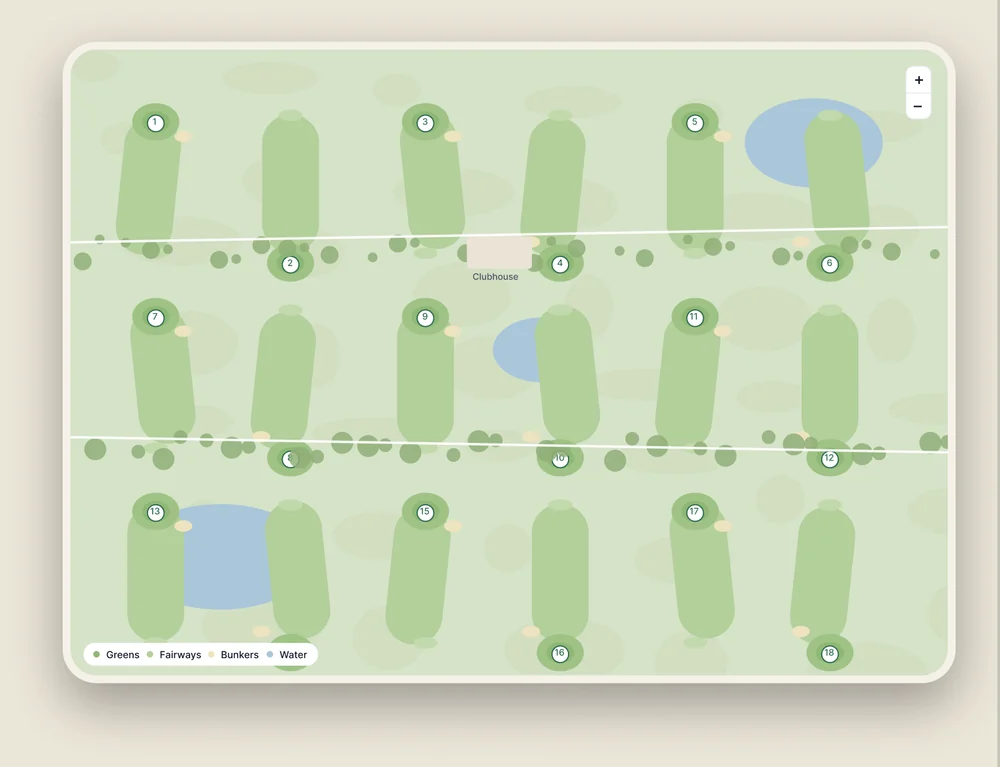
- 1RAG status on every site
- 2Course geometry, hole by hole
- 3Map, card, list and board
- 4Filter by division and site
05 · Modules
Switch on what fits. The price stays put.
Every module is available from day one. Turning one off shapes the menu for that team. It never changes the bill, which is per site, and field staff are free.
- FuelEvery litre, every time it moves.
- FleetEvery machine, where it is and who has it.
- TicketsFaults pinned to the hole and given an owner.
- AgronomySoil, green speed and clippings by zone.
- Act 36 complianceThe spray register, ready for the inspector.
- Course walksHole by hole scores with photographs.
- BudgetsSpend against budget, with the reason why.
- CalendarPlanned work and the zones it closes.
- Client portalThe client sees the work, not a monthly letter.
- AI assistantAsk it like you would ask a colleague.
- Field appPIN sign-in. Works with no signal.
- Apple WatchVoice faults from the wrist.
06 · Identity
A brand for contractors, not clubhouses.
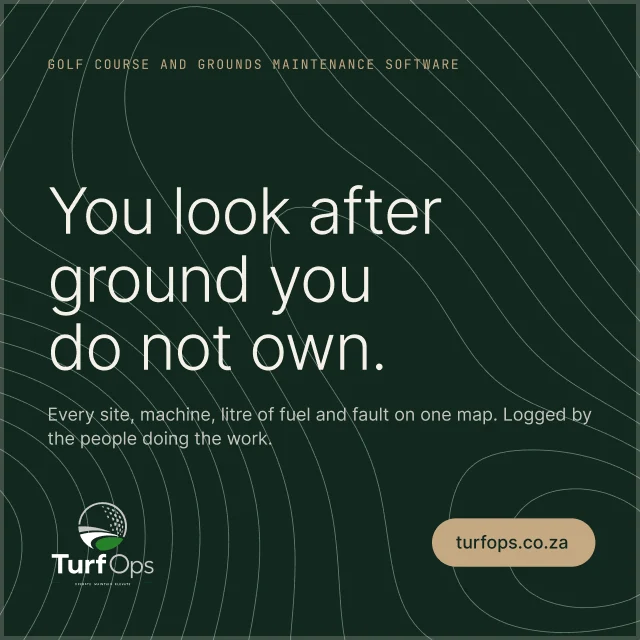
TurfOps needed to look like the ground it manages, not a golf club. Forest and cream, one typeface, soft corners and a contour line that matches no real place, so no client’s course ever appears in the marketing.
- Forest#12281E
- Ink#1B4332
- Fairway#2D6A4F
- Brass#C4A882
- Cream#F5F1E8
- Body#3C4A42
Inter · Light 300 · Regular 400 · Medium 500
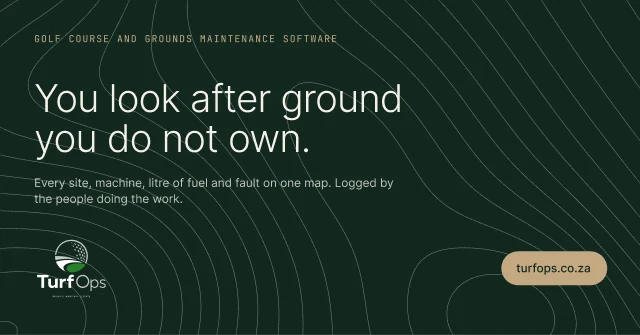
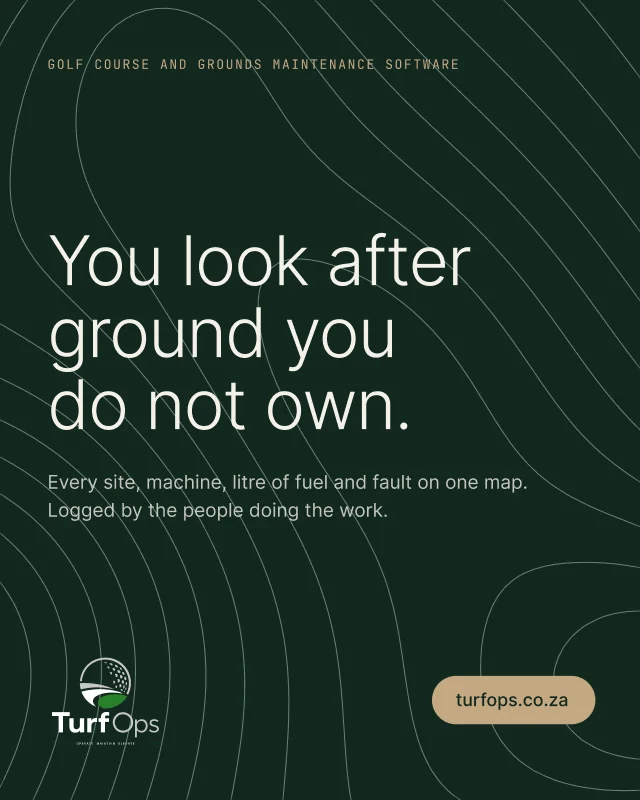
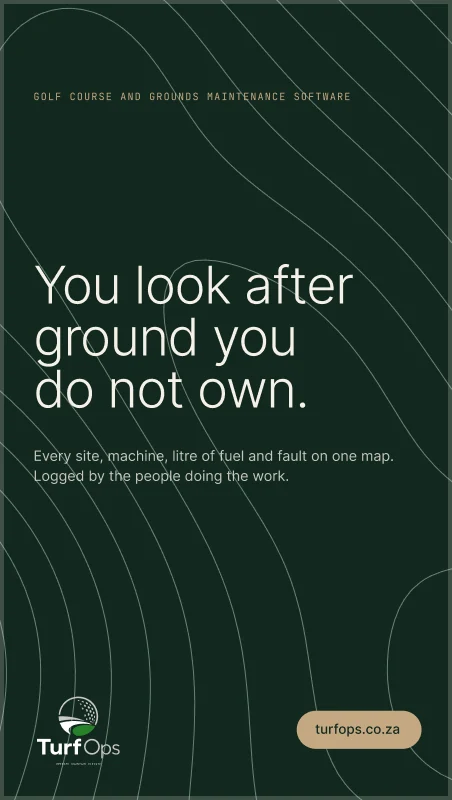
Logged by the crew doing the work. Reported to the people paying for it.
Marketing site
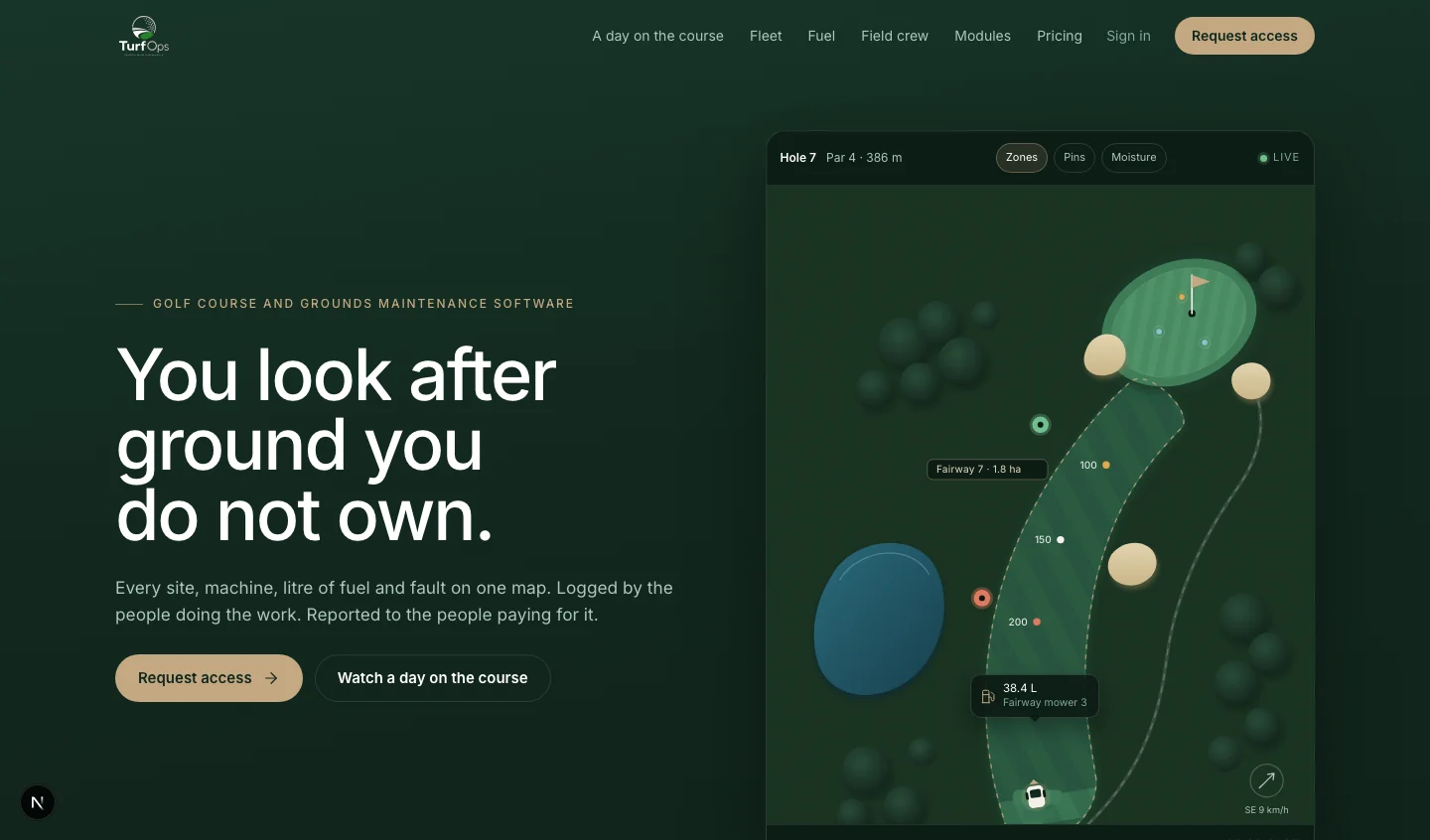
Campaign system · four formats from one component set
07 · Under the turf
Built in layers, like the ground it manages.
Multi-tenant from the first table. Every customer is isolated, every module is a setting, and the whole platform can be run from Claude.
Surface
What people touch
- Web platform
- Field app
- Apple Watch app
- Client portal
- Marketing site
Topsoil
How it is shaped
- Modules switched by settings
- Menus per team
- White-label theme per tenant
- Four views at every level
Subsoil
Where it is kept
- Postgres on Supabase
- Row level security on every table
- PostGIS course geometry
- Organisation, division and site scoping
Bedrock
What it connects to
- Soil probes by zone
- Vehicle tracking
- Transactional email
- MCP server for Claude
- Live weather
Next.js · TypeScript · Tailwind · Supabase · PostGIS · MapLibre · Recharts · GSAP · Vercel · Resend · SwiftUI
08 · AI assistant
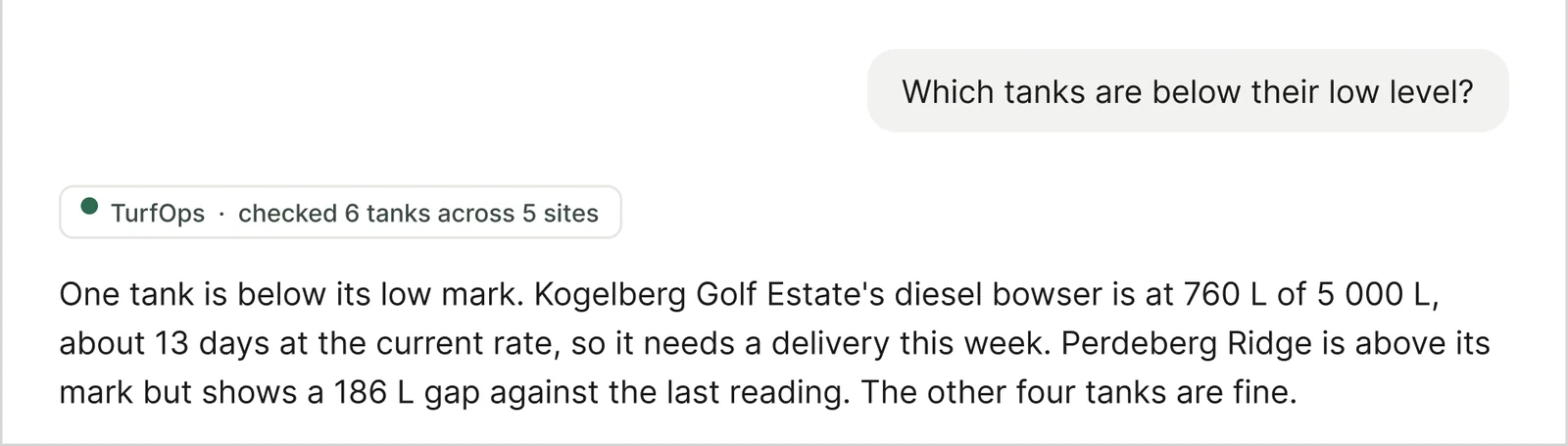
“Which tanks are below their low level?”
Asked in Claude. Answered from TurfOps.
09 · The outcome
- Less fuel lost.
- Fewer machines down.
- No month-end chase.
- A client who can see the work.
Client quote · to be added once approved for public use
Running ground across a region? Let’s build yours.
Start a project