DezignZA
Case study · Product design and build
01 / Our own product · South Africa
Magic BeansCustom loyalty programs · v1.0
Build your own loyalty program. Reward regulars.
Magic Beans lets any small business build its own loyalty program. Owners decide how many visits it takes, which visits earn a reward and what that reward is. Customers collect stamps with a quick QR scan and keep every card in one app. It works for personal goals too, like chores for the kids.
- Expo SDK 54
- React Native 0.81
- React 19
- TypeScript
- Expo Router
- Supabase
- Reanimated 4
- Expo Camera
- QR codes
- Haptics
New program · Step 5 of 6
Configure rewards
Tap steps to add rewards
- Free biscottiStep 3Early hook
- 20% off any cakeStep 6Mid-way boost
- Free large flat whiteStep 10The big one
How customers earn
QR codeTemporary PIN
Next: preview your program
Lerato · Kettle & Crumb
7 of 10 · 2 rewards so far
02 / The problem
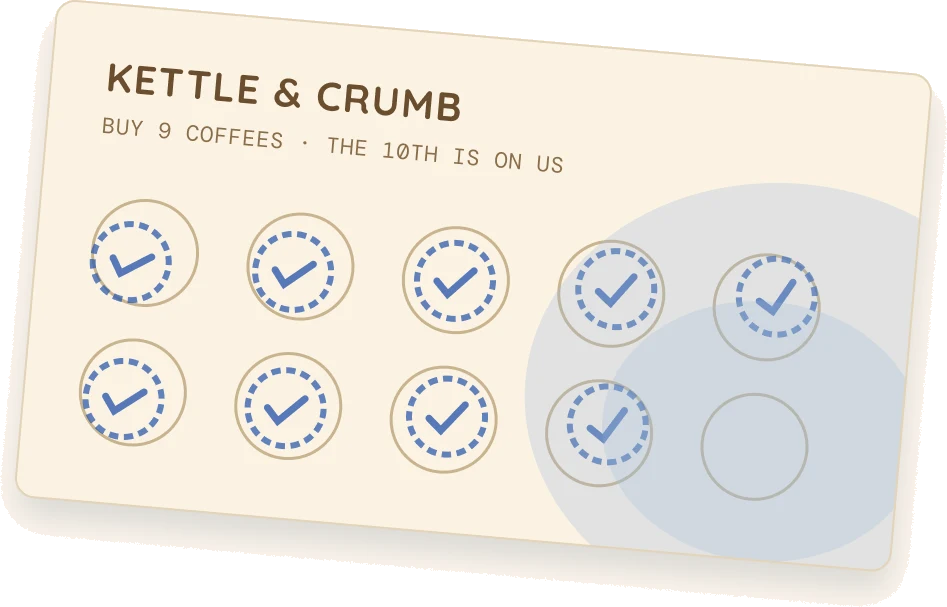
Nine stamps in. Card in the wash.
Paper loyalty cards work until they don’t. They get lost, washed, or left in last month’s wallet. The big chains have points apps. The corner coffee shop, the car wash and the barber don’t. They can’t pay for their own app, and nobody downloads one app per shop.
Magic Beans is one app for all of them. Every business designs its own program. Every customer keeps every card in one pocket.
K&C
Kettle & CrumbFood & Drinks · Stellenbosch
9 of 101 stamp to a free coffee
Safe in the app. Survives every wash.
03 / Who it serves
Three people. One loyalty app.
The same idea, steps with rewards along the way, works for a shop that wants regulars and for a parent who wants the dishes done.
The regular
Collects
Scans a shop’s QR to join. Earns a stamp every visit. Always knows exactly how far it is to the next reward.
“Two more and the flat white is mine.”
The shop owner
Rewards
Builds a program in six short steps. Stamps customers with a QR code or a 4-digit PIN. No hardware, no staff training.
“Same queue, more regulars.”
The goal-setter
Motivates
Creates a private program for anything. Ten chores to a movie night. Thirty gym sessions to new trainers.
“The kids fight over who gets to stamp.”
04 / The loop
Five moves. Then it starts again.
No points maths, no tiers to decode. Join, earn, progress, claim. When a customer completes the card it resets and a new round begins.
- 01
Join
Scan the shop’s QR on the counter or type its invite code. The program lands on your home screen.
- 02
Stamp
After you pay, the shop shows a QR or reads out a short PIN. One scan, one stamp.
- 03
Progress
Every stamp moves you a step. Gift badges mark the steps that pay out.
- 04
Claim
A reward step turns yellow. Tap it and show the reward code at the till.
- 05
Repeat
Card complete? It resets. Round two starts, and old rewards can’t be claimed twice.
Invite code
KC24BN
Join program →
Enter the code
4719
+1 stamp
7 of 10
3 to go
Claim now5
Free biscotti
New cycle
Cycle 2
Step 1 of 10
Five tiny screens, one per move. Nothing to learn twice.
05 / The step card
Five states. Read in one glance.
One component carries the whole product. 80 by 100, a 15 radius, one colour per state. Yellow only ever means one thing: there is something here for you, right now.
- 3
Done
Stamped and checked.
- 4
Current
Your next stamp lands here.
- Claim now5
Claim now
A reward is waiting.
- 6
Locked
A gift badge shows a reward ahead.
- Free large flat white10
Final
Navy and gold. The final reward.
06 / Signature screens
Every loyalty card in one pocket.
Home shows every program you belong to. A program shows how close the next reward is. Scan is one thumb away in the middle of the tab bar. And claiming a reward feels like a reward.
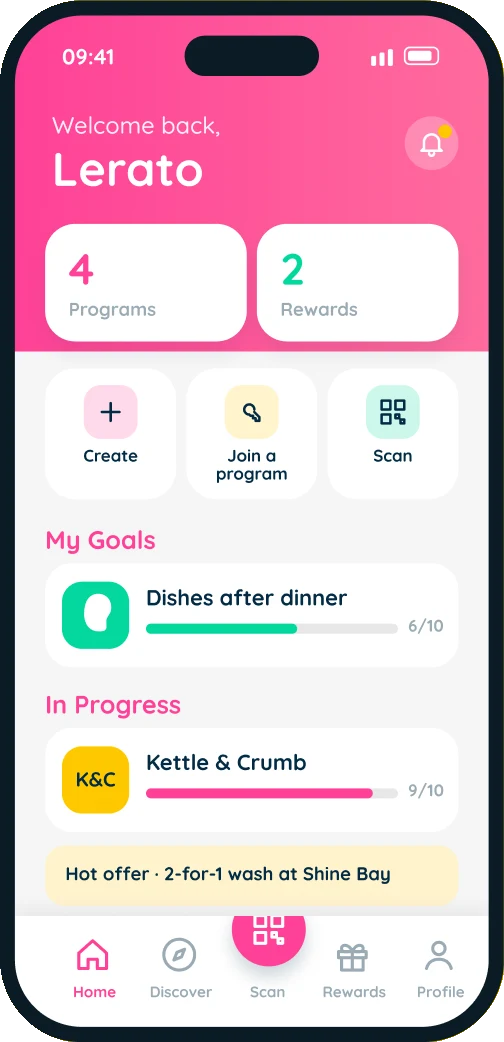
Home
All your cards
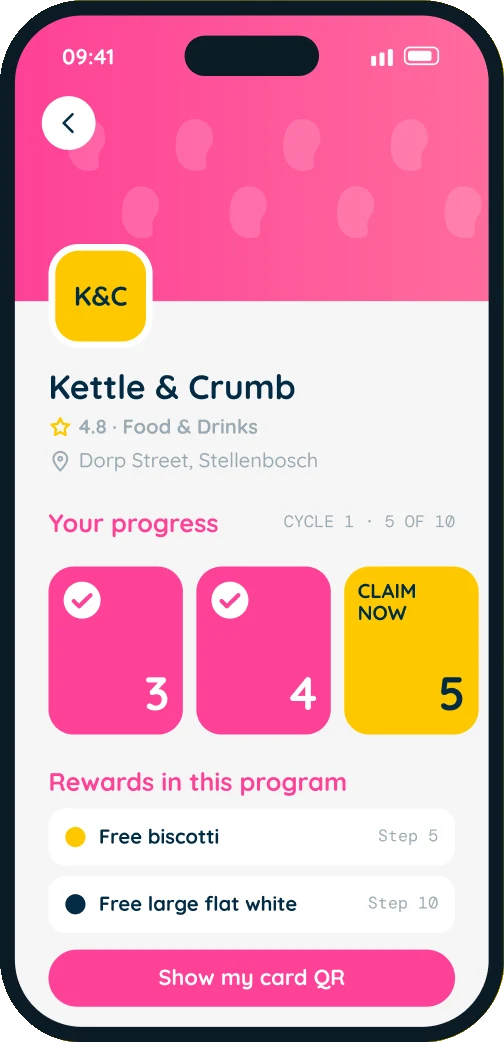
Program
How high you are
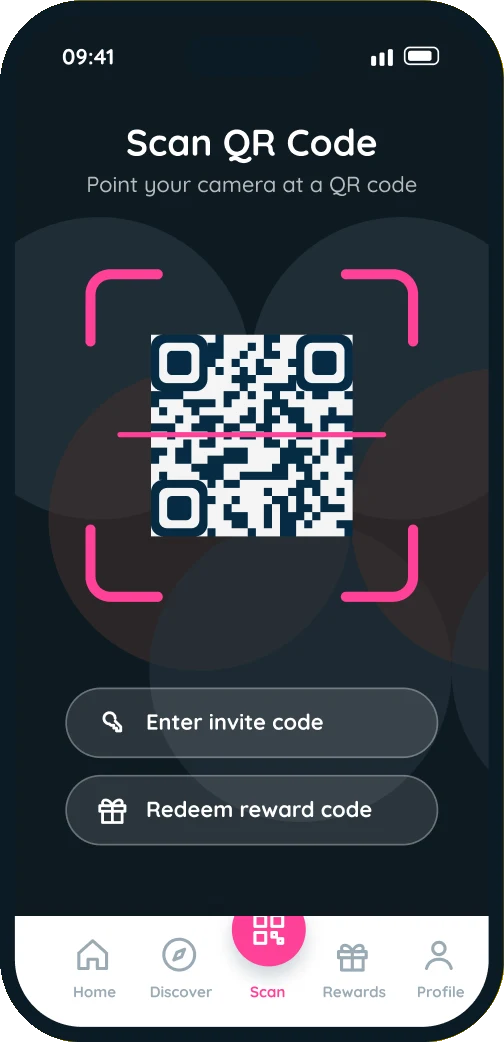
Scan
One thumb away
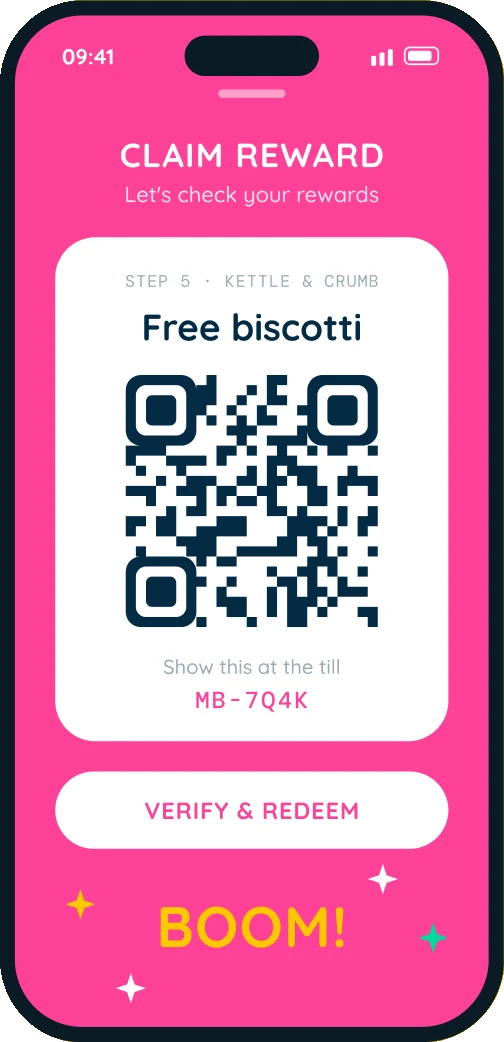
Claim
The good bit
07 / For the shop owner
Design your program in six steps.
Owners decide how many visits count, which steps earn a reward, what each reward is and how stamps get handed over. No hardware to buy, no till to integrate.
- 1Basic infoName, category, address
- 2ImagesLogo and a 16:9 cover
- 3Structure1 to 20 steps
- 4VerificationQR code or PIN
- 5RewardsTap a step to add a gift
- 6PreviewCheck it, then go live
Recommended
QR code
Generate a QR code that customers scan after purchase.
Selected

No camera needed
Temporary PIN
Give customers a temporary code to enter in their app.
4719
Personal programs are even simpler.
Set a goal for yourself or your kids and you’re the shop and the customer. Stamps are self-verified, the program stays private, and setup is three screens: name and emoji, steps, rewards.
08 / Custom incentives
Your rewards. Your rules.
Every business runs on different margins. Magic Beans lets the owner design the whole incentive plan: how many visits it takes, which visits pay out, what they pay, and who gets to join.
Where rewards sit
Any step can carry a reward. Put a small treat early to hook new customers, and save the big one for the end.
1 to 20 steps · rewards on any of them
What they are
Plain words, set by the owner. If the business can give it, it can be a reward.
Free biscotti20% off any cakeFree car washHalf-price fadeMovie nightFree large flat white
Offers on top
Run a promotion alongside the stamp card. Each offer gets a code, an expiry date and an optional cap on redemptions.
20%Discount %R50Fixed offFreeFreebie1+1Buy 1 Get 1
Who can join
List the program publicly so new customers find it in Discover, or keep it invite only and share a code at the counter.
PublicShown in Discover, by categoryInvite only
KC24BN
09 / Themes and white label
Six colours. Or your own.
Customers pick the theme their app wears. Larger clients get an organisation of their own: their colours, their font, their button shape, and an approval step before anyone joins.
- Rose
#FF4197 - Dark
#1A1A2E - Ocean
#1A98E5 - Emerald
#04D89E - Royal
#7670F1 - Golden
#FDC800
White label
One codebase. Many brands.
- Colours
- Primary + secondary
- Font
- Per organisation
- Buttons
- Rounded, pill or square
- Members
- Owner, admin, member
10 / Design system
Soft shapes, loud colour.
Everything is rounded, from the type to the buttons. Three bright colours do the talking and navy keeps them honest. Each colour has one job, so the screen never has to explain itself.
#FF4197Magic PinkProgress, primary actions#FDC800SunflowerRewards you can claim#04D89DSproutGoals and growth#032B44Deep NavyText and the final step#9AAAB4PebbleHints and locked steps#F5F5F5CloudApp background
Typeface
Quicksand
Rounded, friendly letterforms. Easy to read at 10px, still bold at 76px.
- Light · Claim your reward
- Regular · Claim your reward
- Medium · Claim your reward
- Bold · Claim your reward
DM Mono for labels and codes on this page only
Corner radius
- sm · 10
- md · 15
- lg · 20
- xl · 25
full · pills and progress bars
11 / Under the hood
Stamps you can’t fake.
A loyalty app is only as good as its stamp. One Expo codebase ships to iOS, Android and the web, with Supabase holding the ledger and doing the checking.
- Programname, steps, verify method
- Steps1 to 20, each with an icon
- Rewardspinned to a step
- Membershipyou + a program, step, cycle
- Progress eventone approved stamp
- Redemptionone per reward per cycle
- Verification codeQR or PIN, expires, single use
- Offersdiscounts and codes
No double payouts
A reward pays once per membership per cycle. Scan twice, tap twice, lose signal mid-claim: still one free coffee.
Codes that die young
Counter QR codes and PINs expire and burn on first use. A screenshot shared in a group chat is worth nothing.
Cards that repeat
Complete the card and it resets to step one with a new round number. History stays, rewards unlock again.
- App
- Expo SDK 54, React Native 0.81, React 19, Expo Router
- Data
- Supabase auth, Postgres and storage
- Device
- Camera, haptics, image picker, share sheet
- Motion
- Reanimated 4, gesture handler, swipe to dismiss
12 / Where it stands
Plant a reward. Grow loyal customers.
- 1
- app for every shop on the street
- 1–20
- steps per program, set by the owner
- 2
- ways to hand over a stamp: QR or PIN
- 6
- themes, plus full white label
Got regulars? Give them a reason to come back.
Magic Beans is a DezignZA product, in build. Businesses that want to launch their own loyalty program early can get in touch.
More work
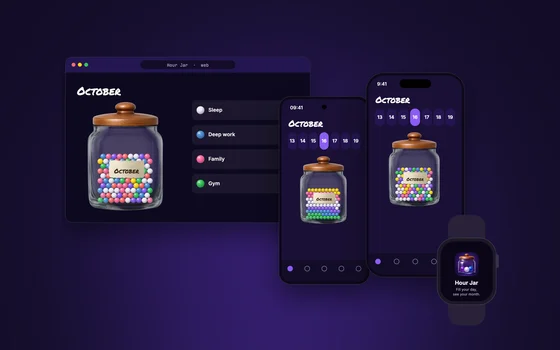 Hour Jar
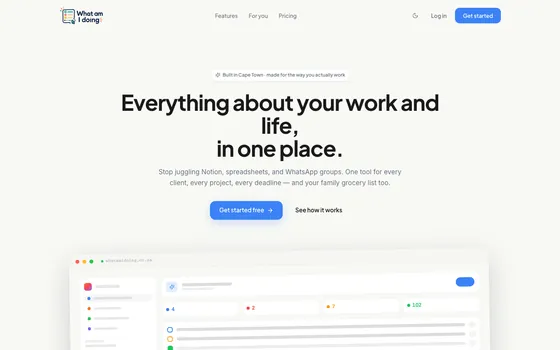 WAID
WAID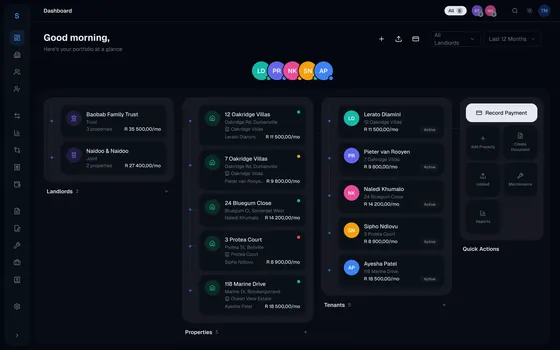 Letto
Letto