WordPress Invoice Plugin
Quotes, invoices and payments, right inside wp-admin.
Dezignza Invoices turns any WordPress site into a quoting and invoicing tool. Write quotes and invoices, send them from your own domain, record payments and see who owes what. No monthly subscription and no outside service: every record stays in your own database. Rands, 15% VAT and proper tax invoices work out of the box, and any currency or language can be set.
- Plugin
- Dezignza Invoices
- For
- Freelancers and small businesses, South Africa first
- Needs
- WordPress 6.5 or newer, PHP 8.1 or newer
- Price
- Free on WordPress.org soon, Pro to follow
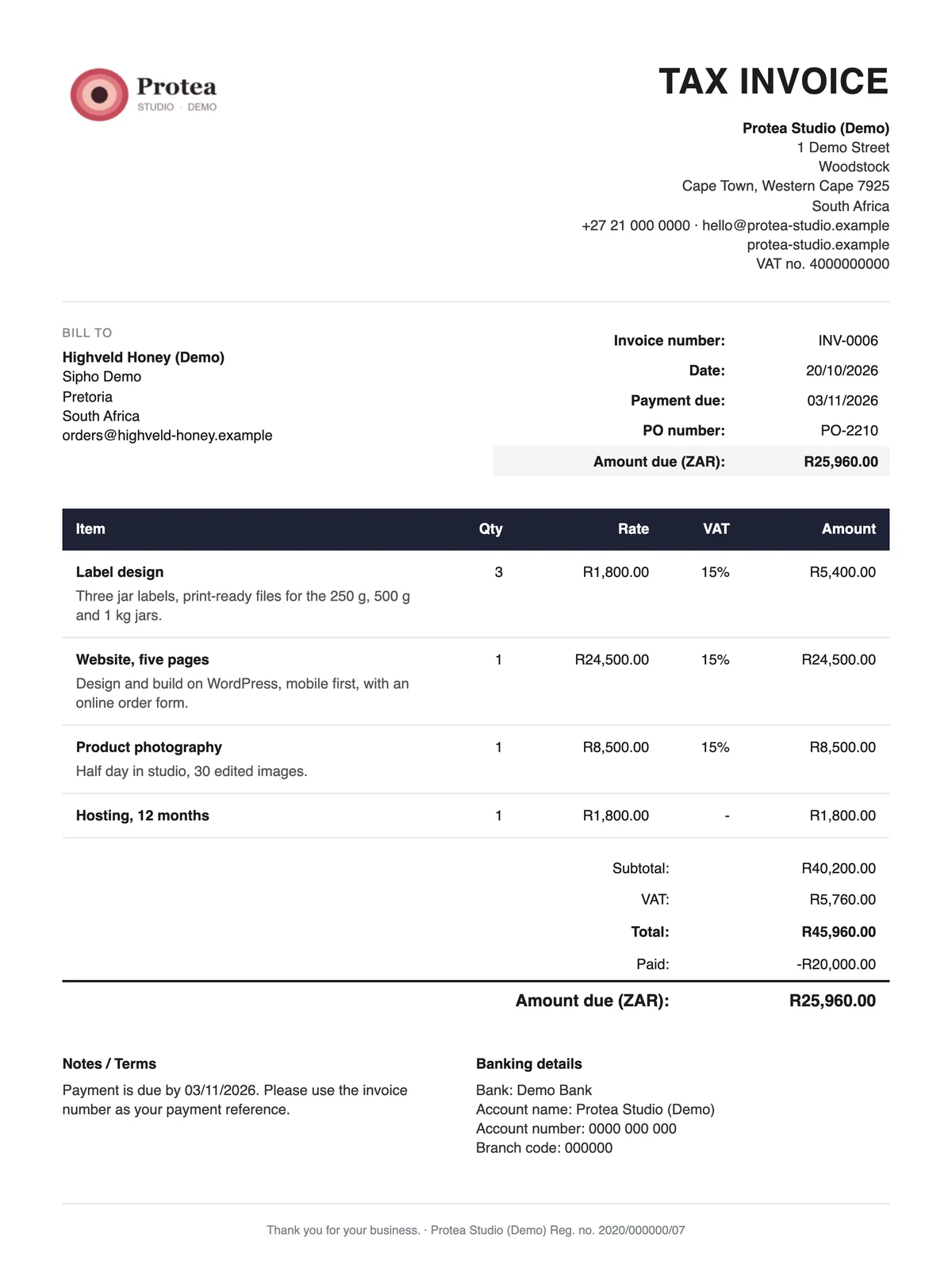
It feels like WordPress, because it is.
No new app to learn. An Invoices menu appears next to Pages and Posts, built with the same parts as the WordPress editor. The dashboard answers the first question of the morning: who owes what, and since when.
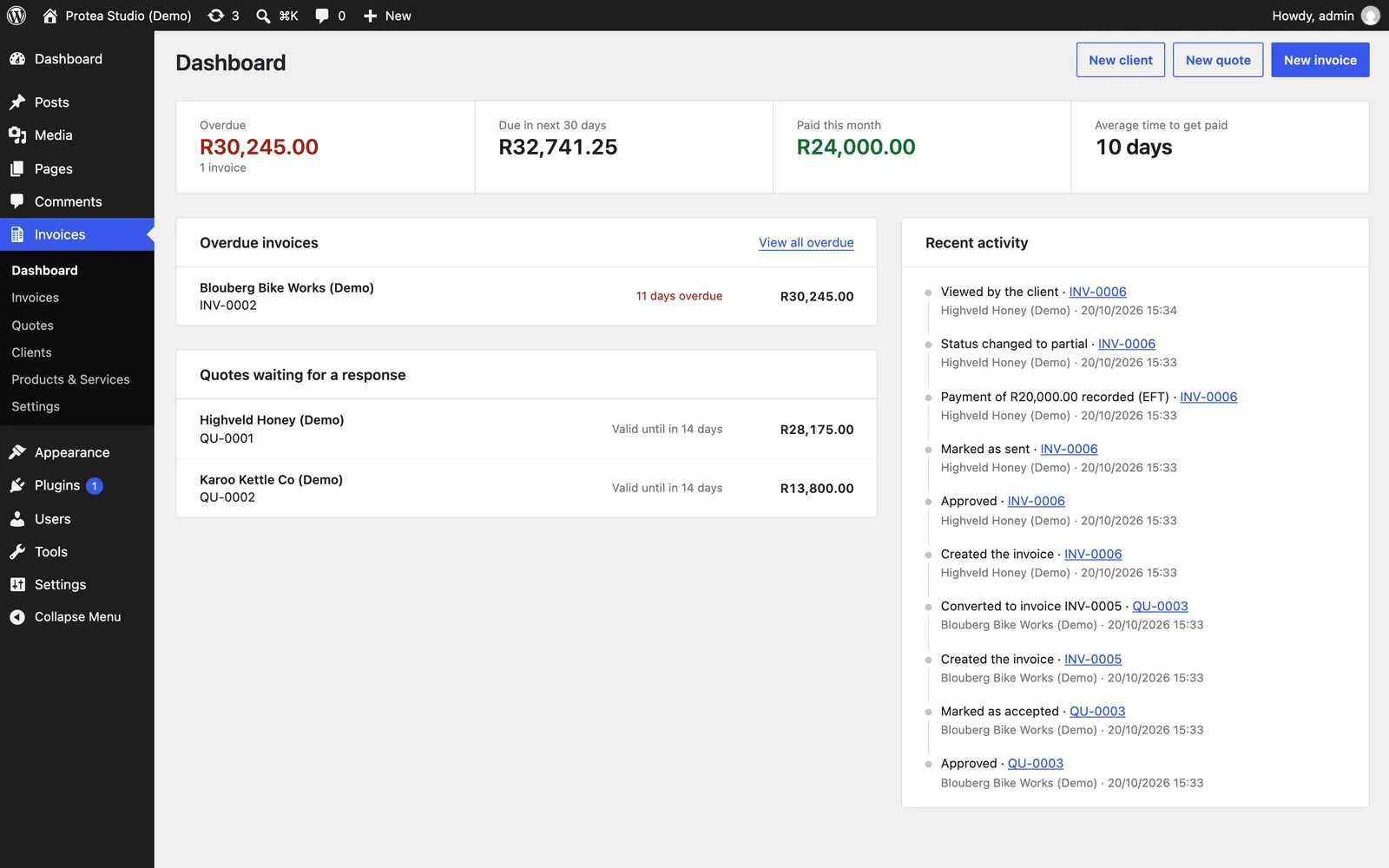
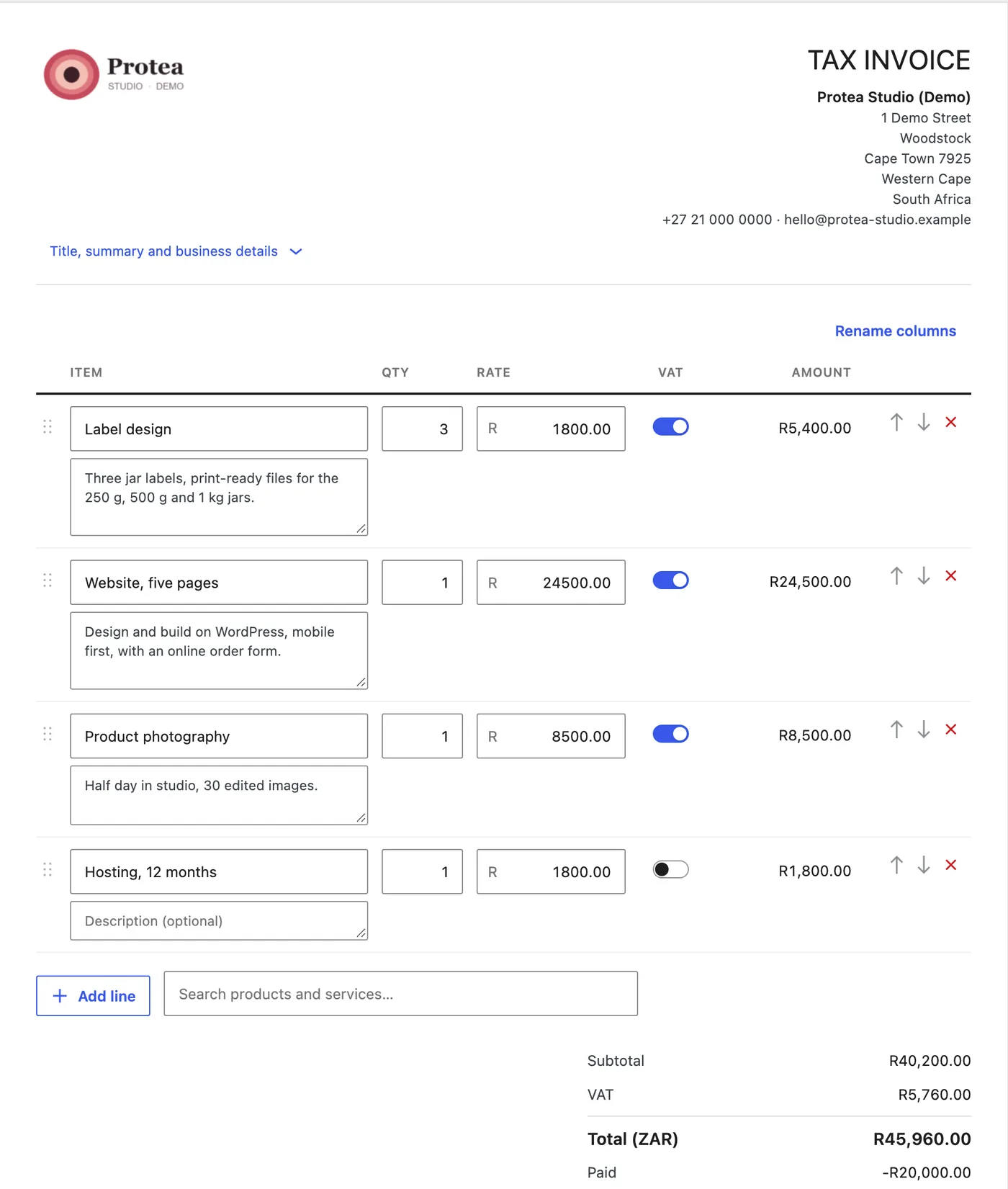
Type the job. The sums are done.
You write on something that looks like the invoice itself. Pick a saved product or type a line, and the totals change as you go. The server checks every figure again when you save.
- Line totals
- Quantity times price, rounded to the cent. Every amount is stored in cents, so nothing drifts.
- Discount
- Comes off before VAT, spread over the lines so every cent lands somewhere.
- VAT
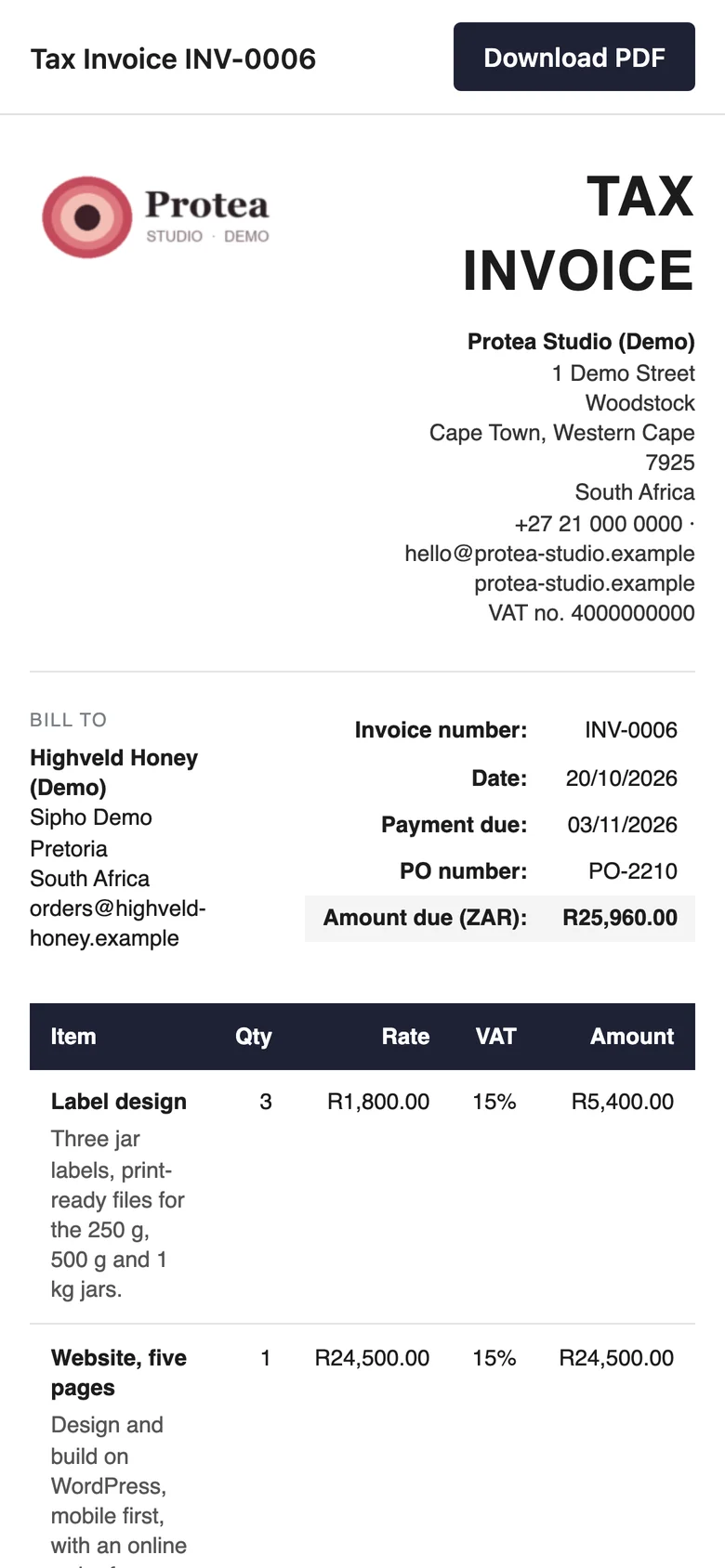
- 15% per line, only on taxable lines and only when you are registered. Then the title reads Tax Invoice and both VAT numbers print.
- Columns
- Rename them per document: Hours and Rate for a design job, Qty and Price for stock.
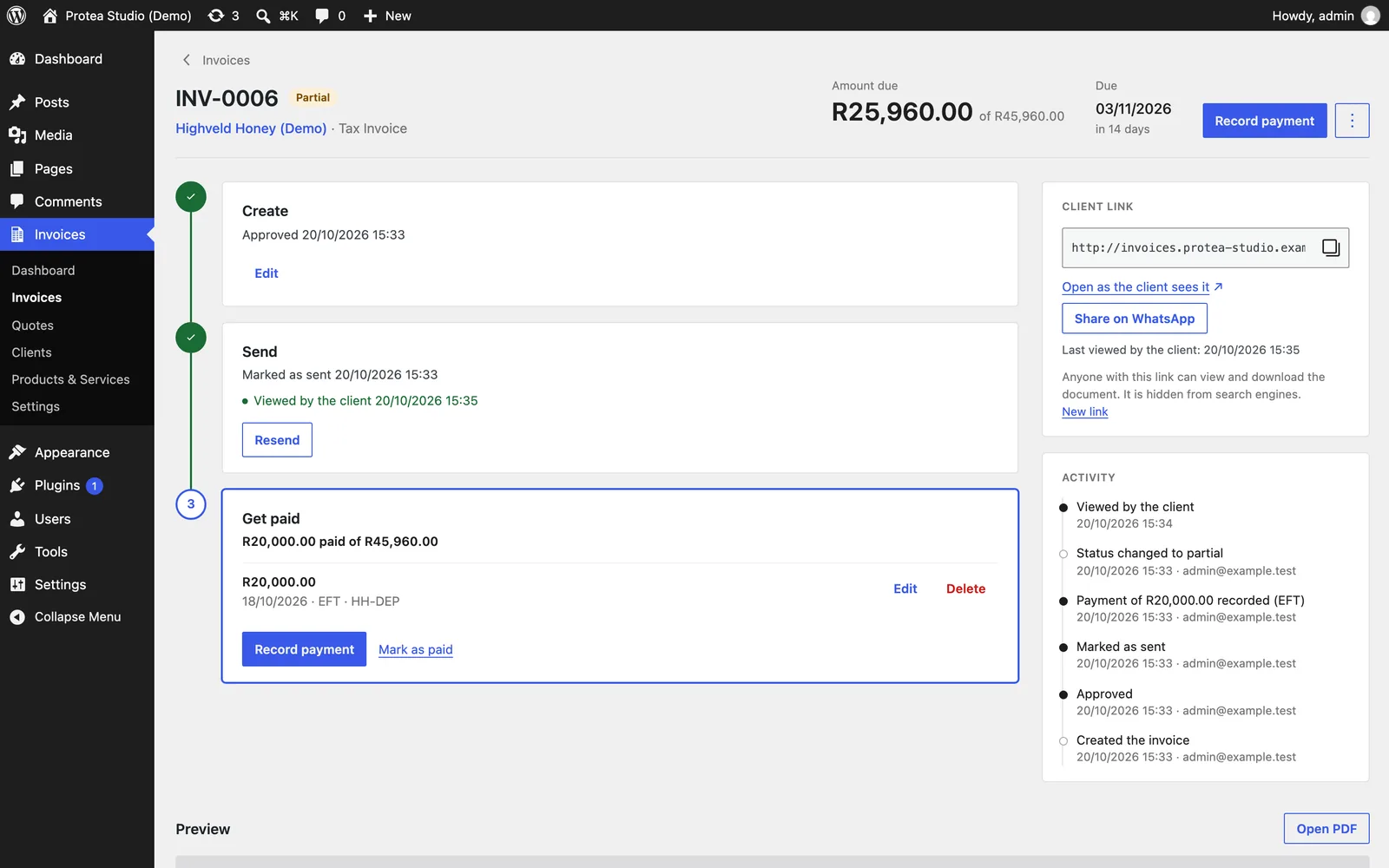
One page for every invoice.
Create, send, get paid: three steps down the left, with the payments under the last one. On the right sits the private link your client opens, and a plain log of everything that happened, down to the moment the client first looked.
A link, not just an attachment.
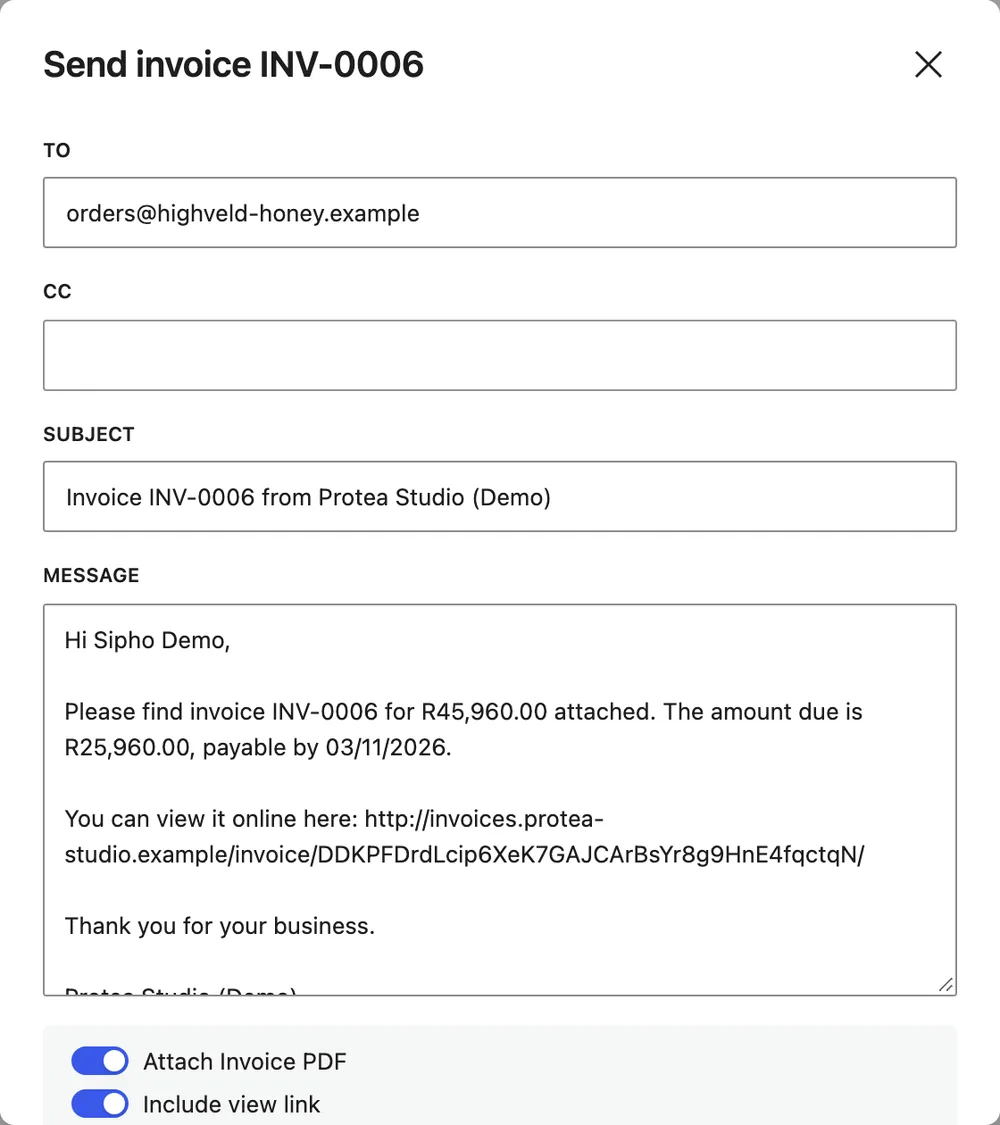
Every invoice and quote gets its own private link. It opens on a phone, looks exactly like the PDF and has a Download PDF button. Email it from your own site with the PDF attached, or share it on WhatsApp with the client’s number and a message filled in.
- Private
- A long random link, kept out of Google, sitemaps and page caches. Drafts and void invoices never show.
- Seen
- The invoice notes when the client opens it, so you know it landed.
- Local numbers like 082 become +27 automatically.
Part paid, paid, deposit first.
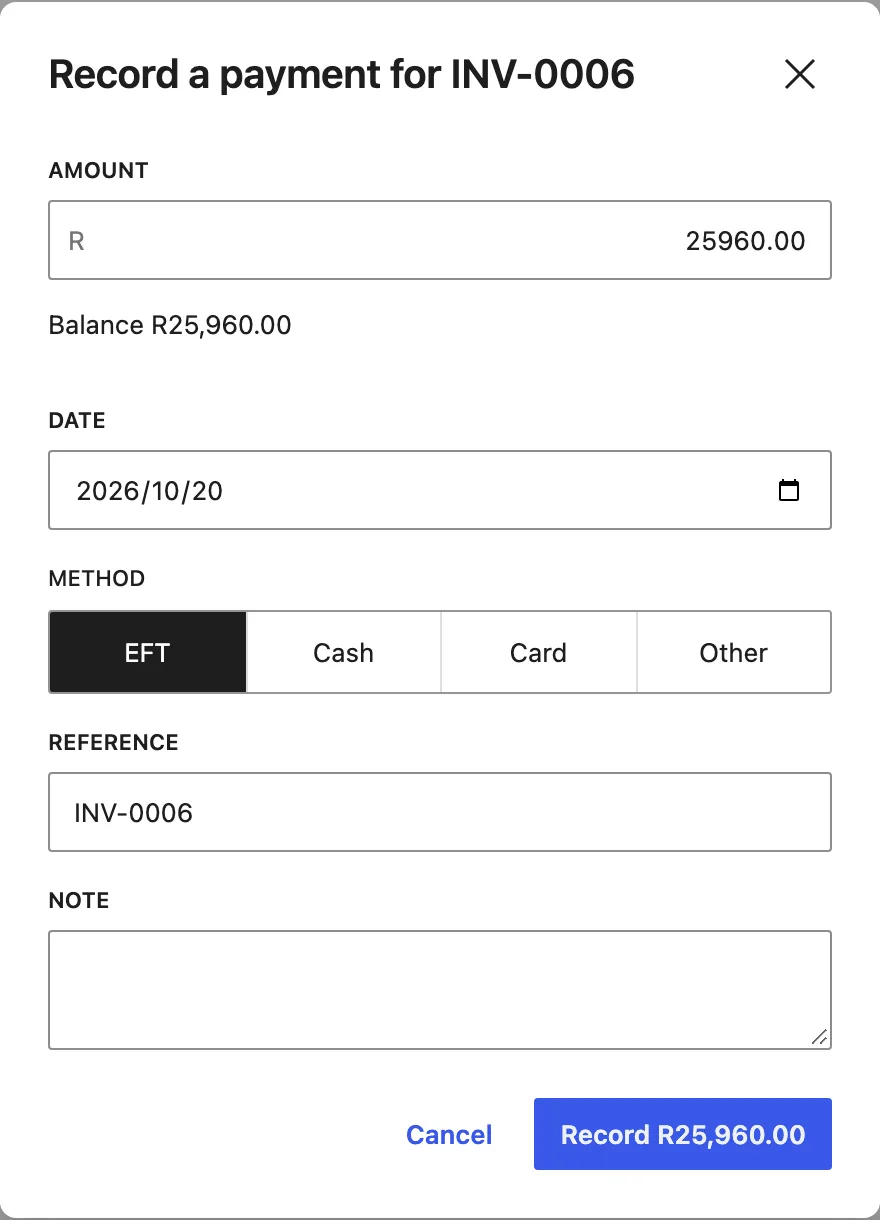
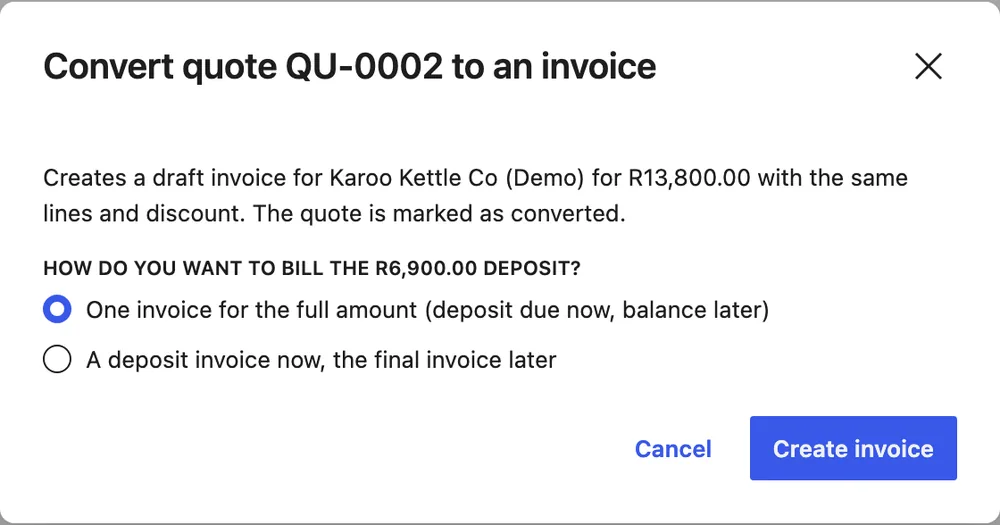
Record an EFT, cash or card payment in one step and the balance and status follow. Quotes can ask for a deposit. When you turn one into an invoice you choose: one invoice with the deposit due now, or a deposit invoice today and a final invoice later.
For VAT registered businesses the final invoice takes off the deposit at the same VAT rate, so the two tax invoices add up to the quote to the cent. We checked the approach against the VAT Act before building it.
Ask Claude to do the invoicing.
The plugin teaches WordPress fifteen new actions through its Abilities API. With the official MCP Adapter switched on, an AI assistant like Claude can use them: find a client, write the quote, turn it into an invoice, email it and record the payment.
It goes through the same rules as the screens, so the totals always match. Voiding, writing off and deleting stay with a person.
Invoice Highveld Honey R3,750 for page design and email it to them.
- Finds the client
- find-clients
- Writes and approves the invoice
- create-invoice
- Emails it with the PDF
- send-email
- Hands back the link
- get-document
Your data can leave with you.
Every record has a permanent ID, money is kept in cents and dates in plain ISO format, so the data maps straight onto the standalone Dezignza Invoices app that is on the way. One export holds everything. Import it on a fresh site and every number and every client link still works.
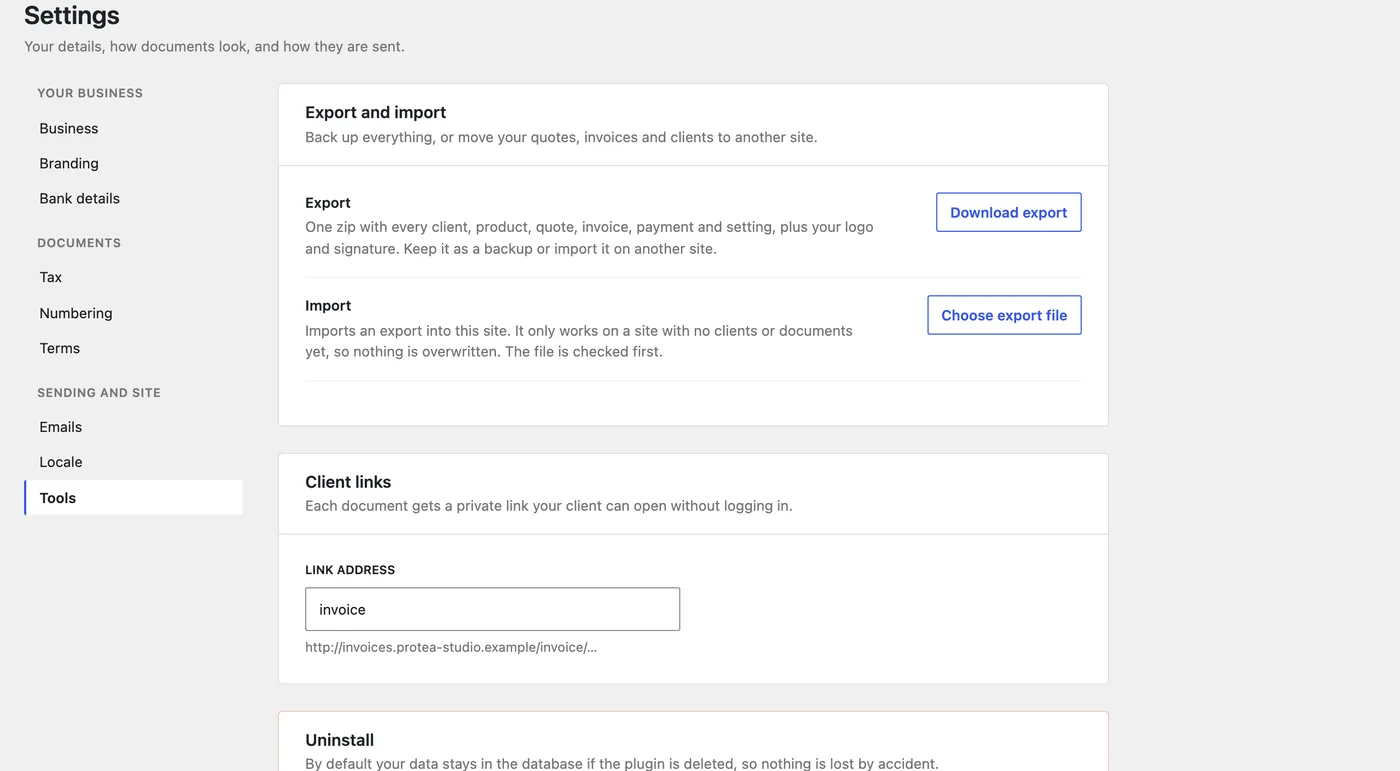
- Tested
- 29 unit and 62 WordPress integration tests, on PHP 8.1 and 8.3
- Plugin Check
- No errors and no warnings on WordPress 7.1
- Private by default
- No outside services. Everything stays in the site’s own database
- Any language
- Every word is translatable. Quote or Estimate, rands or any currency
Simpler than an accounting package. Built for small business billing.
Dezignza Invoices is coming to WordPress.org as a free plugin. A Pro version adds recurring invoices, payment reminders and online payments. We run our own studio’s quotes and invoices on it every day.
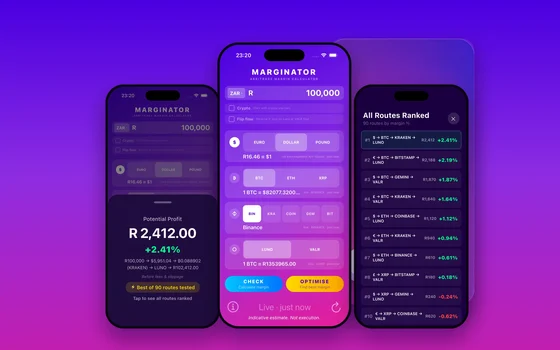 MarginatorAn arbitrage calculator in one tap
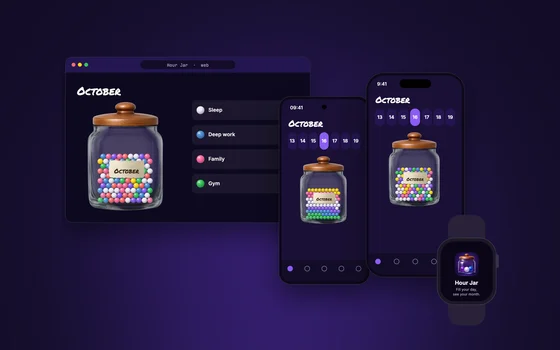 Hour JarA habit tracker you can shake
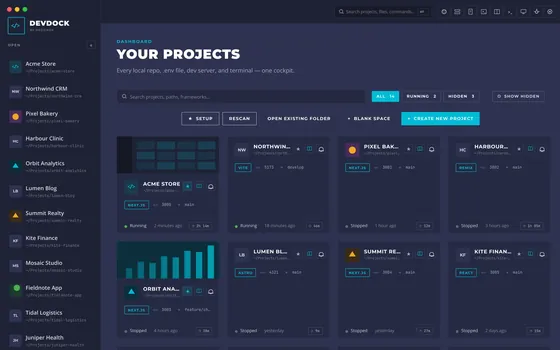 DevDockA cockpit for building software